AI Checker
Plagiarism Checker
Grammar Checker
Content Quality
Guideline Checker
Readability Checker
Fact & AI Hallucination Checker

Extensions
MCP

It’s no secret that grading is one of the most demanding parts of a teacher’s job.
Between multiple-choice tests, short-answer responses, and essay assignments, educators can easily spend extensive time every week marking coursework.
According to a 2022 EducationWeek report, every week, teachers spend about:
So, if teachers have AI assistance for grading support, it can be a huge time saver.
In this article, we’ll look at what AI grading tools are, why more educators are starting to use them, and six of the best options to consider.
First off, let’s explain what an AI grading tool is and how they work. AI grading tools are software platforms (also known as edtech) that use AI to help teachers assess work in a quicker, more consistent manner.
These tools typically rely on natural language processing and machine learning models to evaluate writing, check answers, and even provide feedback.
The idea is that by supporting teachers with grading tasks, it can help to save them time, something that they often do not have a lot of, allowing them to focus on teaching students.
However, not all AI grading tools are the same, with some focusing on objective grading tasks (think multiple-choice questions), while others handle short-answer or essay assessments, focusing on grammar, structure, and clarity.
It’s no secret that grading is one of the most time-consuming aspects of almost any teacher’s job.
Reports show that educators can spend 5 (or more) hours each week marking assessments and reviewing student work, which is time that could be spent on other important tasks like classroom engagement or one-on-one support.
The idea behind AI grading tools is that they can lighten that load. By automating repetitive tasks, these tools allow teachers to get back valuable hours.
The idea of AI grading is not to remove teachers from the classroom.
Instead, it’s designed to help streamline and support the parts of grading that are time-intensive, letting them get back to the part of the job they love, teaching.
AI grading tools are designed to lighten the workload, provide consistency, and speed up feedback. Here are some of the most effective options teachers can use today.
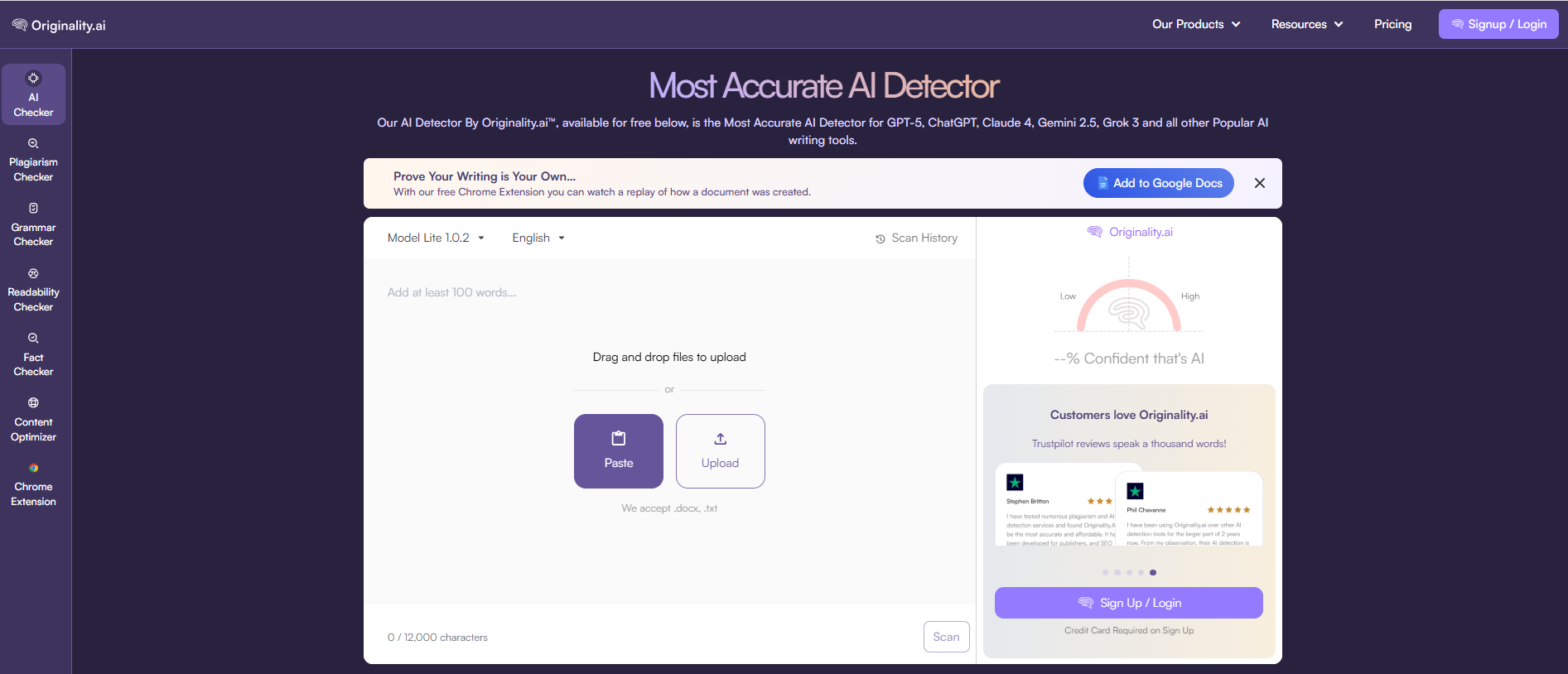
Originality.ai is a top choice for supporting teachers with maintaining AI transparency in the classroom.
Originality.ai is an advanced AI detection and plagiarism checking platform built for students, teachers, and content professionals.
For teachers, it’s an excellent support for reviewing student submissions to check for AI or plagiarism before grading, combining efficiency with academic integrity.
Originality.ai provides a Moodle Plugin to streamline AI detection and plagiarism checking in Moodle LMS. Additionally, it also offers a Chrome Extension with a playback of writing and editing in Google Docs to support students in proving that their work is original.
Originality.ai is also transparent about AI detection false positives (when human writing is incorrectly identified as AI). Our Academic model has 99%+ accuracy and a <1% false positive rate. Note: an AI detection score should not be the only indicator of cheating.
Originality.ai, Quick overview:
Pricing: Flexible Pricing options
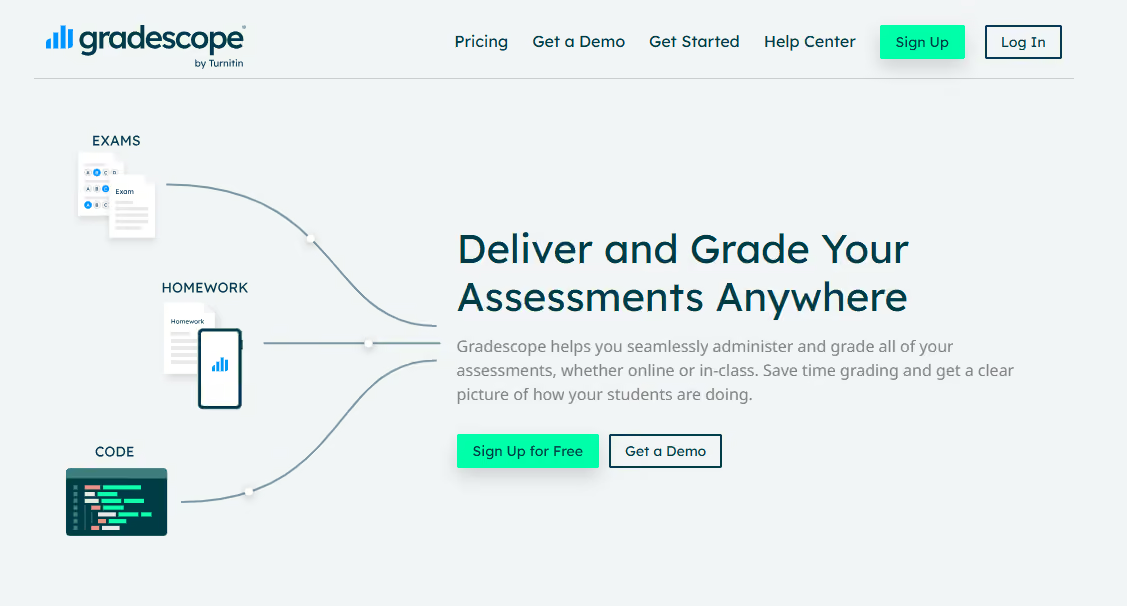
Gradescope by Turnitin is a widely used AI-assisted grading platform that helps teachers speed up assessment across multiple-choice, short-answer (e.g., math or chemistry), and exam questions. It’s especially popular in higher education and large classes, where automation can save hours of marking time.
Gradescope, Quick Overview:
Pricing: Institutional licensing & basic plan
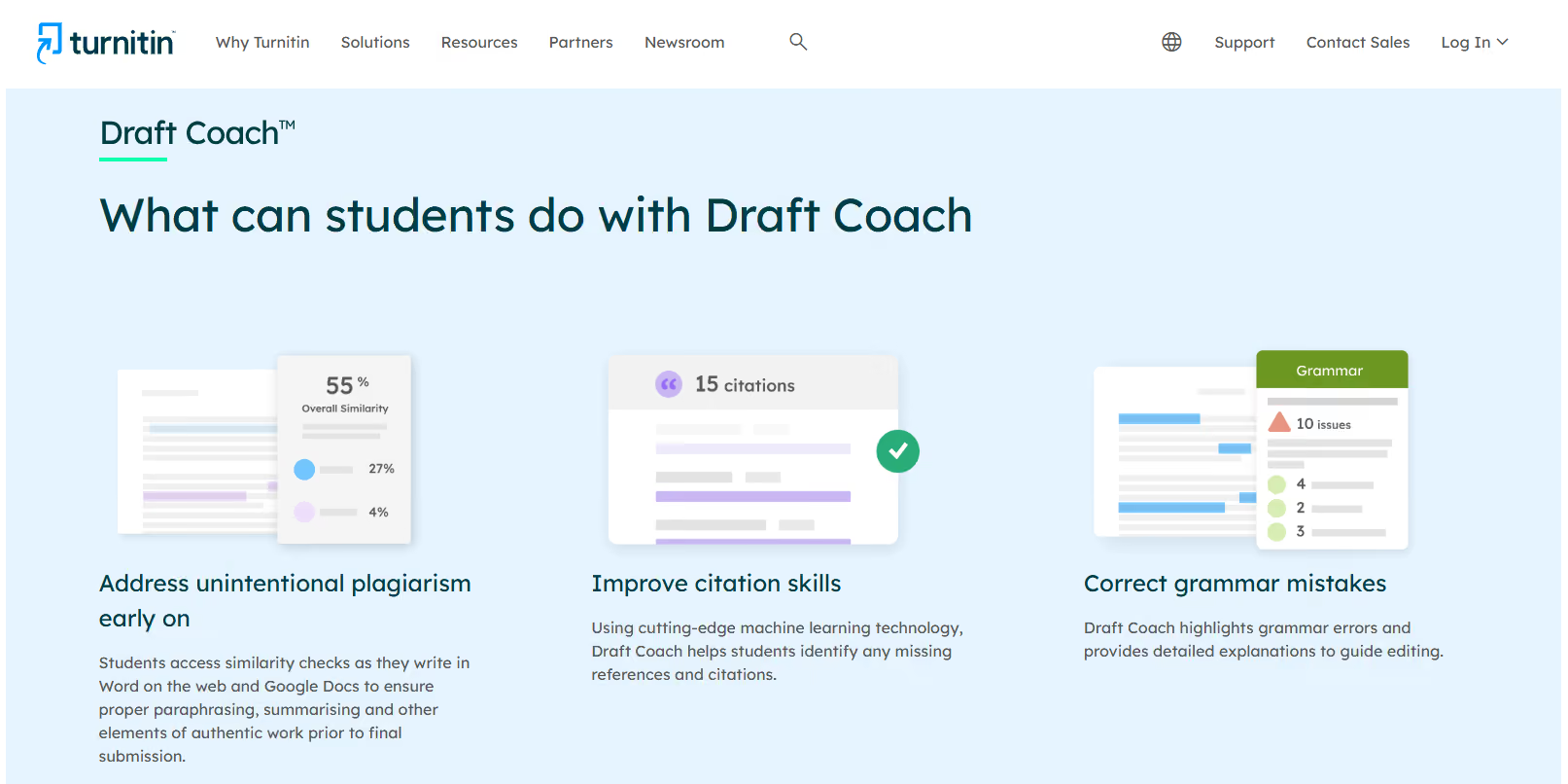
Turnitin Draft Coach is more student-facing than teacher-focused. It primarily helps students improve their writing before submission by flagging grammar issues, citation problems, and potential plagiarism.
However, this still offers benefits for teachers, as it reduces time spent on grading first-draft errors, resulting in higher-quality submissions to review.
Draft Coach, Quick Overview:
Pricing: Pricing information available by contacting sales.
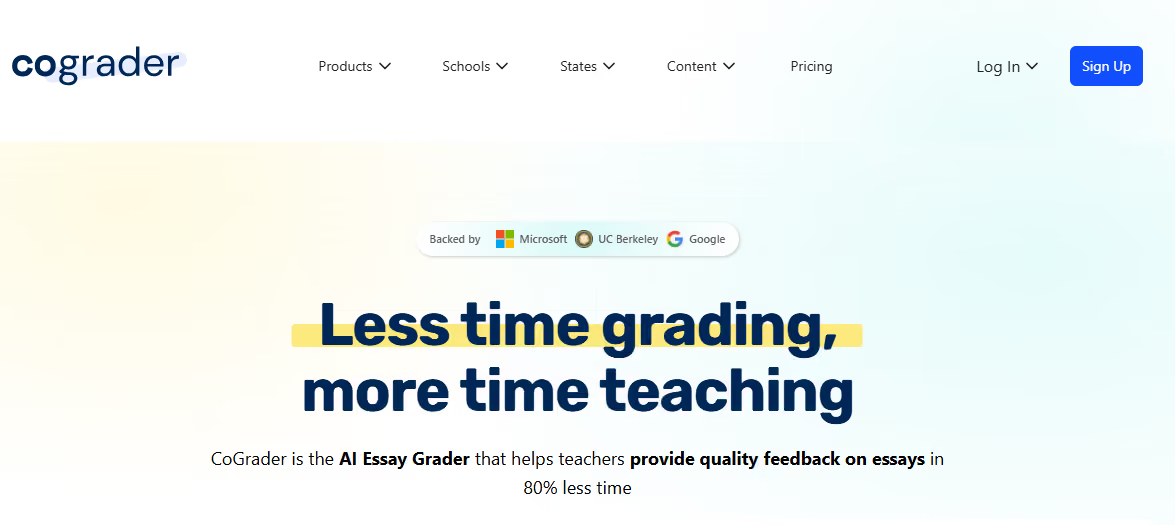
The CoGrader platform is primarily focused on essay grading and providing feedback on papers. It also integrates with LMS systems like Google Classroom and Canvas.
One of the features that makes CoGrader a trending choice is its rubric integrations, including for specific states, helping teachers streamline rubric-based coursework evaluation.
CoGrader, Quick Overview:
Pricing: A variety of plans: free, monthly subscriptions, as well as schools and higher ed plans.

Although ChatGPT is not a purpose-built grading platform and requires strong teacher oversight to ensure accuracy (as it can produce AI hallucinations), it can still benefit teachers (and students).
ChatGPT can support teachers by creating grading rubrics, drafting constructive feedback, or creating quizzes to test student knowledge.
So, while it’s not a dedicated grading tool, its flexibility makes it a useful assistant when paired with teacher judgment.
ChatGPT Study Mode, in particular, can help students to think critically about a topic and prepare for tests, supporting the overall education process.
ChatGPT, Quick Overview
Pricing: Variety of plans, free and paid
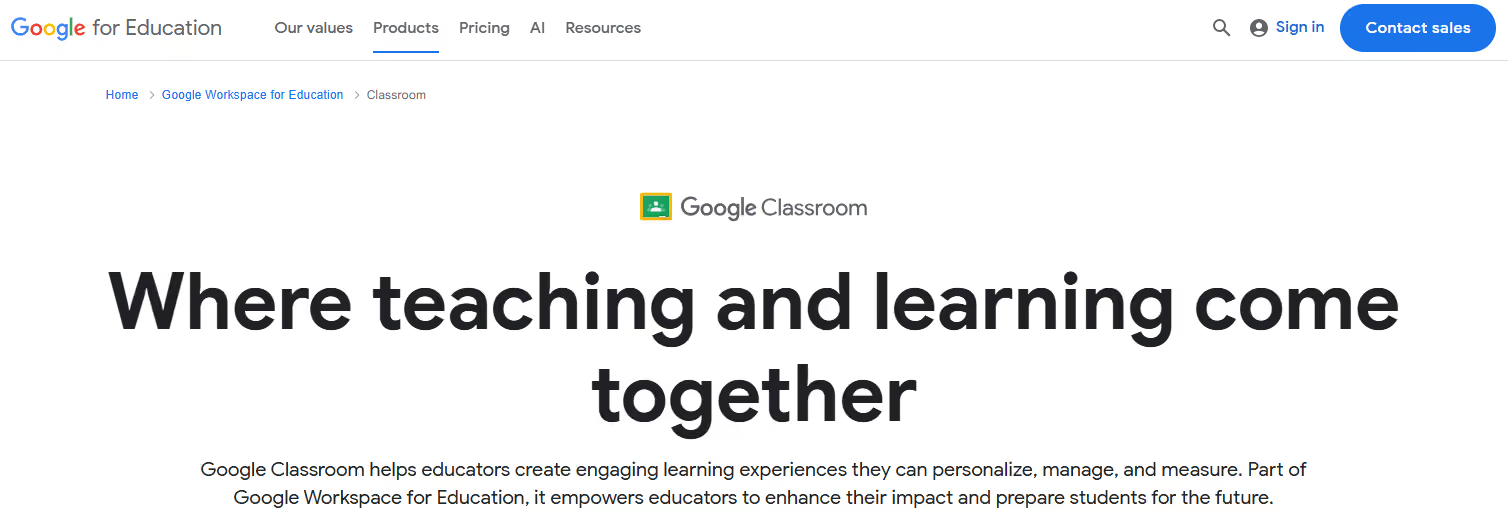
Google Classroom is a popular choice for many teachers looking for grading support, as its grading features are integrated into the overall Google Classroom LMS.
When it comes to grading features specifically, Google Classroom notes that it offers bulk grading solutions, comment banks, and customizable rubrics.
For teachers who already use Google Classroom, trying out the grading features within Google Classroom may be beneficial.
Google Classroom, Quick Overview:
Pricing: Google Workspace for Education plans
While AI grading tools can save time and improve efficiency, there are important considerations.
Like any AI tool, the biggest limitation is that AI often struggles with nuance and context.
For example, a student essay that uses creative language or humour could be misinterpreted, costing valuable marks in the process.
Another major concern is over-reliance. As with using AI in many industries, it’s essential to keep a human in the loop when it comes to using AI grading tools.
Essentially, keep in mind that:
Learn more about how AI is impacting education (70+ statistics).
Ultimately, AI grading tools must be viewed as assistants, rather than as replacements.
They can handle repetitive tasks effectively, but teacher insight is essential to ensure fairness, accuracy, and student trust.
Over-reliance can cause distance between educators and student work, but skipping AI altogether means missing out on the time-saving potential and efficiency it can bring.
The smart approach is to focus on balance.
Let AI handle some of the more routine marking tasks, and incorporate industry-leading tools like Originality.ai to support AI transparency and authenticity.
Further Reading
AI grading tools are software platforms that use artificial intelligence to evaluate student work. Depending on the tool, they can grade multiple-choice questions automatically, assess short answers, and even provide feedback on essays, though teachers should still review final results.
Accuracy depends entirely on which AI grading tool you use. They can be highly accurate for objective tasks like multiple-choice grading, and fairly reliable for short-answer and essay structure. However, they can miss nuance, creativity, or context, which is why teacher oversight remains essential.
No. AI grading tools are designed to support teachers by saving time on repetitive marking tasks. Human judgment is still needed for complex work, fairness, and student feedback.
Benefits include faster grading, more consistent standards, quicker feedback for students, and reduced teacher workload. This allows educators to spend more time on teaching and student support.
Teachers should be transparent with students, review AI-graded work before finalizing marks, and combine AI grading with detection tools like Originality.ai for efficiency, transparency, and academic integrity.

AI & Plagiarism Detector for Serious Content Publishers
Originality.ai
64 Hurontario St
Collingwood, Ontario
L9Y 2L6








