AI Checker
Plagiarism Checker
Grammar Checker
Content Quality
Guideline Checker
Readability Checker
Fact & AI Hallucination Checker

Extensions
MCP

How do teachers know if they’ve chosen the best LMS app?
A good LMS makes the whole learning experience faster, easier to track, and easier to teach. It helps organize lessons, manage assignments, and actually understand what’s happening in your classroom.
With the best LMS apps, the best teachers become even better at communicating with students and supporting blended learning.
And therein lies the real job of a learning management system in 2026.
Here are 20+ LMS apps worth checking out in 2026, including K-12 LMS comparisons, educational software rankings, and online learning platform reviews.
Check out a full list of 20+ LMS apps for teaching in the airtable below, or keep reading for even more insights!

Despite dozens of competitors, Google Classroom is still one of the easiest LMS systems to use for teachers who want something that’s both familiar and fast. It’s especially helpful if your school already uses Google Workspace.
Teachers can create assignments, organize materials, give feedback, and keep students progressing without a hefty setup process.
Although it’s not the most advanced LMS on this list, its ease of use is part of its appeal.
If you want to spend more time teaching and less time asking, “Where do I click?” Google Classroom is definitely worth a look.

Canvas is one of the best LMS apps for schools, colleges, and organizations that want structure but don’t want the learning experience to feel like we’re back in 2005. TechRadar notes that it’s especially strong for app integrations, especially Google Workspace and Microsoft Teams.
The SpeedGrader feature is a major plus for teachers, as the platform can handle more complex teaching and feedback setups. The tradeoff is that it might require more onboarding. For many schools, however, the added flexibility makes it worth it.
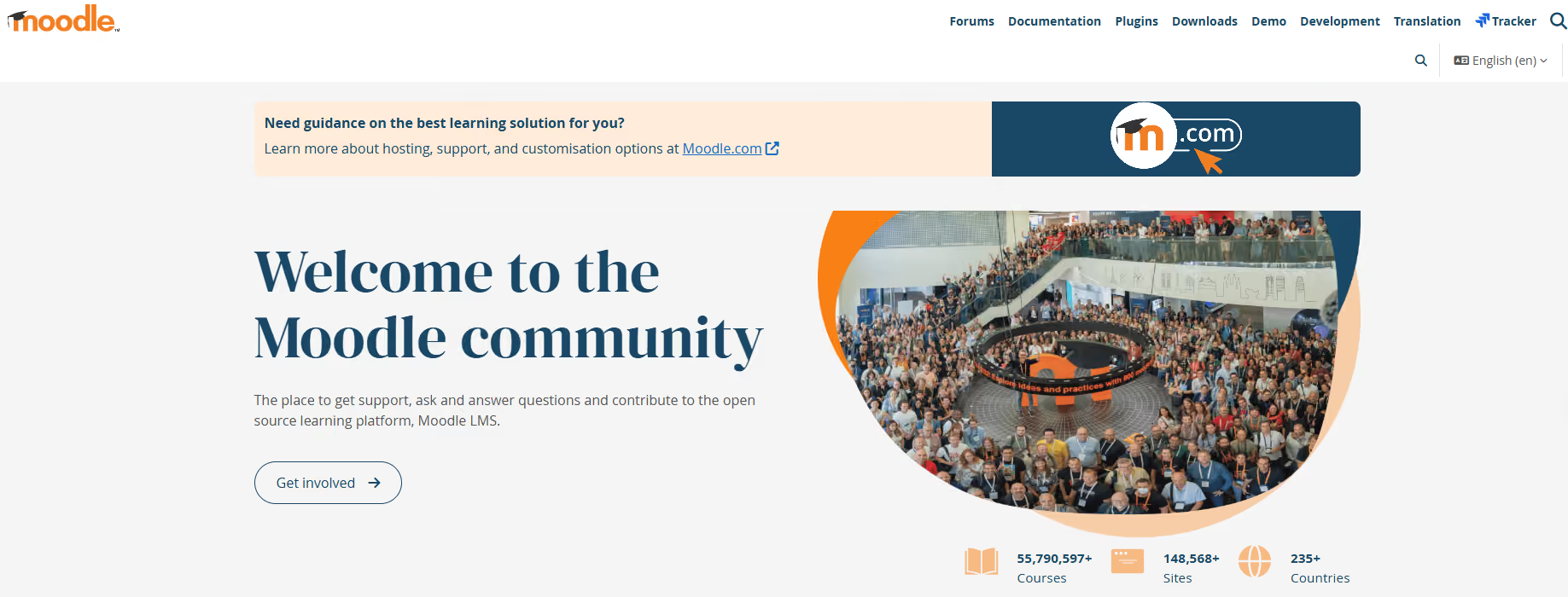
Moodle has been around for what seems like forever (over 20+ years), yet it’s still one of the names to know when it comes to open source LMS apps.
It’s free to use, has smartphone apps, and supports third-party cloud storage. Moodle is built for users who want full customization. In return, it can be shaped to fit most any teaching style.
Learn more about Moodle and Originality.ai’s Moodle Plugin.

Schoology is designed specifically for K-12 teaching and for use across entire districts.
Schoology is worth a look for schools that want more than just an assignment hub. It supports assessments, assignments, classroom organization, and broader district-wide opportunities.
Teachers, in particular, value its ability to connect learning activities with the larger school ecosystem. When an LMS has to work for not just teachers but also family members, that’s a definite plus.

D2L Brightspace is ideal for schools, colleges, and organizations that follow a more learner-focused design and want flexible learning pathways as part of their LMS app.
If your teaching includes blended learning or you want more advanced tracking or personalization, D2L Brightspace may be worth considering, as it gives teachers greater visibility into student progress, improved course delivery structure, and support for different learning needs.

Blackboard Learn is one of the most well-known LMS names in education, particularly for higher ed. Because it’s well-established, it’s often the platform of choice for a number of institutions.
For teachers, it handles content delivery, grading, student communication, and course management in a well-rounded LMS dashboard. If you need an LMS with all of the features and that has decades of experience in the edtech space, Blackboard could be an excellent choice.
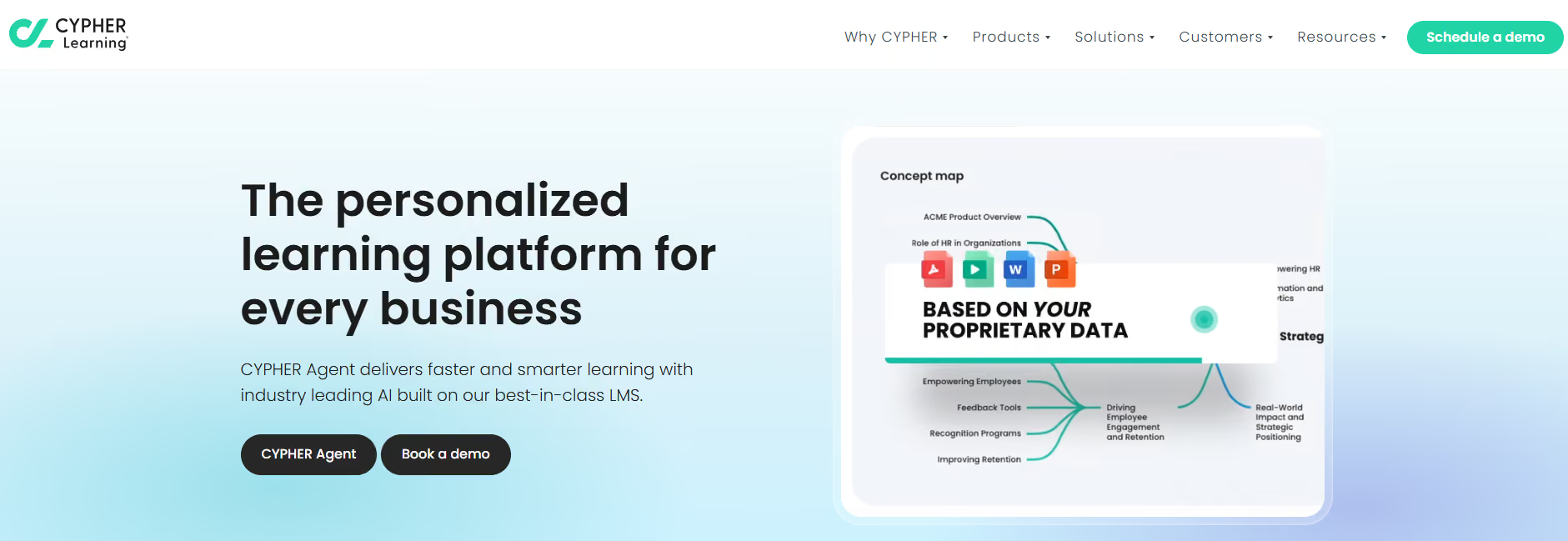
CYPHER Learning is among the more modern apps in our 2026 roundup. If you’re looking for automation, personalization, and AI-backed learning, CYPHER can help.
It focuses on automation, such as for course creation, rather than acting as a standalone lesson hosting system, and CYPHER highlights that’s what sets them apart from traditional LMS platforms.
For teachers, this can help streamline tasks, resulting in a smoother, more cutting-edge experience.
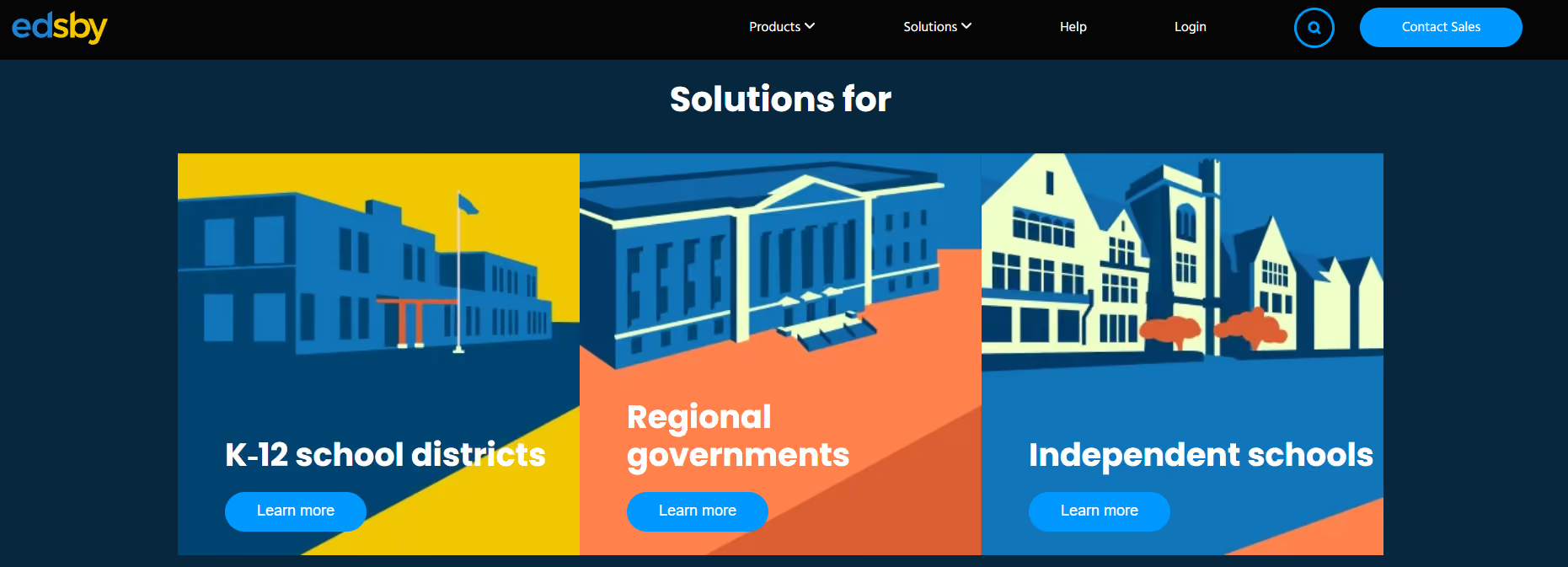
Edsby was developed specifically for K-12 districts, regional governments, and independent schools, with parent communication among the top reasons why educators and institutions choose this LMS platform.
Combined with full classroom visibility and assessment tools, Edsby paves the way for improved student tracking that actually fits everyday school life.
For educators who want an LMS with both parent-facing and teacher-facing workflows, make Edsby a place on your shortlist.

Classe365 is an all-in-one educational management suite that combines both learning and administrative tools. Its advantages center on simplifying and improving administration for schools, academies, and universities, while its blended learning features land it among the top LMS apps in 2026.
If your institution is looking to go beyond course delivery but still wants to reduce tool sprawl, the LMS functionality, along with the broader academic management tools, is a key benefit.
Having learning workflows baked into the wider student management picture makes it easier than ever to bring together instruction, records, communication, and progress tracking under a single app umbrella.

Itslearning is worth a look if your institution wants an LMS that feels built for education rather than corporate training. Teachers can use itslearning to organize learning materials, assignments, communication, and instructional planning. For schools that want a platform built around teaching and workflows, itslearning delivers.

TalentLMS is best known for its training and professional education features, but it’s equally useful for teachers, tutors, academies, and course creators who want a simple course delivery platform.
If you teach outside the traditional K-12 or university setting, such as private programs, certification training, tutoring businesses, continuing education, or professional development, TalentLMS could be a good fit for you.
The platform’s interface, in particular, is particularly well-designed when you consider that these learners aren’t logging into a school LMS every day. For teaching that needs to feel direct and manageable, TalentLMS is a practical choice.

360Learning is built on course creation and collaborative learning. It’s an AI-powered learning platform that combines LMS and LXP capabilities and even includes smartphone apps.
Teachers who work in professional education, internal training, or collaborative course-building may find it the strongest option of the LMS platforms profiled here.

Docebo is primarily used for enterprise learning, onboarding, customer education, and partner training. Because of its broad enterprise appeal, it may be more LMS than what a single classroom needs. For organizations teaching potentially hundreds of thousands of employees, that level of unprecedented scalability matters.
If your goal is structured learning that combines automation, reporting, and delivery, Docebo belongs on your shortlist.

For training-heavy environments, where teaching has to scale across employees, customers, members, or partners, turn to Absorb LMS. This strategic, AI-powered learning system is built to help train and upskill a variety of audiences. If your teaching model centers around professional education, you’ll like Absorb’s structured learning paths, reporting, and training programs.
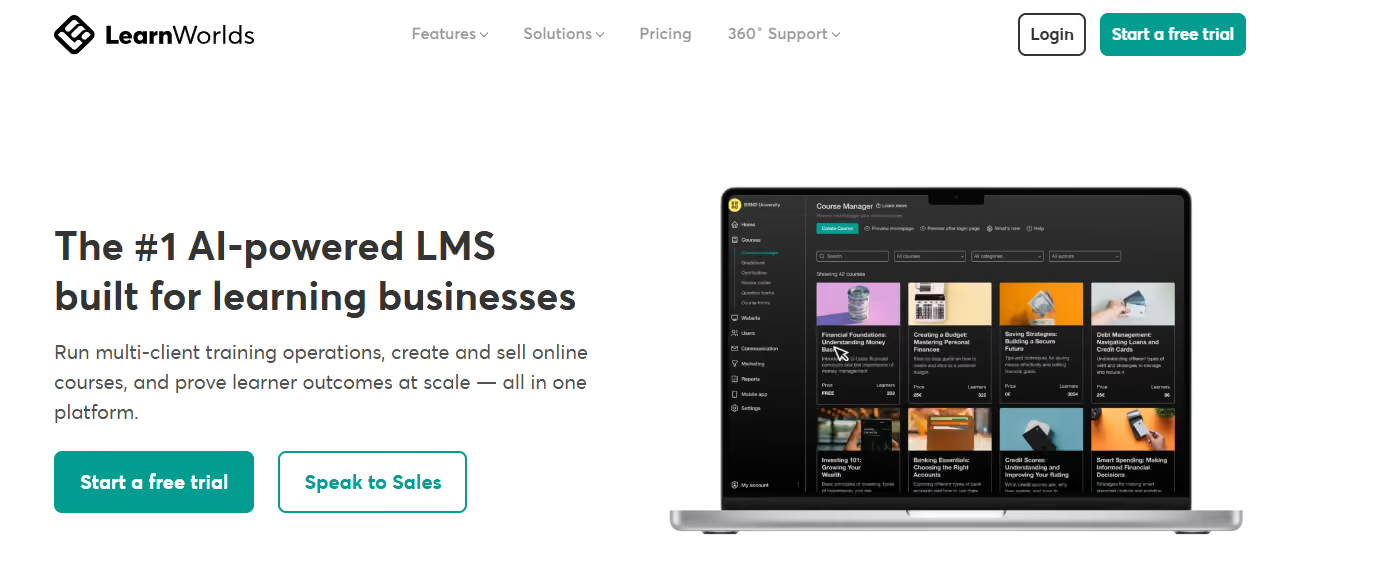
LearnWorlds is a powerful LMS for online course creators, coaches, and educators who sell or distribute their courses directly. It’s customizable, and you can even use your own branding. If you’re not just a teacher but also an entrepreneur, you’ll enjoy LearnWorlds’ cloud-based features designed to help you sell and market your online courses, not just deliver them.
Like LearnWorlds, Thinkific is designed for educators, experts, and creators who want to sell online courses.
Keep in mind, however, that Thinkific isn’t an LMS in the traditional sense. It’s more of an independent course hosting, student management, and payment solution wrapped up under a single product.
Teachable is another popular platform for course creators, coaches, and independent educators. With Teachable, teachers can quickly build courses, manage students, and sell educational content without having to link a dozen different tools together.
If you want to package your knowledge and sell it online and launch in a way that’s easy and hassle-free, Teachable is worth checking out. It’s less “school district LMS” and more “business/coach teaching platform”.
iSpring lms, is ideal for corporate training, particularly with its built-in Microsoft Teams integration and quiz creation. If you need to turn corporate learning from onboarding to compliance training into a learning experience, iSpring gives you the practical tools to do just that.
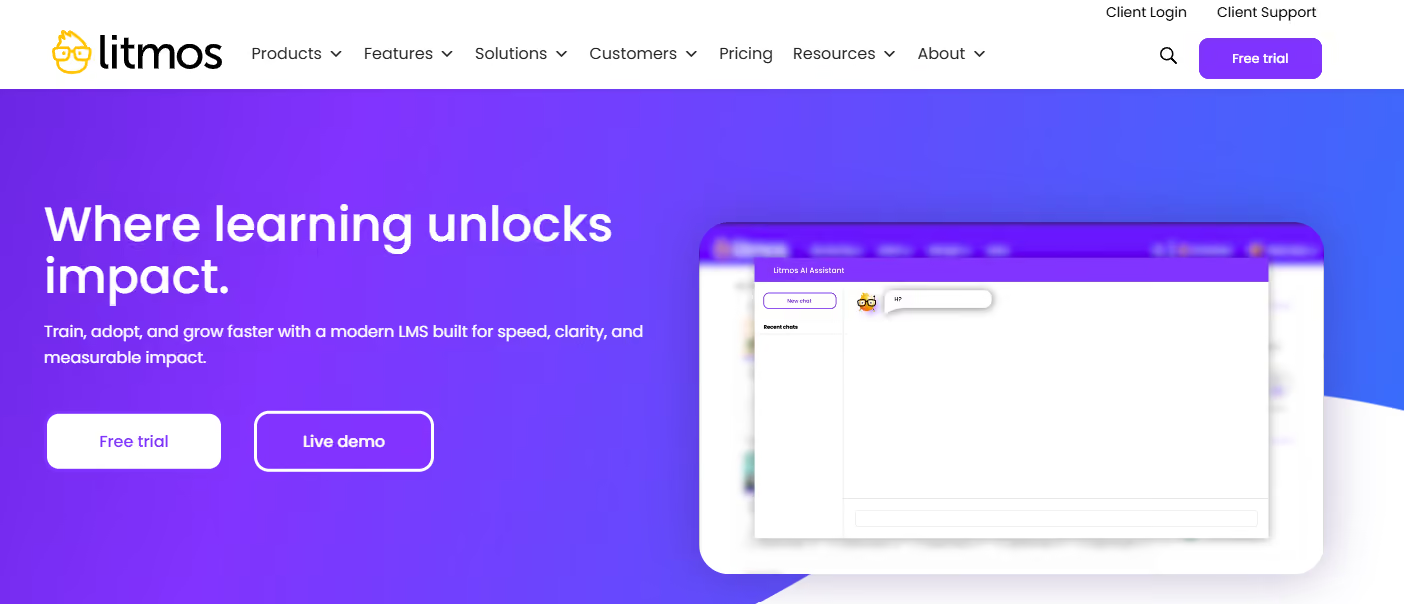
Litmos is a training-focused LMS often used by businesses and organizations that need structured learning at scale. If you teach in corporate, compliance, or professional-development environments, Litmos gives you scalable training that’s designed for repeatable learning and ongoing reporting so you can get your team onboarded and up to speed that much more smoothly.
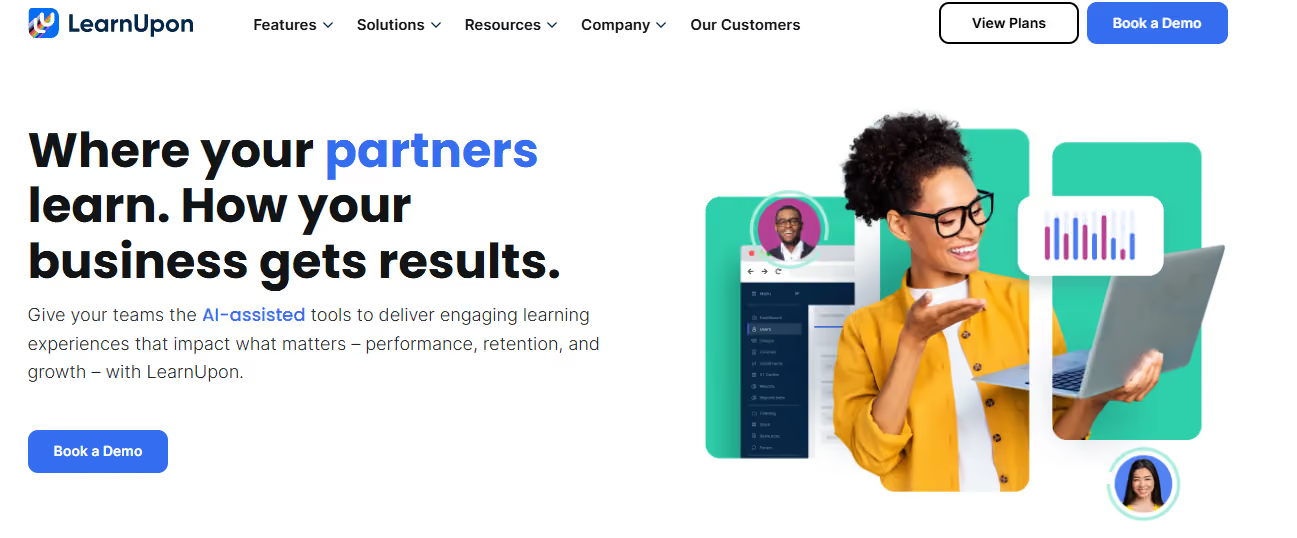
LearnUpon is one of the best LMS apps for teaching multiple tracks or for multiple learner groups. It’s ideal for training organizations and customer education teams.
Teachers can segment learning experiences by audience to better tailor learning. This is ideal when your platform needs to work for employees, customers, and partners alike.
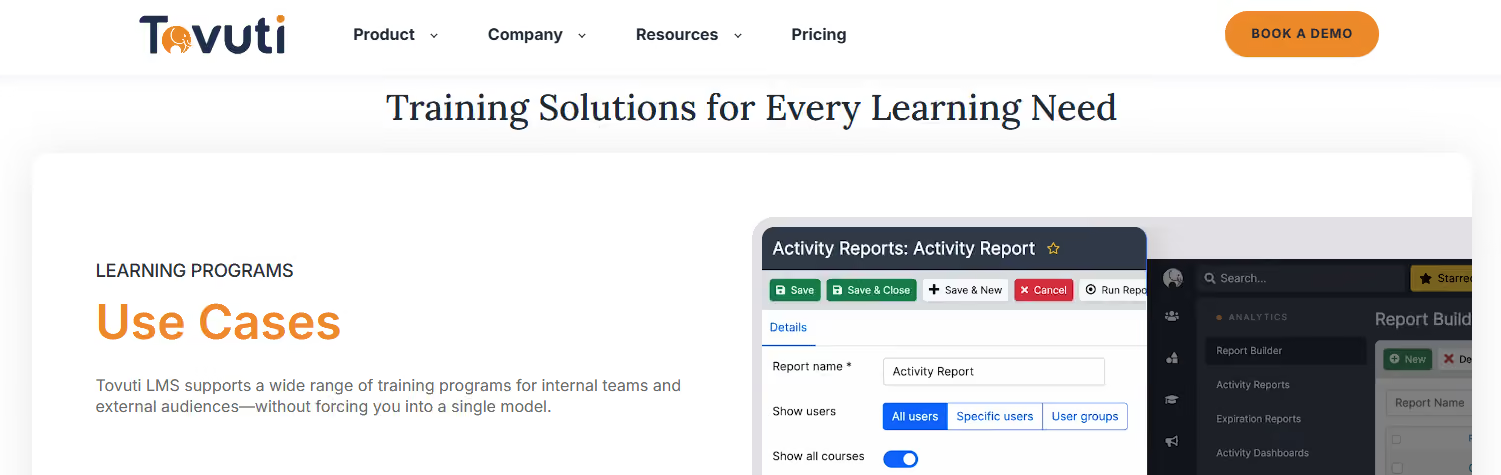
Tovuti is a cloud-based LMS that lets teachers create, deliver, and track learning programs. If you’re looking for course creation, learner management, reporting, and engagement tools in a single system, Tovuti was designed for you. It’s best suited for training, member education, or structured online learning.
The real question isn’t “Which LMS is best?” but rather “What, how, and who are you teaching?”
The best LMS app for a university isn’t necessarily the same as it is for a tutoring business or a corporate workforce.
If you’re still not sure how to choose from the top LMS apps in 2026, here’s a quick breakdown:
The best LMS apps take away all the complexity and clutter while giving students a clear, measurable path forward and teachers their time back.
The bottom line is that learning experiences with an LMS should feel less like managing a piece of software and more like having a partner on your side to make teaching more accessible.
By choosing the ideal LMS app for your needs, you’ll be well on your way to doing just that.
Read more about Originality.ai for education and discover our Moodle LMS plugin.
Further Reading:

AI & Plagiarism Detector for Serious Content Publishers
Originality.ai
64 Hurontario St
Collingwood, Ontario
L9Y 2L6