AI Checker
Plagiarism Checker
Grammar Checker
Content Quality
Guideline Checker
Readability Checker
Fact Checker

Extensions

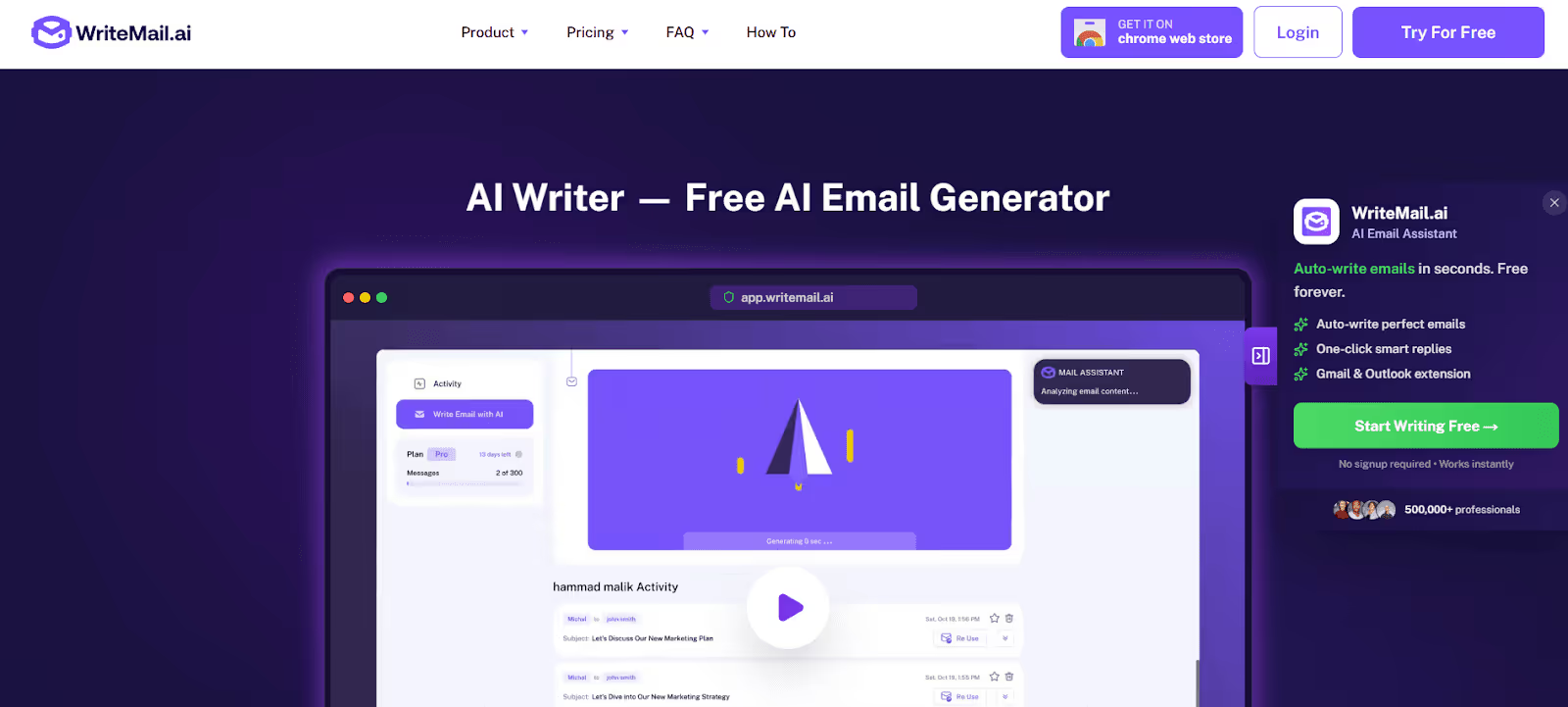
Struggling to write a professional-sounding email? Need to send out a casual email invite to friends, but can’t find the words?
That’s where WriteMail AI can help.
It’s a free, simple AI email generator that works similarly to ChatGPT and other LLMs like Gemini, but it’s centered entirely around email.
Can AI detectors like Originality.ai and ZeroGPT detect WriteMail.ai emails as AI? We put its free AI email generator to the test in this WriteMail AI review.
WriteMail AI Email Writer is an online email generator that uses AI to write emails in a variety of styles and tones.
Users can also try out the service by having it draft a few basic emails, including cancellation emails, emails for promotional discounts, and more. Users can select from a variety of options before the email is actually generated, including:
If you’ve ever struggled to find the right words when writing emails ranging from marketing outreach to canceling a subscription, a tool like WriteMail AI Email Writer can help by giving you a starting draft.
The tool itself is geared toward multilingual users as well, who may need to write professional-sounding emails in a variety of languages, and offers a drop-down menu selection of languages to choose from.
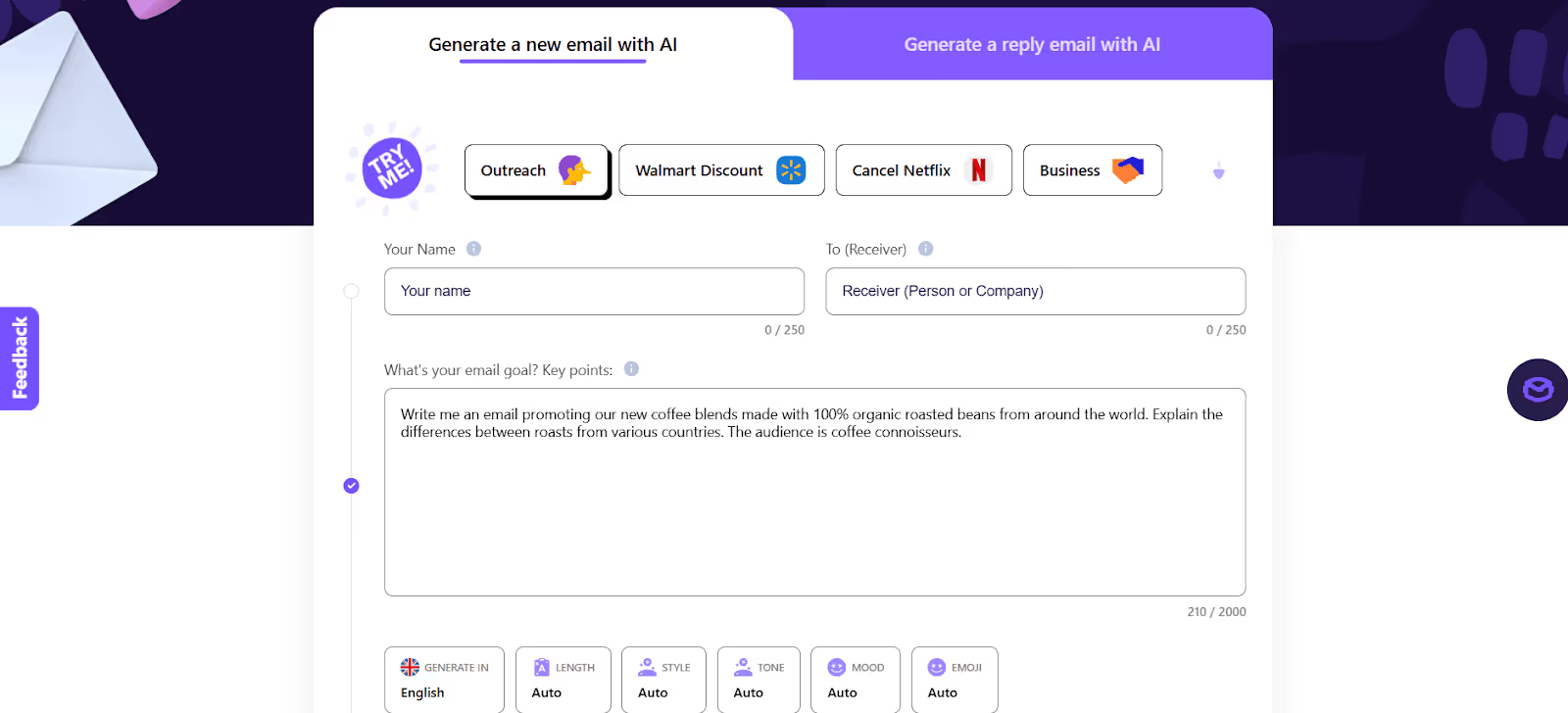
The WriteMail AI Email Writer tool is free to use; however, a professional version is also available that includes Mail Assistant, which checks for tone and offers follow-up suggestions for emails so you can craft the best copy.
However, the AI email writer does have a free version for users. The tool also offers an email reply feature that uses AI to format message replies.
The test was designed to see if three popular AI detectors, including the Originality.ai AI content detector, EaseMate, and ZeroGPT, could detect WriteMail AI’s AI-generated email.
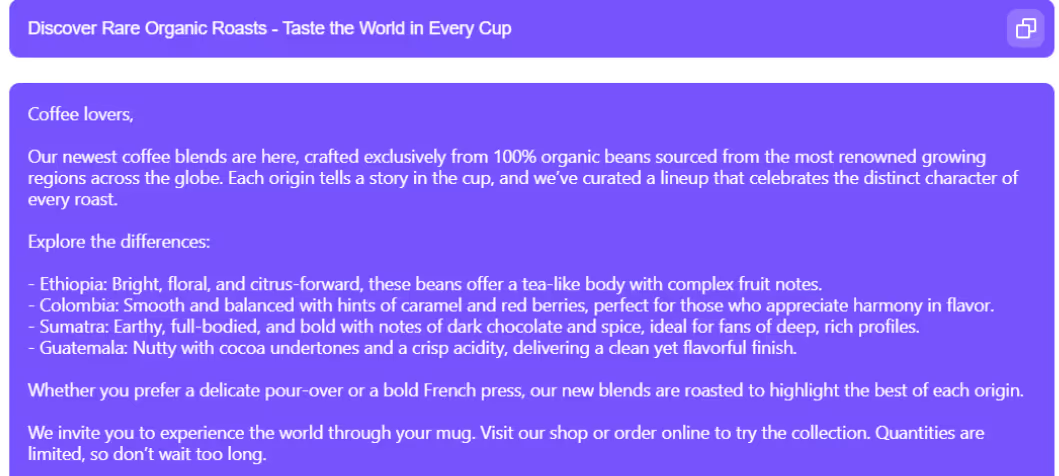
Step 1: First, we entered a topic into the WriteMail AI Email Writer tool. For the purpose of this test, we asked WriteMail AI Email Writer to generate a promotional email from a fictional coffee company announcing new international coffee blends.
Step 2: We then ran the AI-generated text through Originality.ai, ZeroGPT, and EaseMate to see if the generated output was detectable.
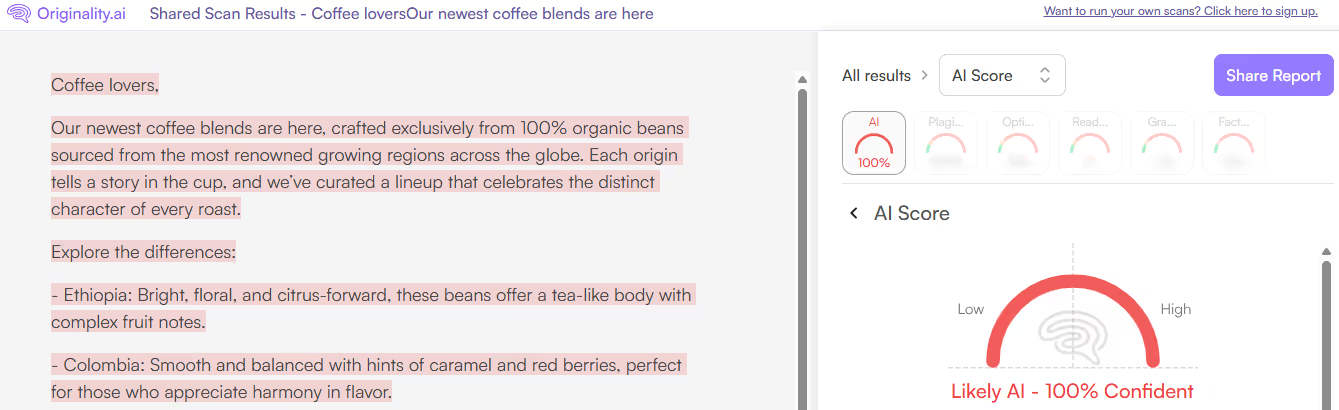
Originality.ai AI Detector Score: 100% Likely AI
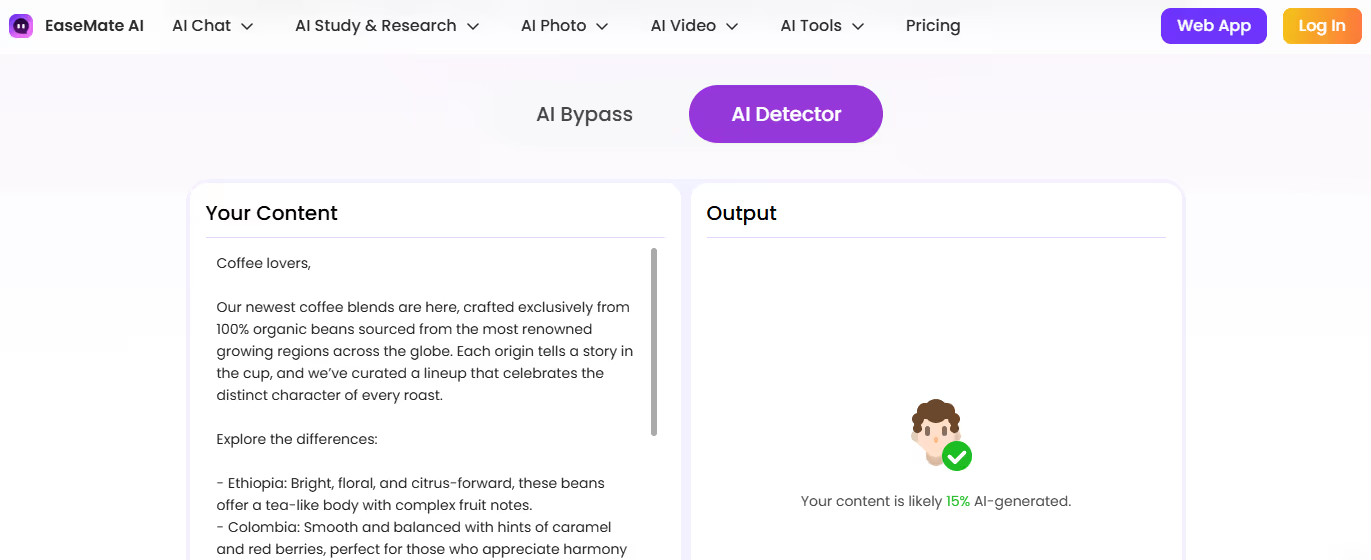
EaseMate AI Detector Score: 15% AI-generated
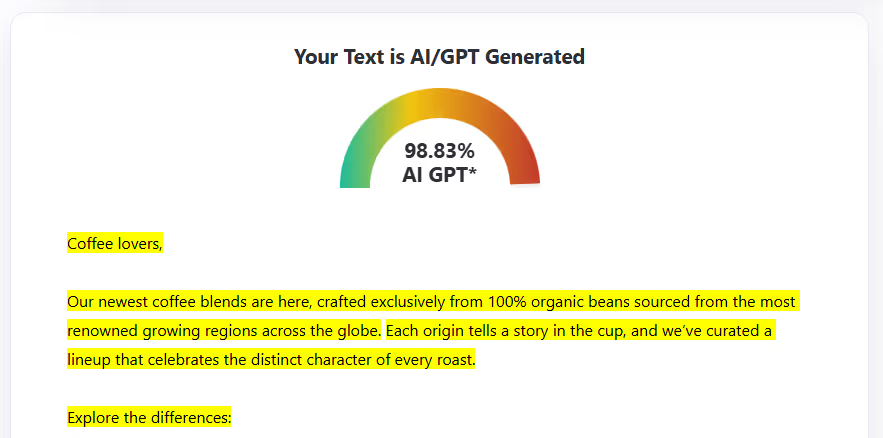
ZeroGPT AI Detection Score: 98% AI GPT
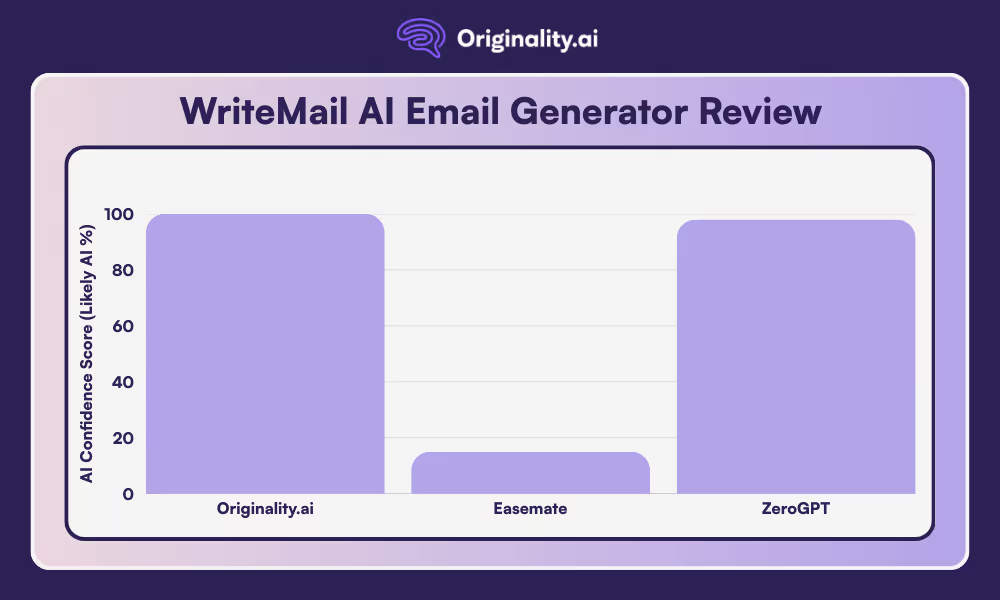
Based on our tests, only Originality.ai scored the Writemail AI email as 100% Likely AI.
ZeroGPT also identified the text as AI GPT, scoring it as 98% AI. However, Easemate scored it as only 15% AI.
Wondering if an email you’re reading is real or Likely AI? Use the industry-leading Originality.ai AI Checker to find out.
Then, when writing an email, use our grammar and spelling checker to make sure it flows well and avoids grammatical or spelling errors. You can enter a URL, paste your text, or upload a document to the tool and scan it for correct grammar and spelling in just seconds.
Read more AI reviews:
The WriteMail AI Email Writer accepts a fair amount of context in its prompt to write an email. The more detailed you are, the more information it has to draw on when crafting the AI-generated email. There are also additional fields to specify tone, emoji use, length, and the style of the email.
To use WriteMail AI Email Writer, simply write a few sentences about what you want your email to accomplish. You can optionally include who it should be to and from (it will also generate a subject line). From there, choose options such as language, tone, style, and mood. Then, select whether or not you want emojis included in the email. Finally, just wait a short while as your email is generated.
Yes, in our test, the AI email sample generated by WriteMail was detectable as Likely AI with 100% Confidence by Originality.ai.

AI & Plagiarism Detector for Serious Content Publishers
Originality.ai
64 Hurontario St
Collingwood, Ontario
L9Y 2L6








