AI Checker
Plagiarism Checker
Grammar Checker
Content Quality
Guideline Checker
Readability Checker
Fact & AI Hallucination Checker

Extensions
MCP


ContentStudio is an online platform designed to help with social media management for creators, agencies, marketing teams, and more. It also offers a selection of free tools, including an AI-powered LinkedIn post generator.
However, are the LinkedIn posts it generates still detectable as Likely AI? We put it to the test in this ContentStudio review. See the full results, including screenshots, below.
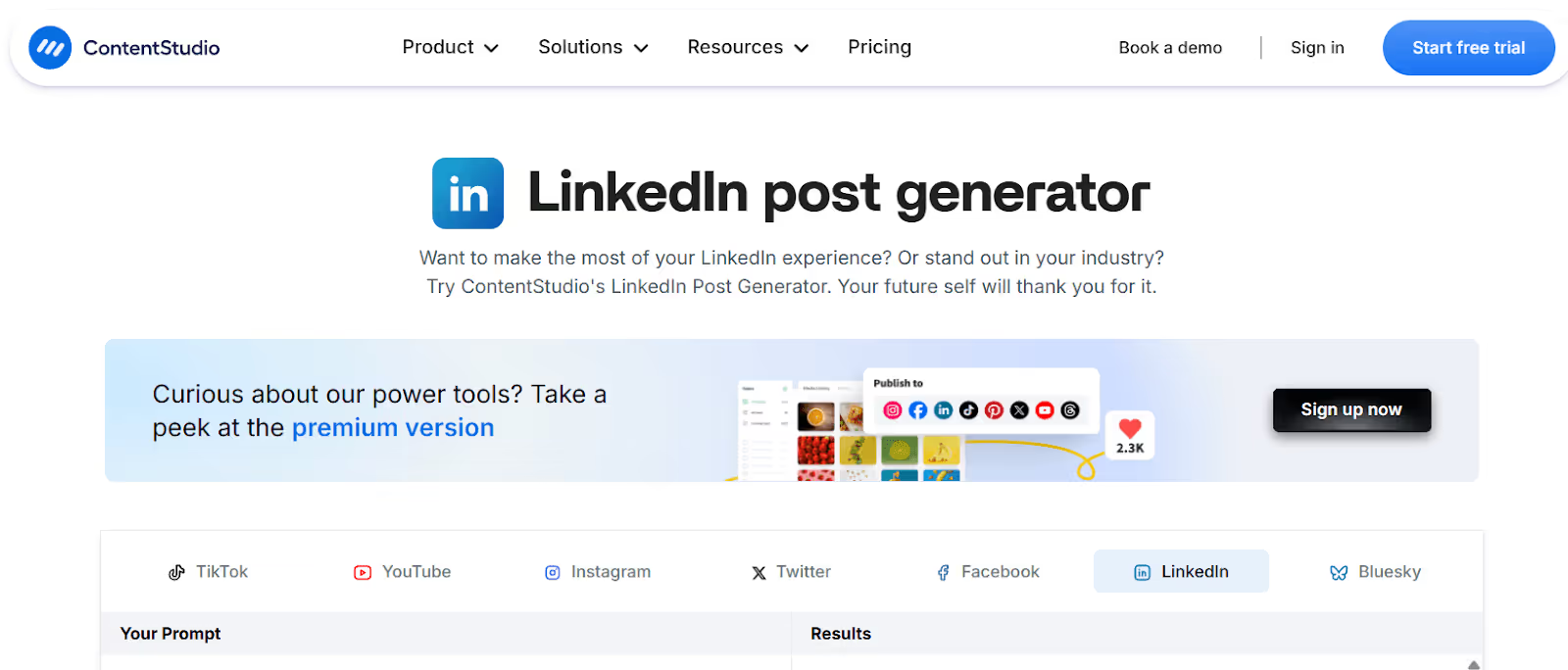
ContentStudio’s LinkedIn Post Generator lets you use AI to generate posts for LinkedIn.
You can describe the type of post you want in the prompt, choose an approximate number of words, select a tone from a number of options, and pick the number of variations (up to 3). Then, there’s also an option to choose whether or not to include hashtags and/or emojis (see a screenshot of the available prompt customizations below).
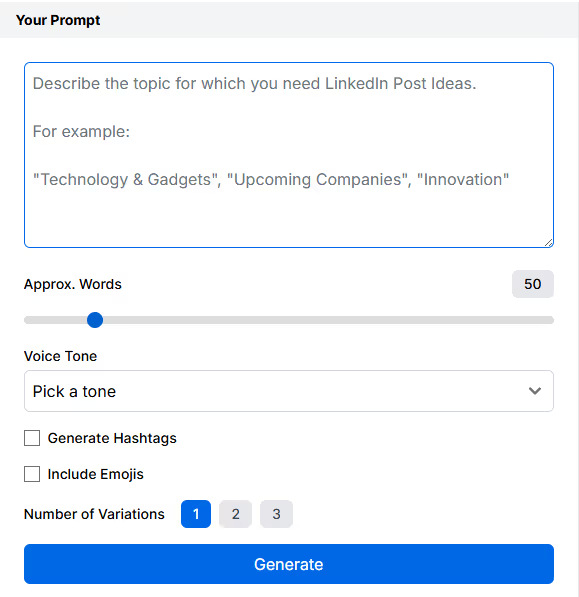
For users who want to build up their networks on LinkedIn, a tool like Content Studio’s LinkedIn Post Generator can help them formulate what they want to say quickly by using AI.
Similar to using ChatGPT and other LLMs, users simply give the AI tool a prompt, choose tone options, and other selections, and within a few moments, the tool generates content based on their prompt.
With sliders that allow the user to tailor the number of words (approximately) and include or exclude hashtags and emojis, they have far greater control over the result than by relying on the prompt alone.
The LinkedIn Post Generator is free to use, and users can generate up to three variations of the same piece of content.
However, there are premium features that ContentStudio offers, which require a paid plan/upgrade to access.
The test was designed to see if three popular AI detectors, including the Originality.ai AI content detector, EaseMate, and ZeroGPT, could detect the LinkedIn post generated by ContentStudio.
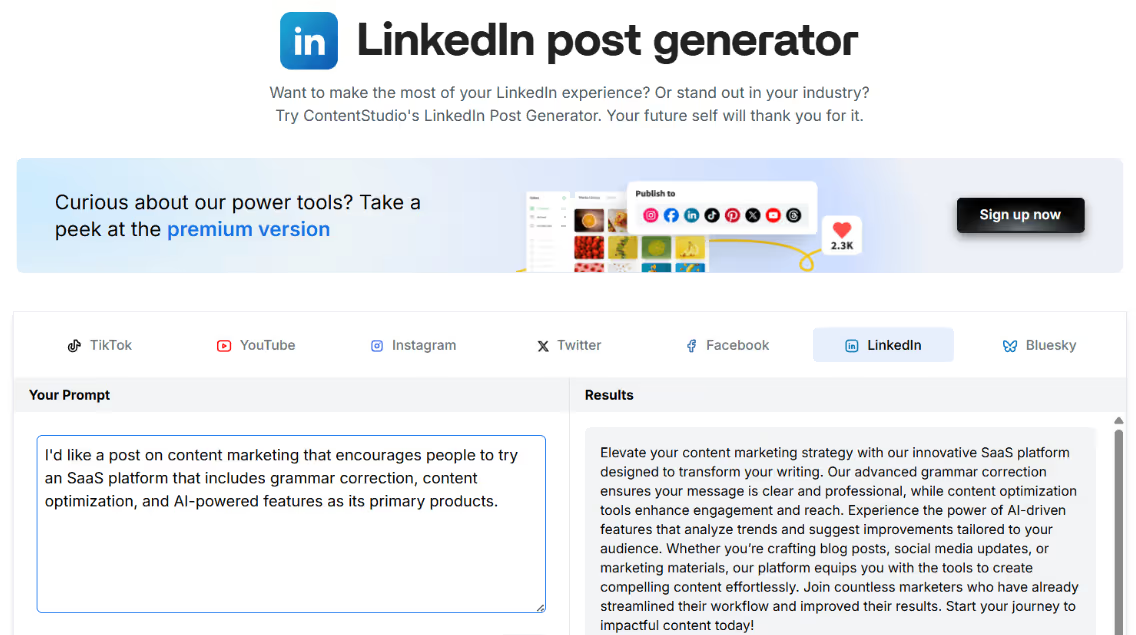
Step 1: First, we entered a topic into the ContentStudio LinkedIn Post Generator tool. For the purpose of this test, we asked ContentStudio LinkedIn Post Generator to generate a professional-sounding post announcing a SaaS tool that handles content optimization like grammar, spelling, and more (screenshot below).
Step 2: We then ran the AI-generated text through Originality.ai, ZeroGPT, and EaseMate to see if the generated output was detectable.
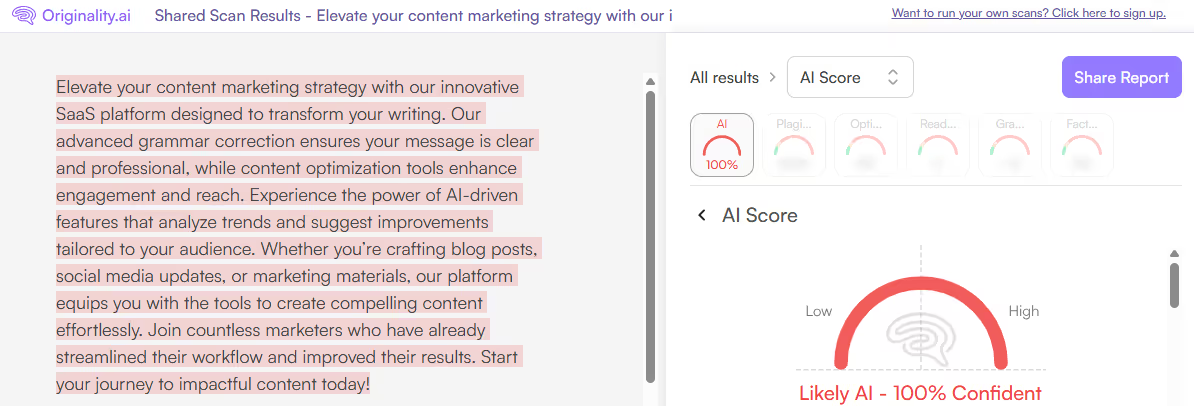
Originality.ai AI Detector Score: 100% Confidence that it’s Likely AI
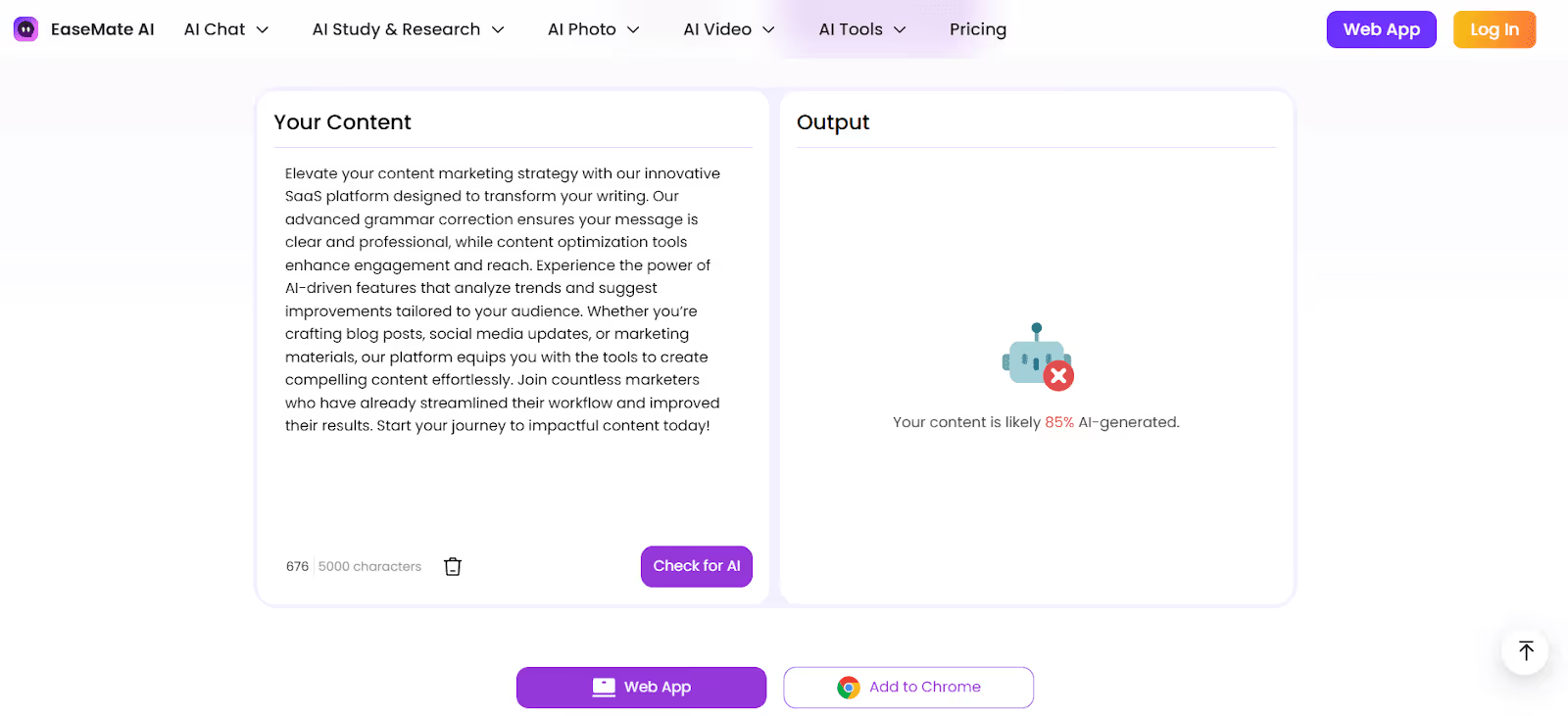
EaseMate AI Detector Score: 85% AI-generated
ZeroGPT AI Detection Score: 100% AI GPT
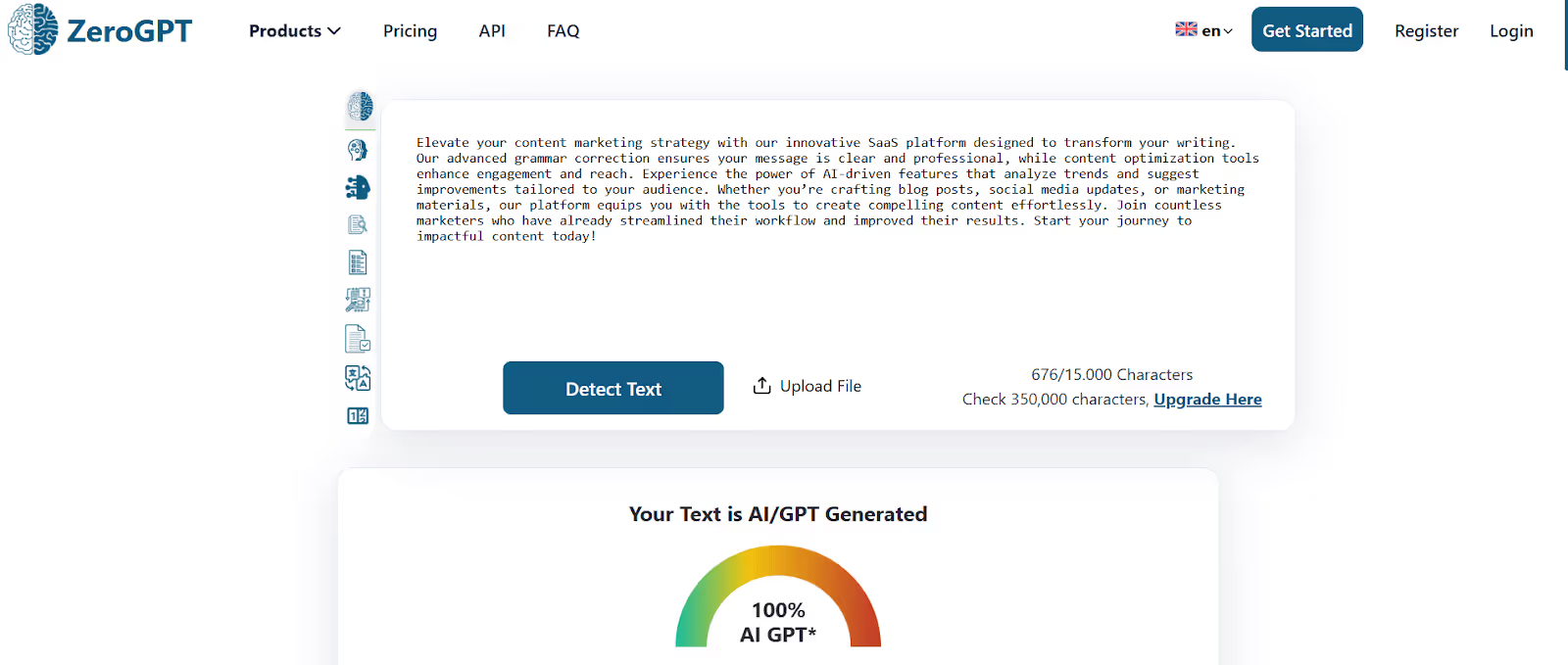
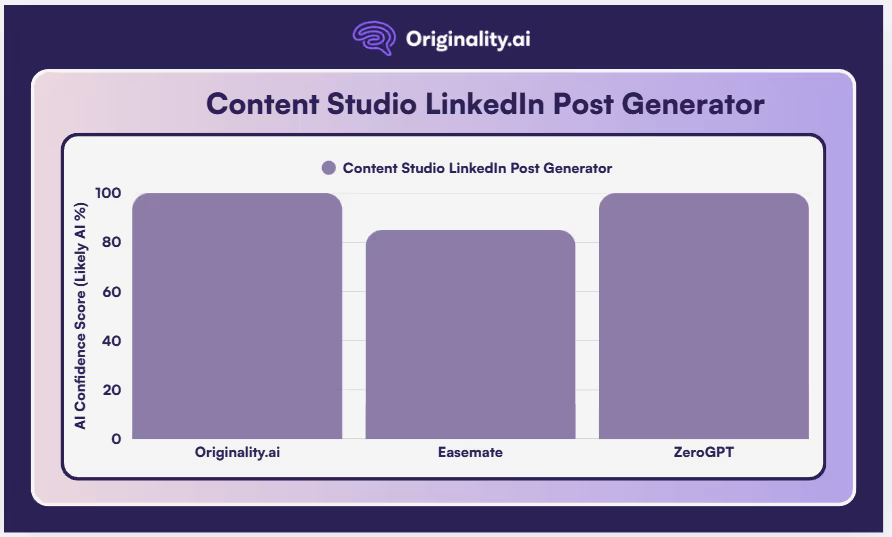
Based on our test content with Content Studio’s LinkedIn Post Generator, Originality.ai, and ZeroGPT, both scored the copy as 100% Likely AI, with EaseMate’s AI checker coming in at 85% detection.
Not sure if a LinkedIn post you’re reading is real or Likely AI? Use Originality.ai’s AI Detector to find out!
Read more AI reviews:
The LinkedIn Post Generator doesn’t need a great deal of context for its post. It does, however, have a very long list of specific tones that it can draw upon to generate the content. Users can also generate up to three versions and choose the one they like best. As with many AI tools, the more context you give it, the more refined your results can be, but again, as our tests show, the resulting output is detectable as Likely AI by Originality.ai.
Simply enter the prompt of what you’d like to post about, choose the tone and style of voice from a very long list of options, select the number of variations, and select whether or not to include emojis and/or hashtags. The resulting LinkedIn post(s) will show up in the panel beside your selections.

AI & Plagiarism Detector for Serious Content Publishers
Originality.ai
64 Hurontario St
Collingwood, Ontario
L9Y 2L6








