AI Checker
Plagiarism Checker
Grammar Checker
Content Quality
Guideline Checker
Readability Checker
Fact Checker

Extensions


OneUp is primarily a social media scheduling and management platform.
As part of its platform, it offers a social media caption generator that spans a number of well-known social networks, from LinkedIn and Instagram to X and Pinterest.
In this OneUpApp review, we tested the AI captions created by the LinkedIn Caption Generator to see if they were detectable by Originality.ai and other popular AI detection tools.
See our full review, including screenshots, below.
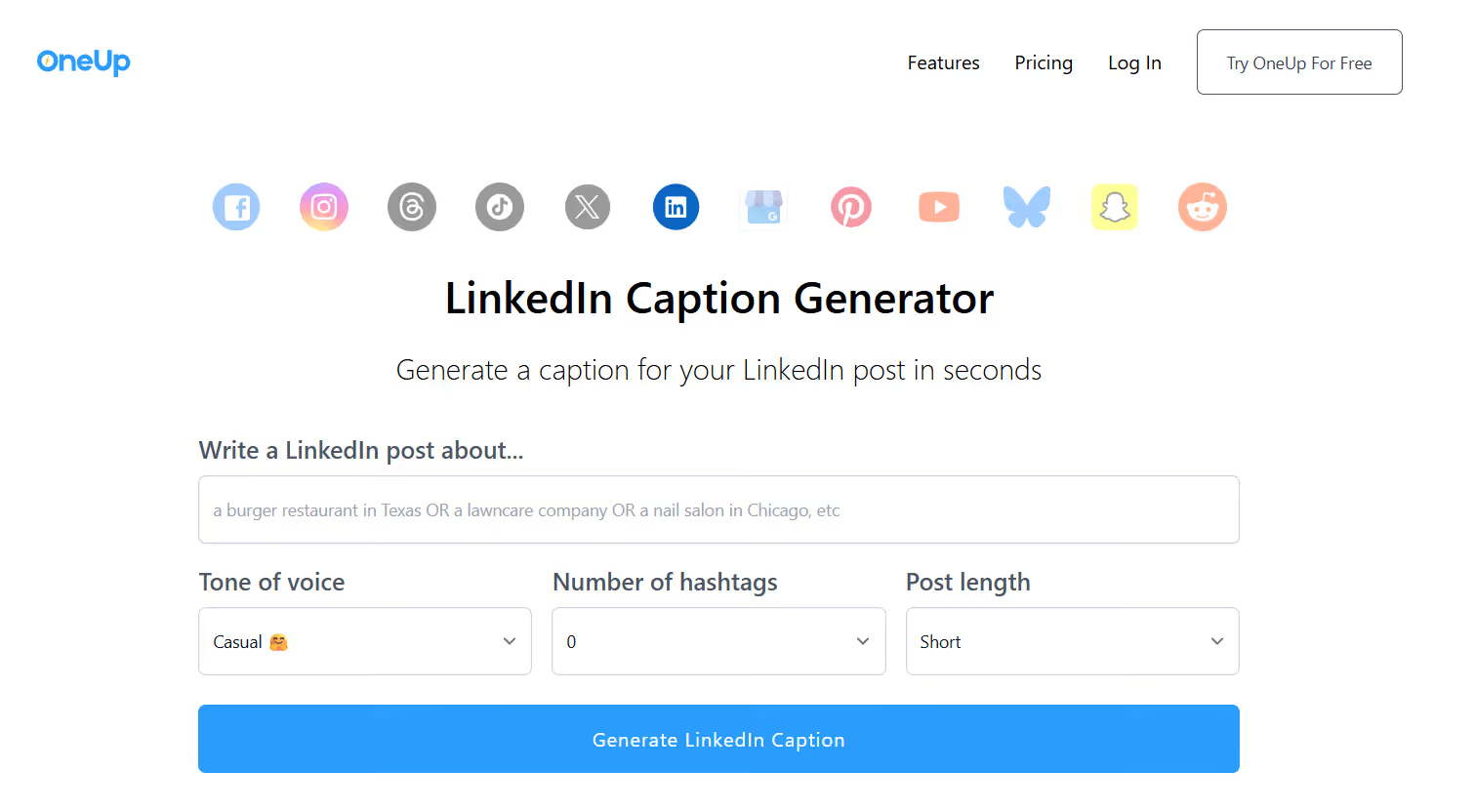
The OneUp LinkedIn Caption Generator uses AI to write LinkedIn posts in a variety of styles and tones.
Users can select:
Unlike some other LinkedIn post generators that let you specify an exact number of words, OneUp offers short, medium, or long caption lengths.
Tools like the OneUp LinkedIn Caption Generator help LinkedIn users write captions using AI similar to LLMs like ChatGPT and Gemini.
These types of tools can be helpful for people who are looking to brainstorm ideas or who want a general idea of how to formulate a post for a professional platform like LinkedIn.
The OneUp LinkedIn Caption Generator tool is free to use. Then, paid tiers exist starting at $18/month that let users schedule their posts.
Users can also generate a variety of captions using the platform, including shorter, medium-length, and longer posts, as well as adjust the number of hashtags to tweak the resulting post until it sounds more authentically like them.
The test was designed to see if three popular AI detectors, including the Originality.ai AI content detector, EaseMate, and ZeroGPT, could detect the AI-generated copy from the OneUp LinkedIn Caption Generator.
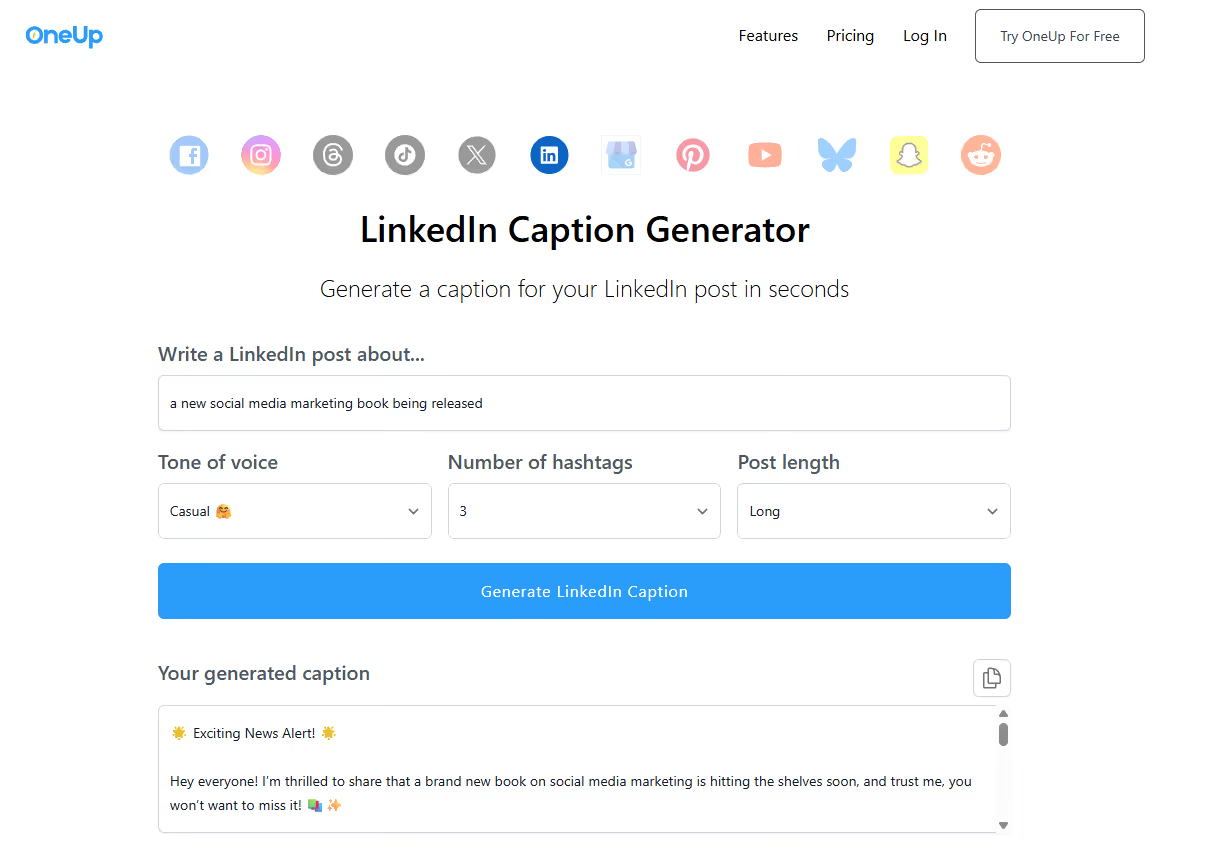
Step 1: First, we entered two topics into the OneUp LinkedIn Caption Generator tool.
For the purpose of this test, we asked OneUp LinkedIn Caption Generator to generate:
Here’s an example of what the generated caption looks like in the OneUp app:
Step 2: We then ran the AI-generated text through Originality.ai, ZeroGPT, and EaseMate to see if the generated output was detectable.
Originality.ai AI Detector: 100% Confidence it’s Likely AI

EaseMate AI Detector Score: 85% AI-generated

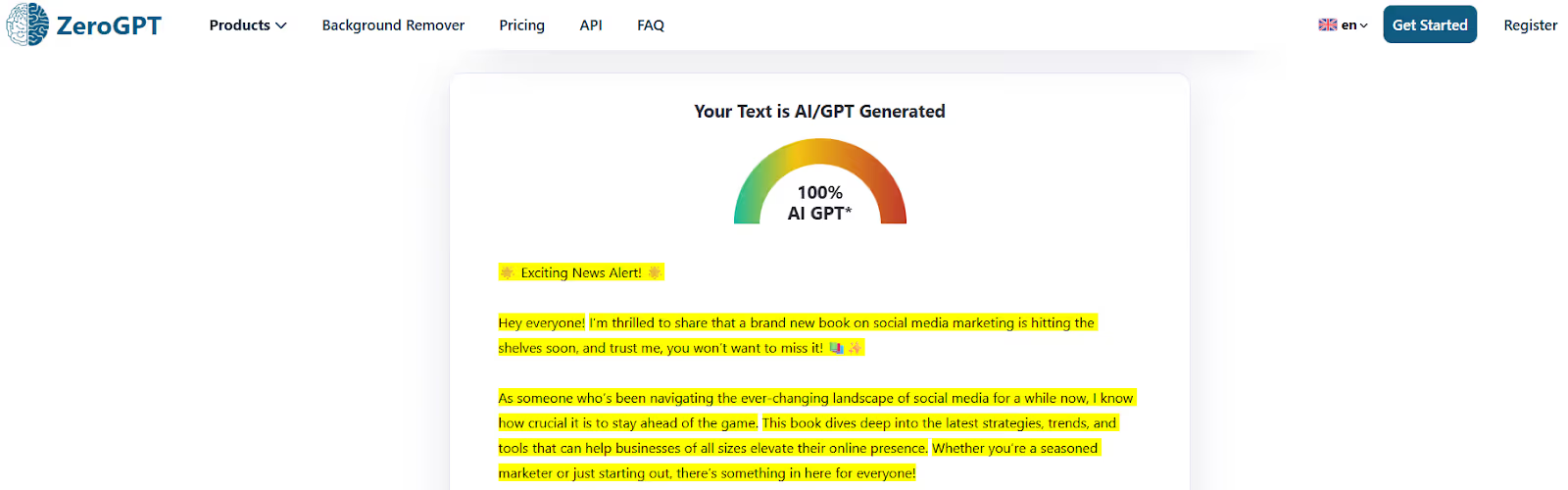
ZeroGPT AI Detection Score: 100% AI GPT
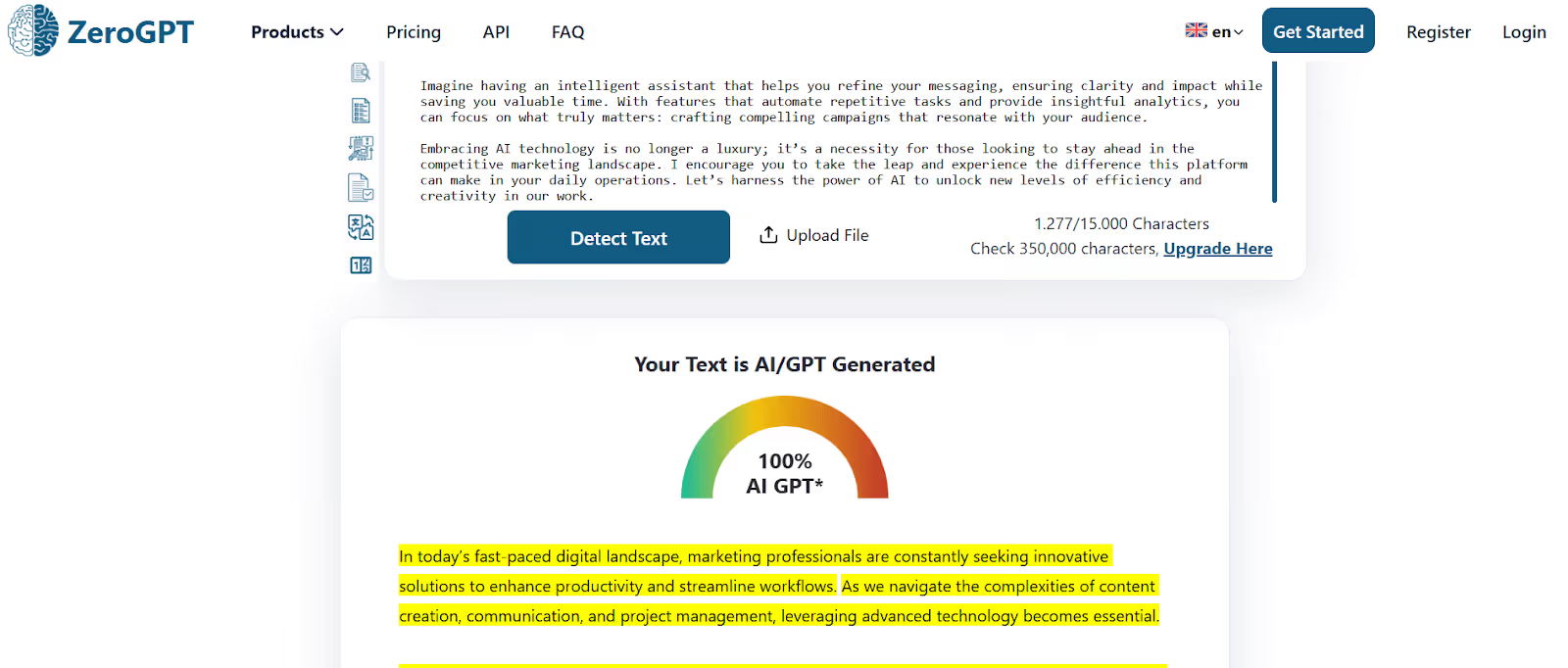
Originality.ai AI Detector: 100% Confidence it’s Likely AI

EaseMate AI Detector Score: 85% AI-generated

ZeroGPT AI Detection Score: 100% AI GPT
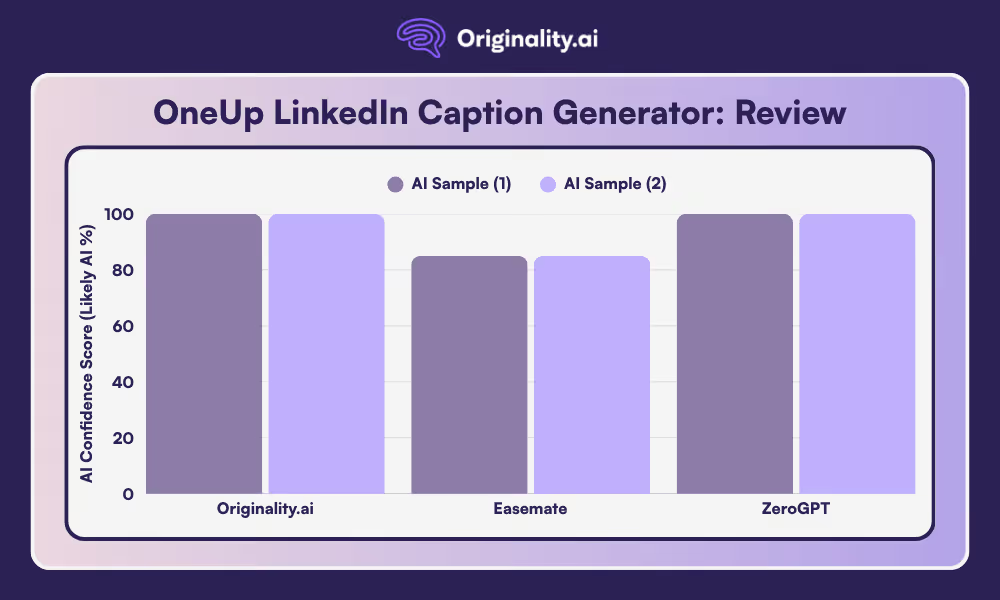
The industry-leading Originality.ai AI detector identified the OneUp LinkedIn captions as 100% confidence they were Likely AI.
So, are AI-generated LinkedIn Captions from the OneUp app detectable? Yes, by the best-in-class Originality.ai AI Detector.
Then, ZeroGPT classified the text as 100% AI GPT and Easemate as 85% AI.
Try the Originality.ai AI Detector today!
Read more AI reviews:
The tool seems to do best with at least a few sentences, although the more precise and detailed you are with the prompt, the more the tool can attempt to zero in on what you want to say. The caption generator also offers a number of voice tones to choose from, from casual to professional.
Simply type in what you’d like to post about, with as much detail as you’d like to include, choose the tone of voice you’d like, the number of hashtags, and the general post length, and in just a few seconds, it will generate a caption.
Instead of using AI to generate captions for LinkedIn, try writing your thoughts out in your own authentic voice and then using a spelling and grammar checker to edit your work. That way, you can communicate clearly while still maintaining your unique, human perspective.
Even our own AI detector is not perfect, and can produce false positives. These false positives can be very painful for anyone who creates original content — whether you’re a student wrongly accused of using ChatGPT by TurnItIn or GPTZero or a writer who received a false positive from Originality.ai.

AI & Plagiarism Detector for Serious Content Publishers
Originality.ai
64 Hurontario St
Collingwood, Ontario
L9Y 2L6








