AI Checker
Plagiarism Checker
Grammar Checker
Content Quality
Guideline Checker
Readability Checker
Fact Checker

Extensions

Can CopyChecker detect plagiarism?
We put this plagiarism checker to the test with a variety of different types of content, including blog posts and patchwork plagiarism samples.
If you’re thinking of using CopyChecker to check for plagiarism, read our detailed CopyChecker review below to see how well the tool performed in our tests.
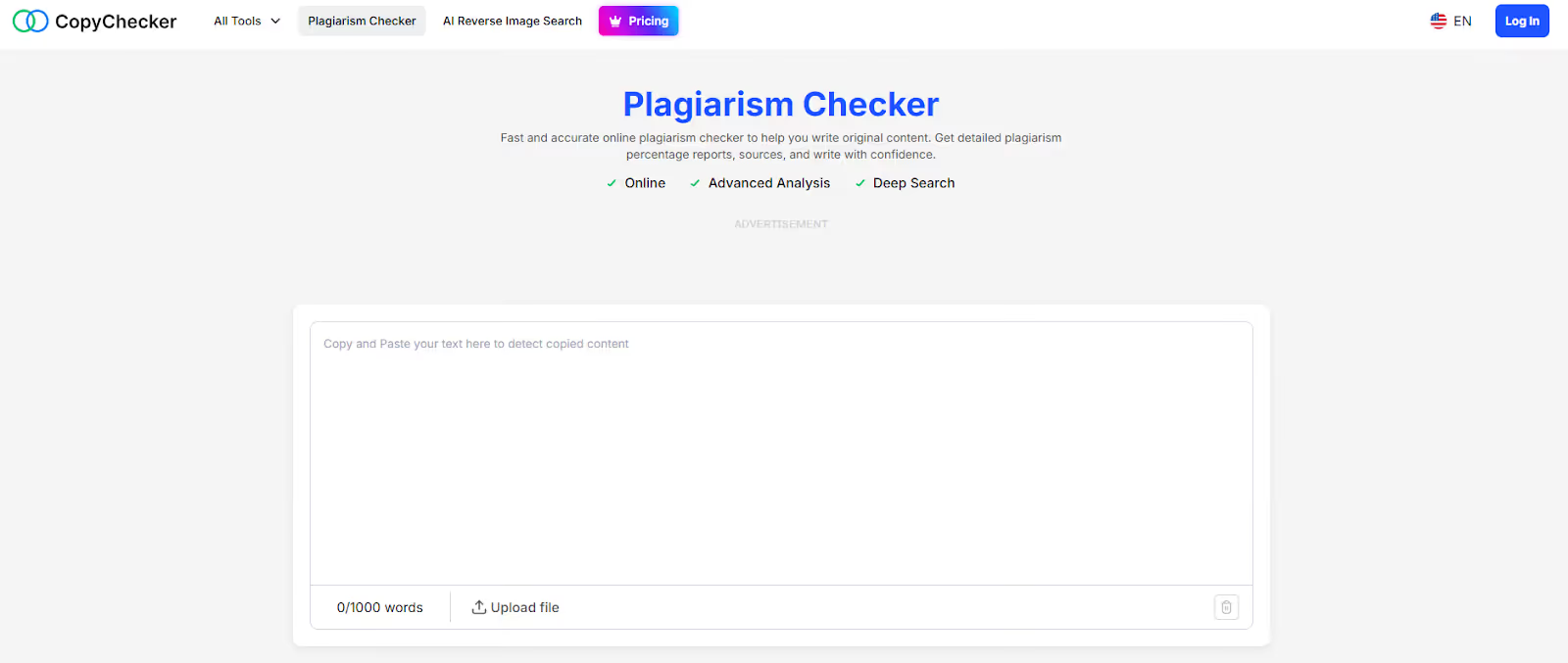
CopyChecker is a free online plagiarism checker that lets users copy and paste content into the tool to check it for potential plagiarism against a large database of websites.
Beyond its plagiarism detector, CopyChecker also offers a number of other tools, including:
CopyChecker also offers a handful of text tools, including a tool that shows the difference between two documents or pieces of text.
For the purposes of our review, we focused solely on the plagiarism detector.
CopyChecker offers the ability to check text for plagiarism (up to 1,000 words).
It does this by way of a deep check of online sources such as web pages, as well as journals, blogs, and more.
Then, it presents the results in a way that’s easy to understand and learn from.
Plagiarism tools like CopyChecker are often used by students and professors alike to help avoid or detect plagiarism in student essays.
They’re also used by content professionals and marketers to double-check other content, like blog posts, for any potential plagiarism.
Unlike most plagiarism checkers, CopyChecker isn’t specifically focused on students or content professionals. Rather, it notes that it is an all-in-one platform, ‘for all writers’ with a variety of tools that anyone from students to teachers to content marketers can use.
CopyChecker is free to check up to 1,000 words for plagiarism. No registration is required. However, there are premium tiers available for many of its features.
CopyChecker offers a number of PDF-specific tools to make edits to PDFs, as well as tools that check the difference between two versions of a text file. It also offers an AI-based reverse image search.
For this test, we focused specifically on CopyChecker’s plagiarism checker
Step 1: We chose text samples from two blog posts directly from the Originality.ai blog:
Step 2: We then pasted the content directly into the Originality.ai plagiarism checker and into CopyChecker’s plagiarism checker and ran each tool, respectively.
Step 3: For the second part of the test, we chose examples of patchwork plagiarism, which is a more subtle example of plagiarism. This type of plagiarism is often harder for even advanced plagiarism checkers to detect.
Step 4: We then ran both samples through CopyChecker and the Originality.ai Plagiarism Checker to compare results.
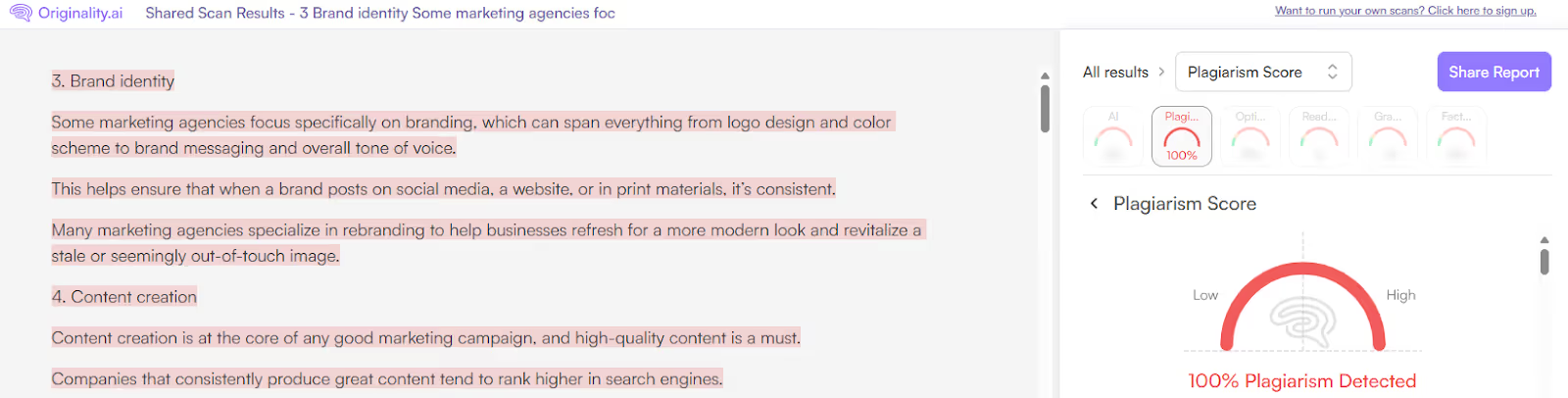
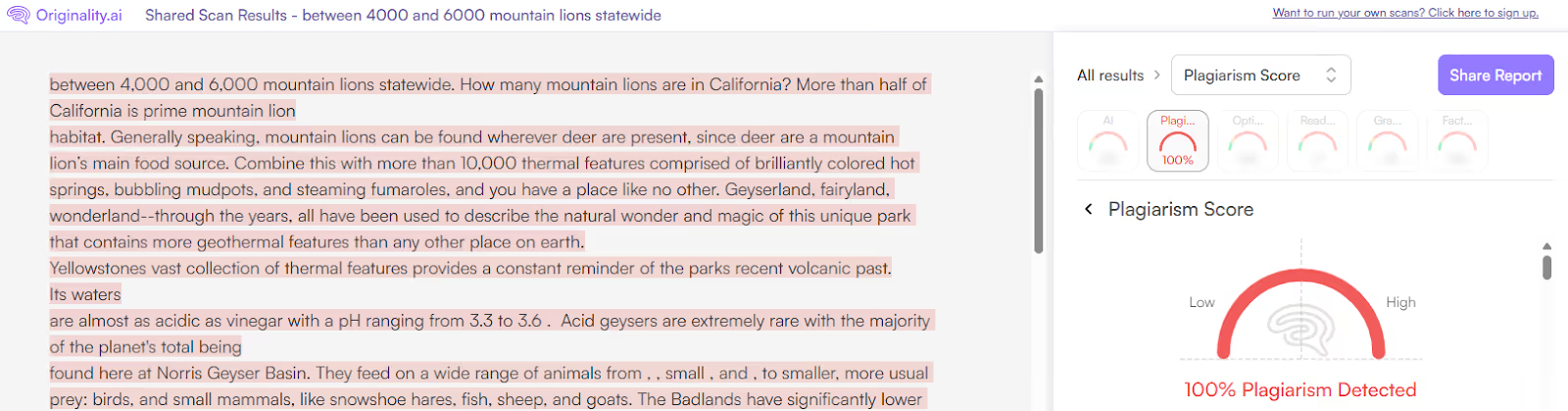
Originality.ai Plagiarism Checker: 100% Match
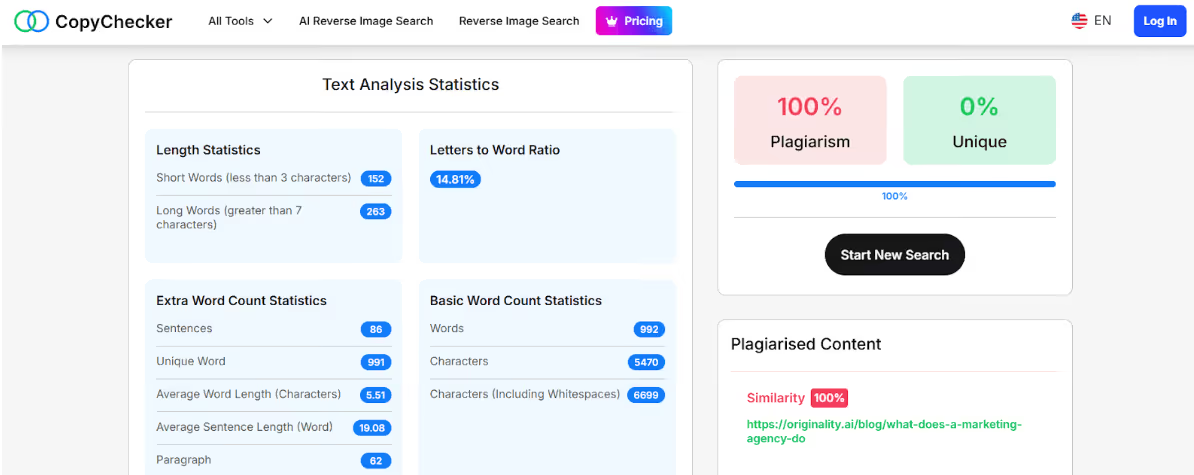
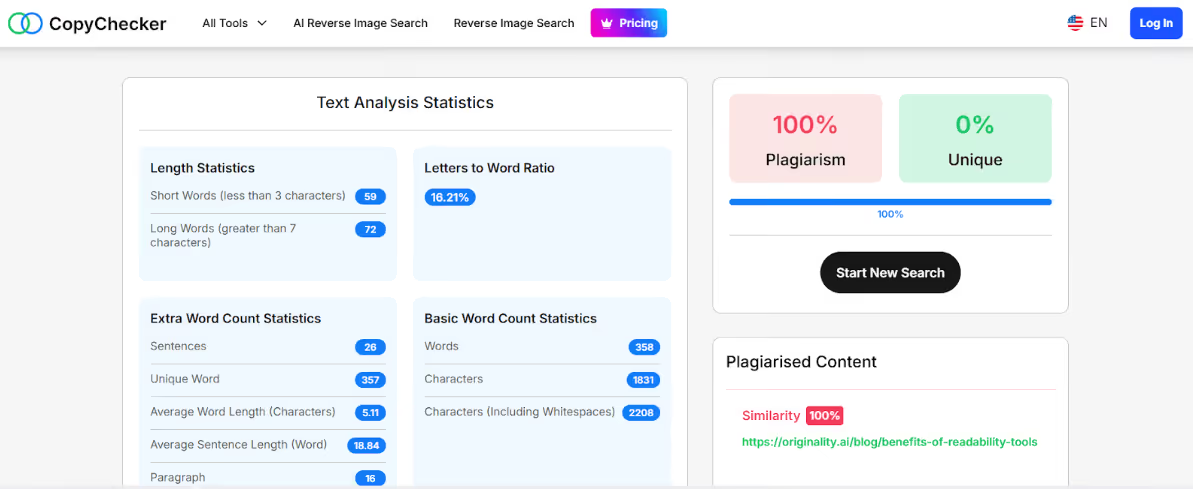
CopyChecker: 100% Match
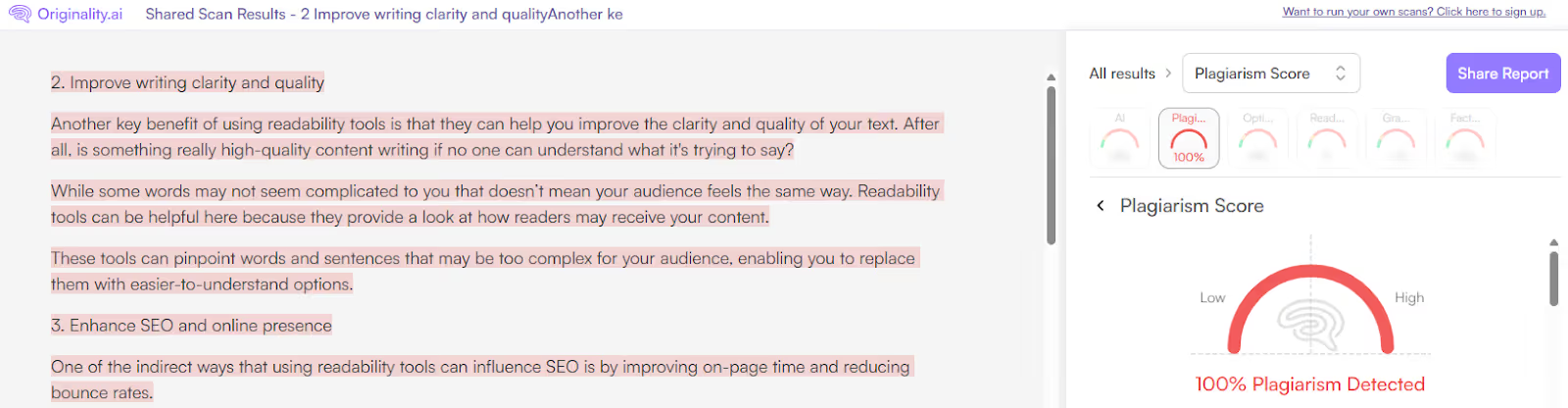
Originality.ai Plagiarism Checker: 100% Match
CopyChecker: 100% Match
Originality.ai Plagiarism Checker: 100% Match
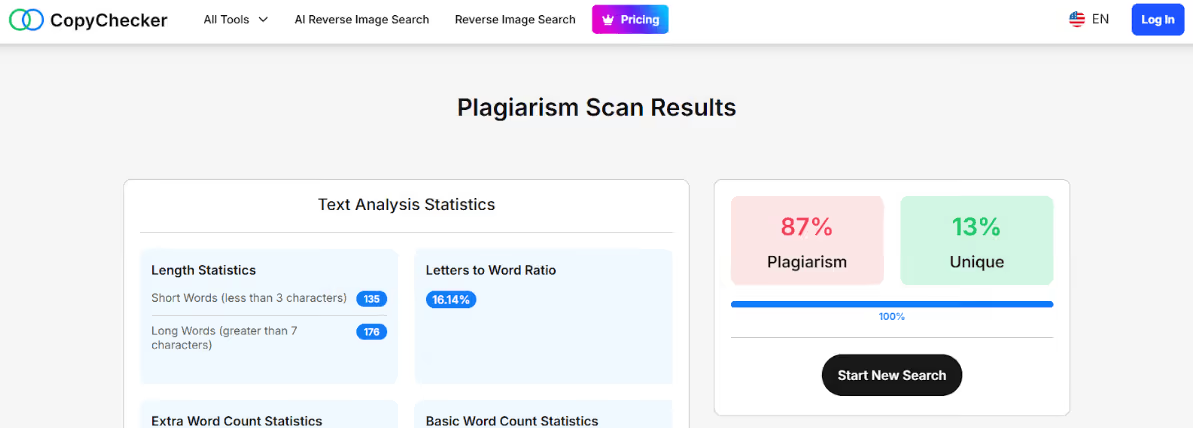
CopyChecker: 87% Match
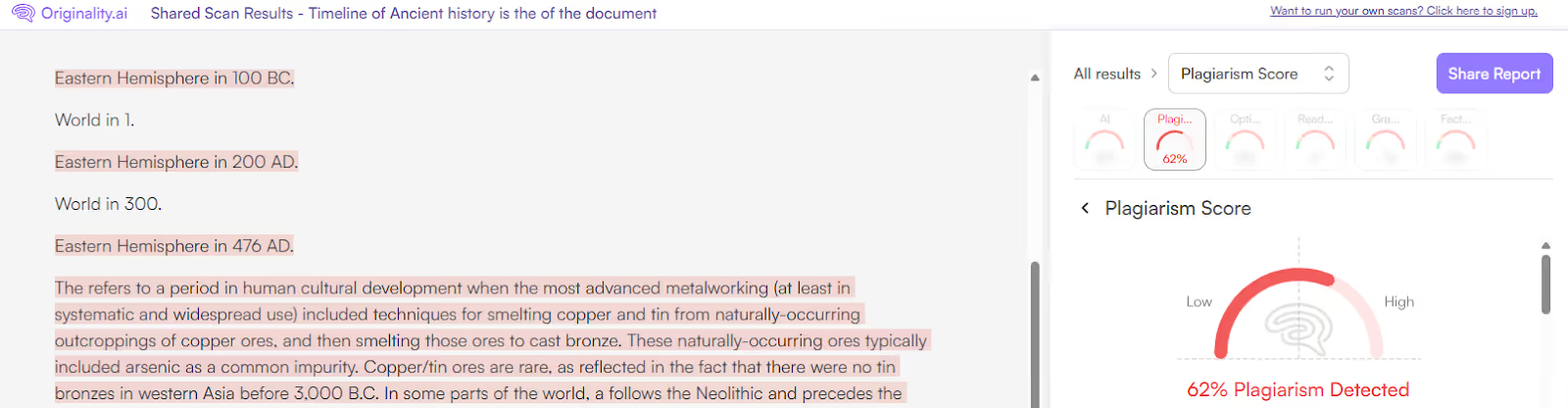
Originality.ai Plagiarism Checker: 62% match
CopyChecker: 32% Match
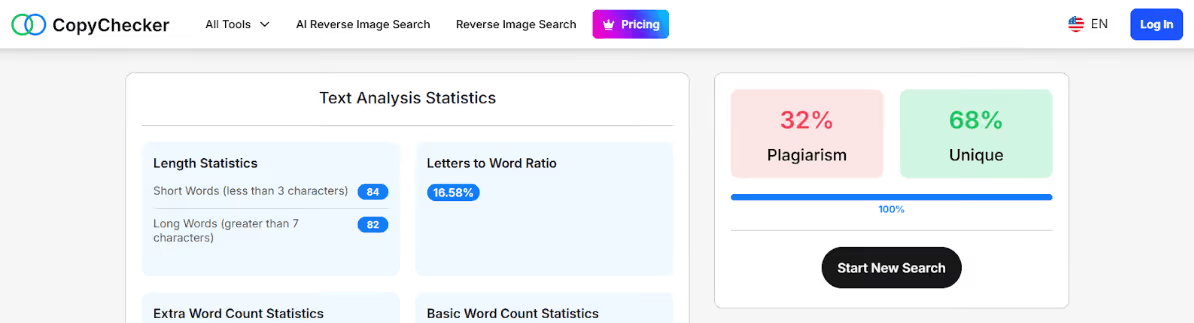
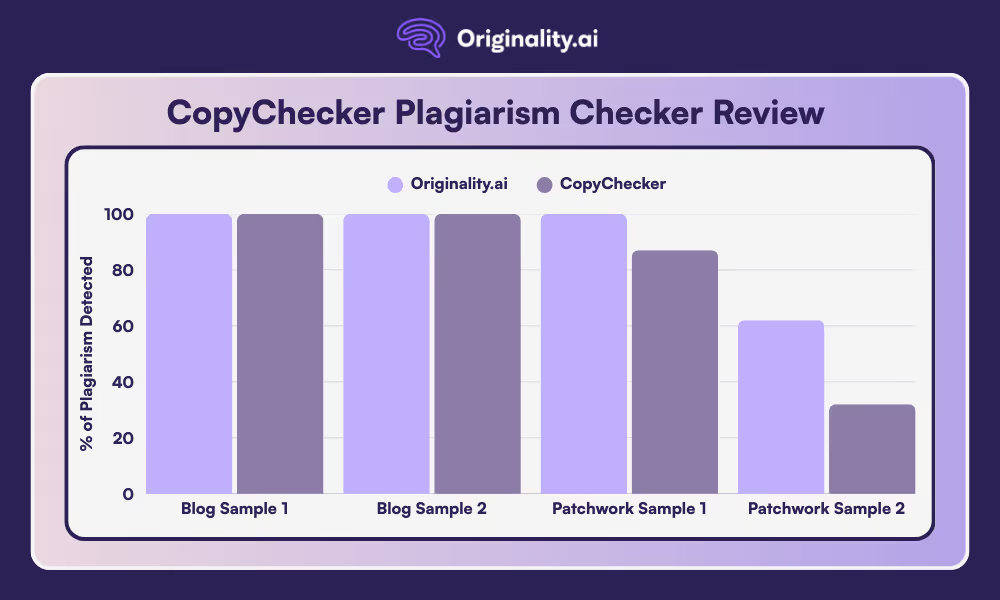
As you can see from the chart above, CopyChecker identified the copy-and-paste plagiarism samples as 100% similarity. However, its performance varied when it came to identifying patchwork plagiarism, with 87% to 32% plagiarism detected.
In comparison, Originality.ai identified a 100% match for the published blogs and then a 100% to 62% match on the patchwork samples, respectively.
So, if you’re looking for a reliable plagiarism checker that provides an accurate check of even potential patchwork plagiarism, it’s worth checking out the Originality.ai plagiarism checker.
Read more about plagiarism detection:
The CopyChecker plagiarism checker accepts copy-pasted text or uploading a document.
CopyChecker is free to use up to 1,000 words. There’s no registration needed. Additionally, there are premium plans available for many of its features.

AI & Plagiarism Detector for Serious Content Publishers
Originality.ai
64 Hurontario St
Collingwood, Ontario
L9Y 2L6








