AI Checker
Plagiarism Checker
Grammar Checker
Content Quality
Guideline Checker
Readability Checker
Fact & AI Hallucination Checker

Extensions
The Speaker Bio Generator Tool is a simple and professional AI-powered tool that helps you create clear, polished speaker biographies for webinars, conferences, and events. By using structured inputs such as event topic, speaker details, and experience, the tool generates a ready-to-use bio that fits common event and marketing requirements—saving time while maintaining credibility.
Use this free interactive demonstration to see how Google DeepMind’s published SynthID-Text method samples candidate tokens, applies context-specific key values, and builds a detectable statistical pattern across a passage. The tool is an educational simplification with illustrative values and thresholds. It does not generate text with Gemini or Claude and does not run Google’s or Anthropic’s detector.
The Speaker Bio Generator Tool is a simple and professional AI-powered tool that helps you create clear, polished speaker biographies for webinars, conferences, and events. By using structured inputs such as event topic, speaker details, and experience, the tool generates a ready-to-use bio that fits common event and marketing requirements—saving time while maintaining credibility.
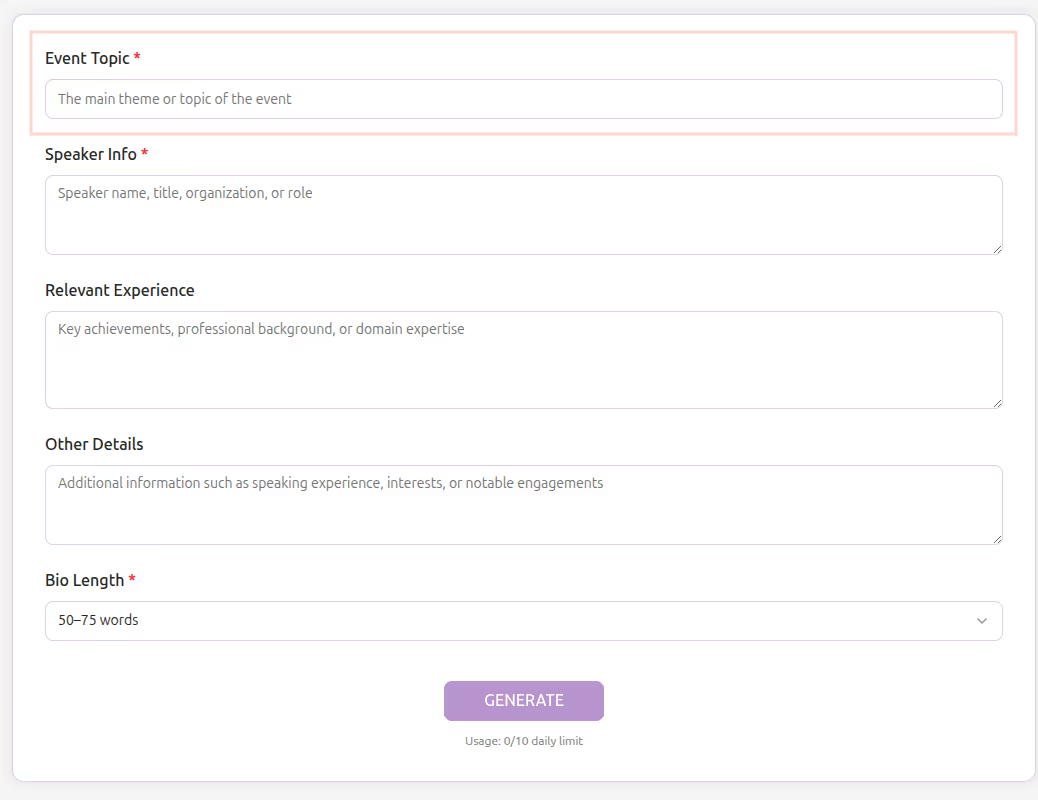
Enter Event Topic
Enter Event Topic - Provide the main theme or subject of the event. This helps align the bio with the event context.
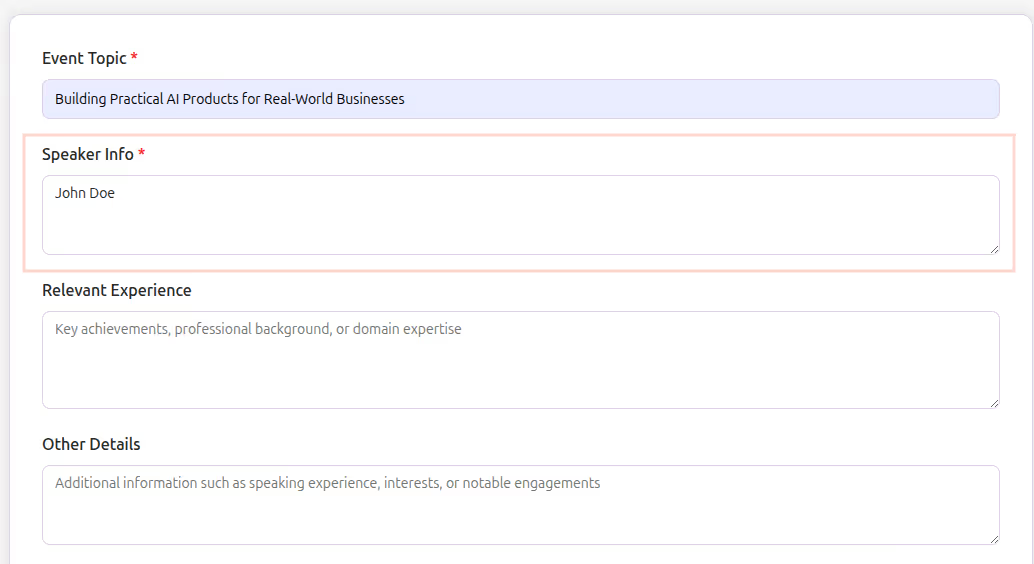
Add Speaker Info
Add Speaker Info - Enter the speaker’s name, title, organization, or professional role.
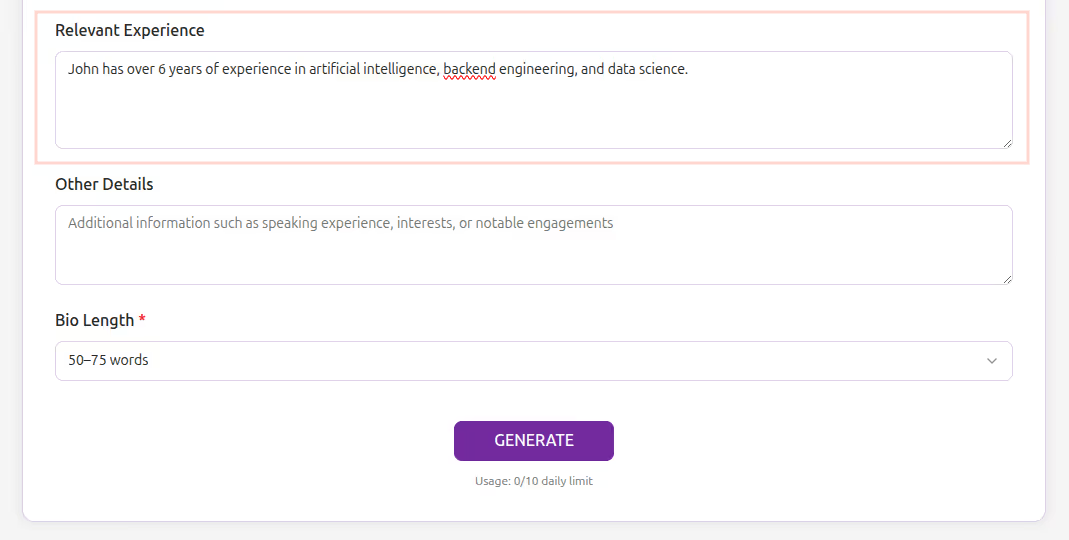
Fill Relevant Experience
Fill Relevant Experience - Mention key achievements, professional background, or domain expertise related to the topic.
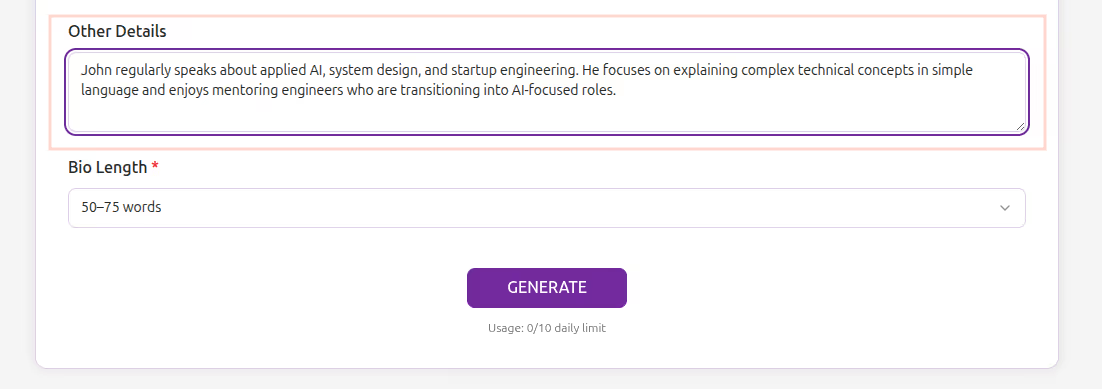
Add Other Details (Optional)
Add Other Details (Optional) - Include speaking experience, interests, or notable engagements if available.
Select Bio Length and Generate
Select Bio Length and Generate - Choose the preferred word range (for example, 50–75 words) and click Generate to instantly receive a professional speaker bio.
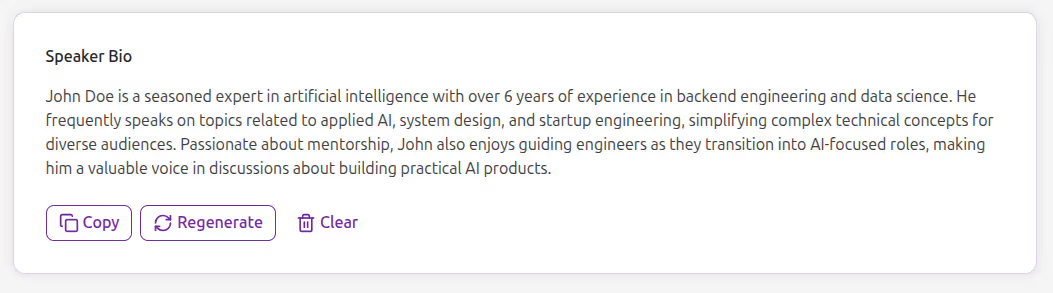
Writing a strong speaker bio requires balancing credibility, clarity, and professionalism—often under tight timelines. The Speaker Bio Generator simplifies this process by structuring your inputs and transforming them into a clean, event-ready biography.
The Speaker Bio Generator Tool is built for marketers, event managers, founders, educators, and professionals who need reliable speaker bios quickly. It focuses on accuracy, simplicity, and clarity—without hype, buzzwords, or unnecessary jargon.
This tool is ideal for:
Online Events – Quickly produce bios for virtual talks and panel discussions
Need a clean and credible speaker bio for your next event? The Speaker Bio Generator helps you produce polished speaker introductions in seconds—without writing from scratch.
This tool converts structured speaker information into a well-written biography aligned with the event topic. It ensures clarity, relevance, and professionalism while keeping the content easy to read and ready to publish.
The Speaker Bio Generator Tool makes it easy to create professional speaker bios without manual effort. Whether you are organizing a webinar, conference, or corporate event, this tool ensures your speakers are presented clearly, confidently, and professionally—every time.
What is the Speaker Bio Generator Tool?

It is an AI-powered tool that generates professional speaker biographies based on event and speaker details.
Can I control the length of the bio?
Yes, you can select a predefined word range, such as 50–75 words.
Is the generated content suitable for professional events?
Yes, the tool is designed specifically for webinars, conferences, and corporate events.
Is it free to use?
Yes, the tool is completely free with daily action limits (e.g., 10 limits per day).
Do I need to sign up?
No registration is required. The tool is free and browser-based.
Does it work on mobile?
Absolutely. The design is fully responsive and mobile-friendly.
Who can benefit from it?

AI & Plagiarism Detector for Serious Content Publishers
Originality.ai
64 Hurontario St
Collingwood, Ontario
L9Y 2L6





