AI Checker
Plagiarism Checker
Grammar Checker
Content Quality
Guideline Checker
Readability Checker
Fact & AI Hallucination Checker

Extensions
MCP
Our sentence checker is a simple way to find issues in your writing. If you need to double-check your work, the Originality.ai Sentence Checker makes reviewing and editing your sentences a breeze.
Use this free interactive demonstration to see how Google DeepMind’s published SynthID-Text method samples candidate tokens, applies context-specific key values, and builds a detectable statistical pattern across a passage. The tool is an educational simplification with illustrative values and thresholds. It does not generate text with Gemini or Claude and does not run Google’s or Anthropic’s detector.
Our sentence checker is a simple way to find issues in your writing. If you need to double-check your work, the Originality.ai Sentence Checker makes reviewing and editing your sentences a breeze.
Enter/Paste Text:
Enter/Paste Text: Simply paste or type in the text you’d like to have checked for errors.
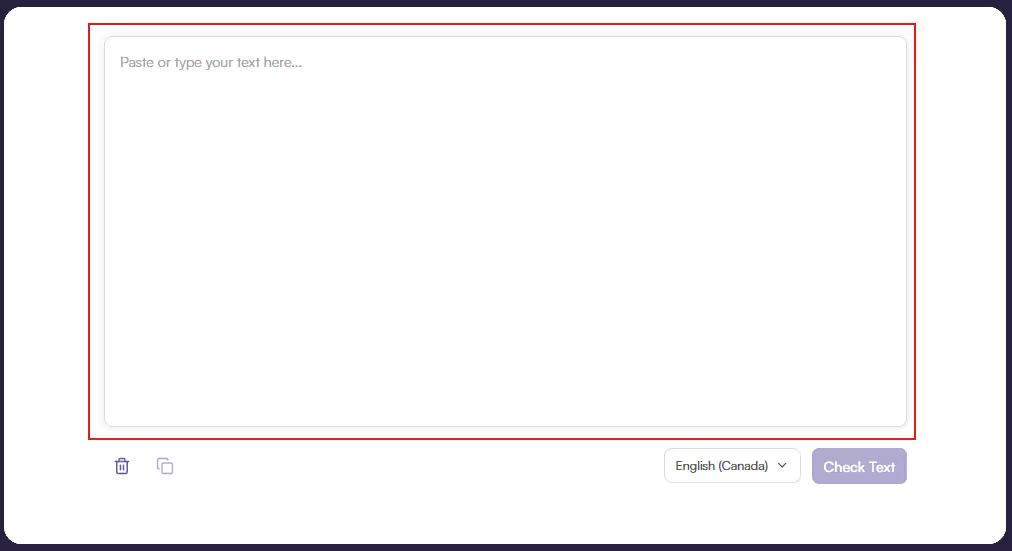
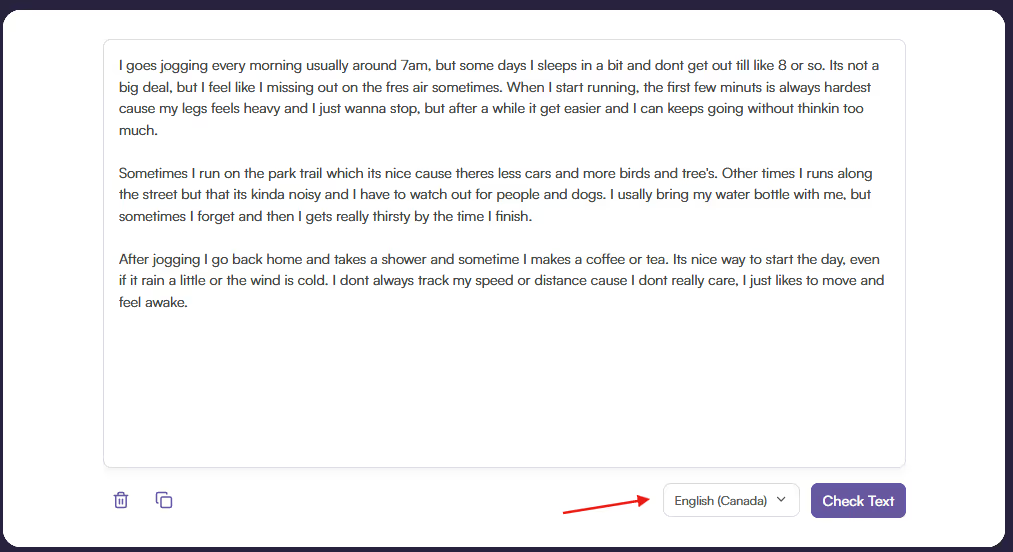
Select English Variance
Select English Variance: Select your English region (think US vs. Canadian vs. British English) to have a greater chance of flagging certain word variations (e.g., colour - Canadian English vs. color - US English).
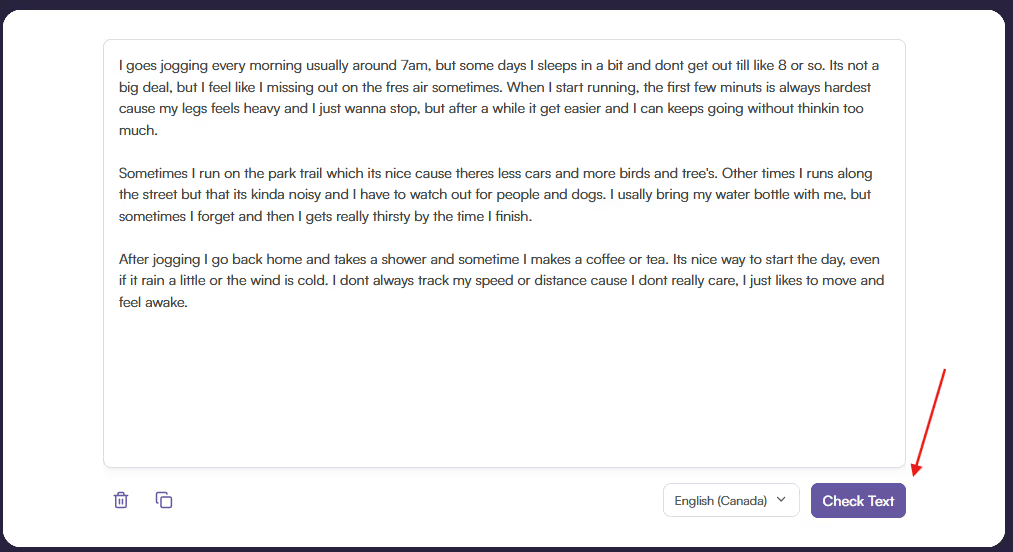
Click ‘Check Text’
Click ‘Check Text’: Press the ‘Check Text’ button to process the text for errors.
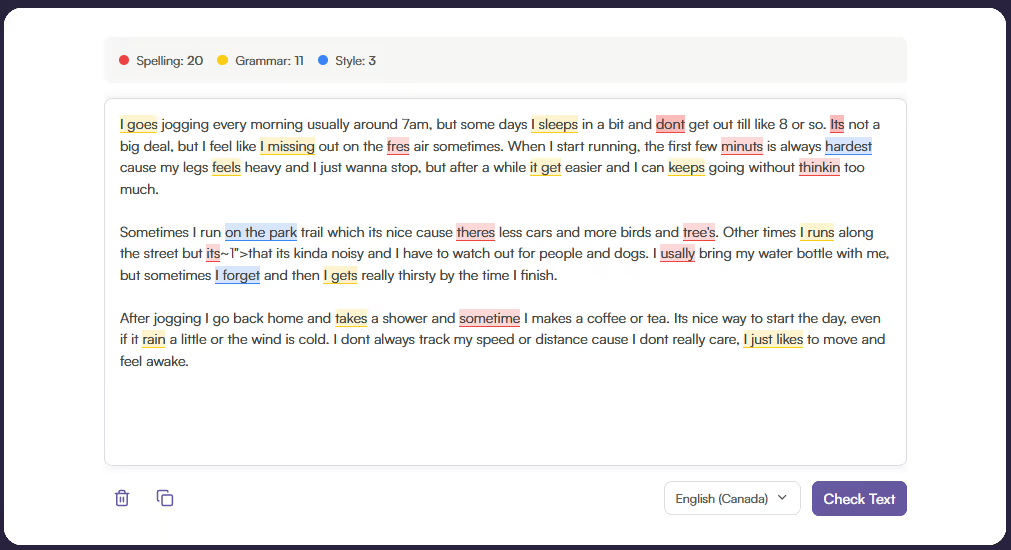
View Corrections
View Corrections: After the text has been processed, you will see color-coded errors: red for spelling, yellow for grammar, and blue for style.
Edit Corrections
Edit Corrections: Click on the corrections to either fix the issue shown in the pop-up or ignore it to dismiss the recommendation.
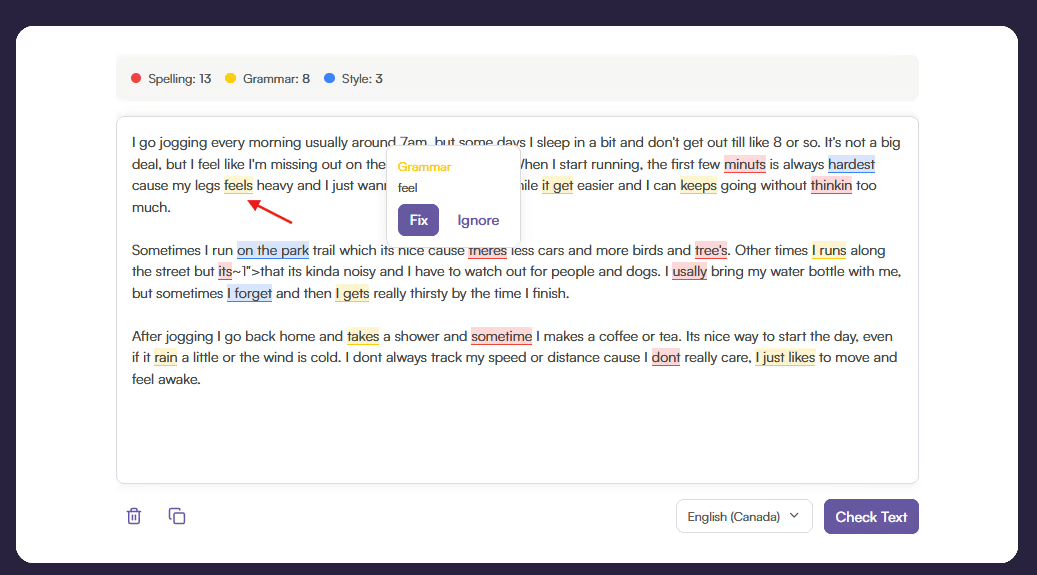
Our Sentence Checker makes it effortless to check your text and edit it so that it is clean and professional.
Basic text checkers will only show you spelling mistakes, while ours can understand the context surrounding words to make more in-depth correction suggestions. Our sentence checker is:
The Originality.ai Sentence Checker is designed to give writers, students, and professionals a painless way to accurately identify issues in their text. Whether you’re polishing an assignment, drafting a blog post, or reviewing important documents, this tool helps ensure your writing is polished and error-free.
The text is sent to a GPT-4o-mini model, where it is scanned and processed for possible corrections. Processing the whole text allows the model to recommend better sentence corrections by providing it with insight into word choice and phrasing.
It’s important that writing is correct and clear. By using our Sentence Checker, you'll spend less time editing, which will give you more time to work on the content itself. Don’t miss out on a chance to improve your workflow. Use our tool today!
If you’ve found this tool helpful, check out our premium tools, like our Readability Checker and Grammar Checker.
Is this tool free?

Yes! To keep it free, you can check a text up to 5 times a day with a character limit of 5000 characters.
What AI model is used in this tool?
GPT-4o-mini.
What languages are available?
At the moment, only English is available. The tool has the capacity to identify regional English language differences for certain word cases (e.g., honor vs. honour).

AI & Plagiarism Detector for Serious Content Publishers
Originality.ai
64 Hurontario St
Collingwood, Ontario
L9Y 2L6





