AI Checker
Plagiarism Checker
Grammar Checker
Content Quality
Guideline Checker
Readability Checker
Fact Checker

Extensions
Have fun with our free Text Repeater. Use it to automate any task which needs a pattern of repeated text.
Use this free interactive demonstration to see how Google DeepMind’s published SynthID-Text method samples candidate tokens, applies context-specific key values, and builds a detectable statistical pattern across a passage. The tool is an educational simplification with illustrative values and thresholds. It does not generate text with Gemini or Claude and does not run Google’s or Anthropic’s detector.
Have fun with our free Text Repeater. Use it to automate any task which needs a pattern of repeated text.
Add your text
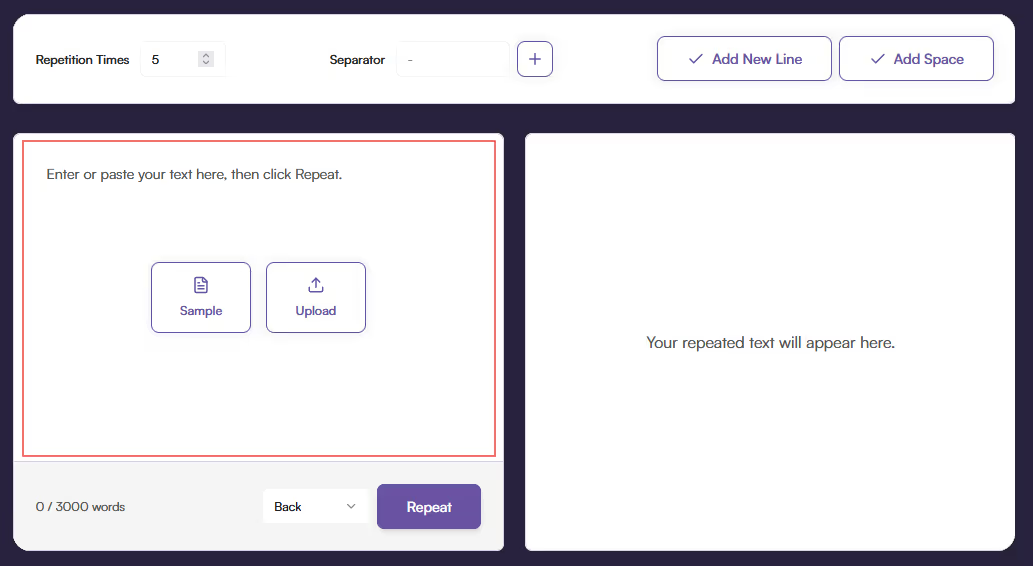
Add your text - Enter, paste, or upload the text you want to repeat.
Edit Repeat Settings
Edit Repeat Settings - Edit the number of repetitions, the separator between the repeats if any, and whether each repeat should be on a new line or have a space.

Optionally use special separators
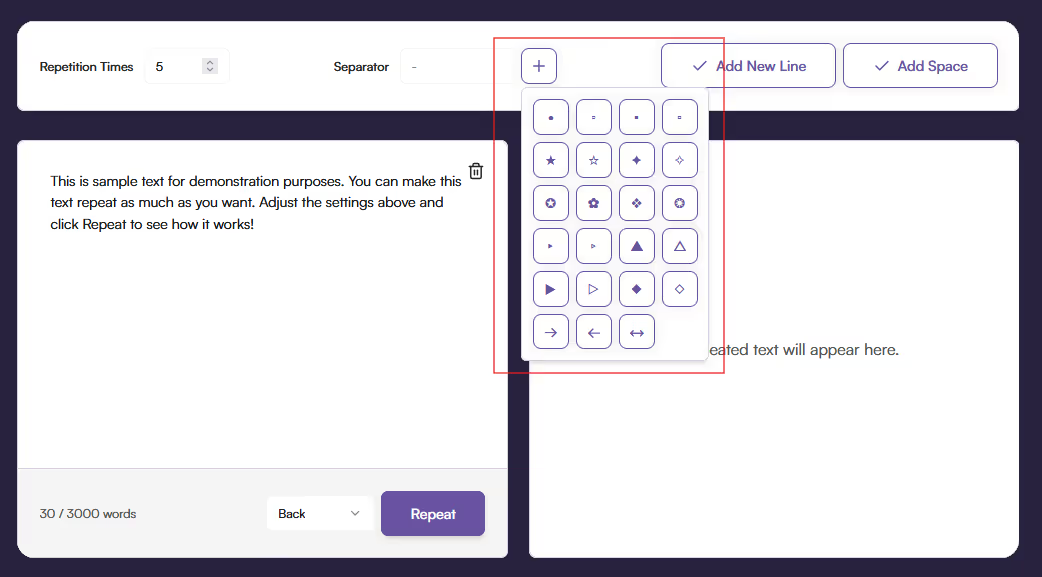
Optionally use special separators - If you want something more unique, you can click the plus button and select it to add a symbol from our menu.
Decide on separator placement
Decide on separator placement - Decide if you want the separator at the beginning of each segment of repeated text or at the end. Then, hit repeat.

Copy or download
Copy or download - Copy the text or download a TXT file to get the repeated text.
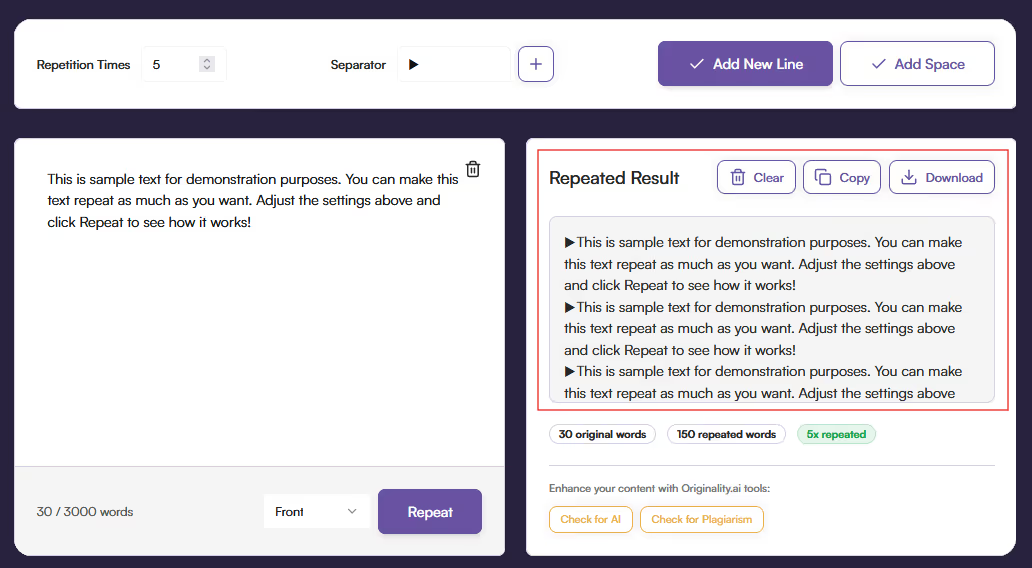
Our free Text Repeater delivers immediate outputs. There’s no sign-up, installation, or waiting involved. Enter or upload your text, tweak your settings and click “Repeat.” The right panel will instantly update with the repeated text ready to copy or download. It's perfect for anyone who values speed and simplicity in their workflow.
Choose exactly how you want your repeats to appear. Start by picking the separator of your choice. To save time, our free tool even has a list of special symbols to select from. Then you can decide if you’d like it to have spaces between repeats or new lines. Finally, you can choose whether the separator occurs at the beginning or at the end of the repeating text.
Whether you’re a developer testing layouts or a marketer repeating a slogan, this text repeater quickly solves the problem. Use our tool without limits so you can focus on completing your other projects. This tool will meet all your text-repeating needs.
Our Text Repeater makes it easy to duplicate a message however you want. No fuss, but plenty of flexibility.
Whether you’re preparing content for testing, creative design, or just want to see your favourite phrase multiplied a hundred times, it’s all just a few clicks away.
Are there limitations on this app?

Nope! You’re free to use this tool as much as you want.
What can I use this tool for?
Whatever you’d like! Use it for templating, automating a text repeat or just to have fun with it.
Do I need to install anything?
Not at all. It’s 100% web-based. Just open the app, type in or upload your question, and you’ll get results fast.

AI & Plagiarism Detector for Serious Content Publishers
Originality.ai
64 Hurontario St
Collingwood, Ontario
L9Y 2L6





