AI Checker
Plagiarism Checker
Grammar Checker
Content Quality
Guideline Checker
Readability Checker
Fact & AI Hallucination Checker

Extensions
MCP
The Follow-Up Email Generator Tool is an AI-powered tool that helps you write clear, professional, and personalized follow-up emails. By structuring key discussion points, questions, and next steps, the tool generates emails that feel polite, relevant, and action-oriented—without sounding repetitive or pushy.
Use this free interactive demonstration to see how Google DeepMind’s published SynthID-Text method samples candidate tokens, applies context-specific key values, and builds a detectable statistical pattern across a passage. The tool is an educational simplification with illustrative values and thresholds. It does not generate text with Gemini or Claude and does not run Google’s or Anthropic’s detector.
The Follow-Up Email Generator Tool is an AI-powered tool that helps you write clear, professional, and personalized follow-up emails. By structuring key discussion points, questions, and next steps, the tool generates emails that feel polite, relevant, and action-oriented—without sounding repetitive or pushy.
Enter Key Points
Enter Key Points - Summarize what was discussed previously, including offers, timelines, or important context.
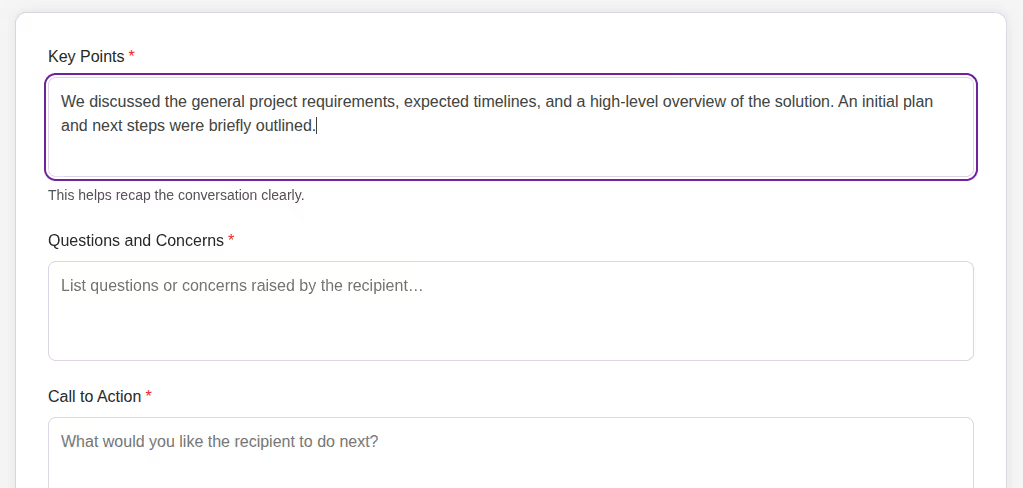
Add Questions and Concerns
Add Questions and Concerns - List any questions or concerns raised by the recipient that should be addressed in the follow-up.
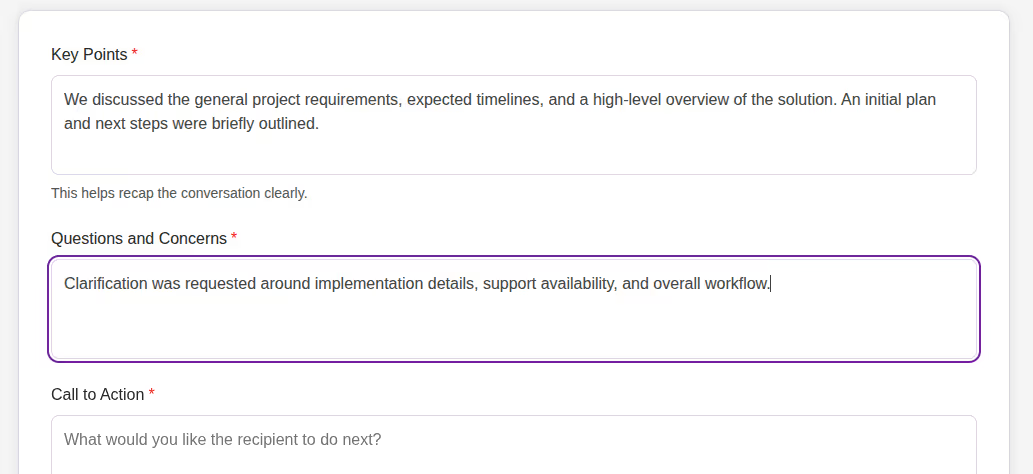
Define Call to Action
Define Call to Action - Specify what you want the recipient to do next, such as scheduling a call or reviewing a proposal.
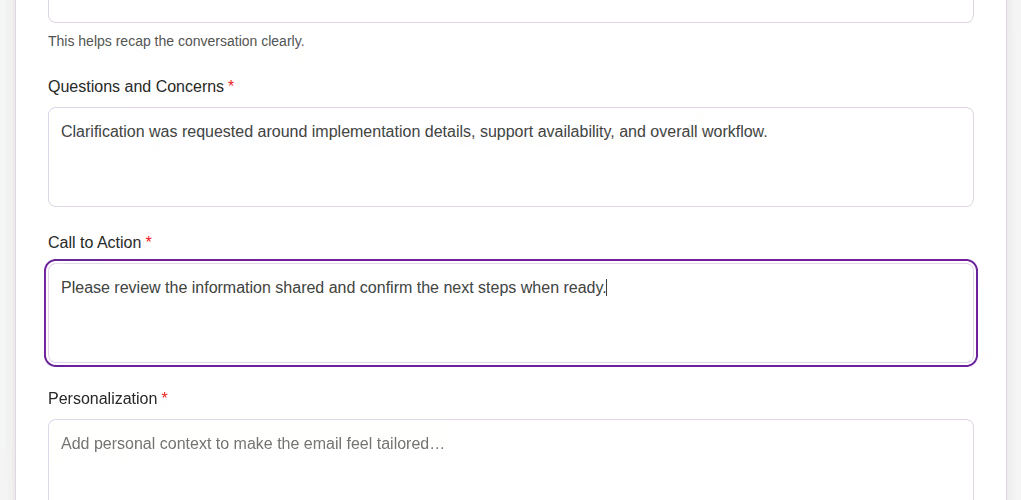
Add Personalization
Add Personalization - Include personal context to make the email feel tailored and relevant.
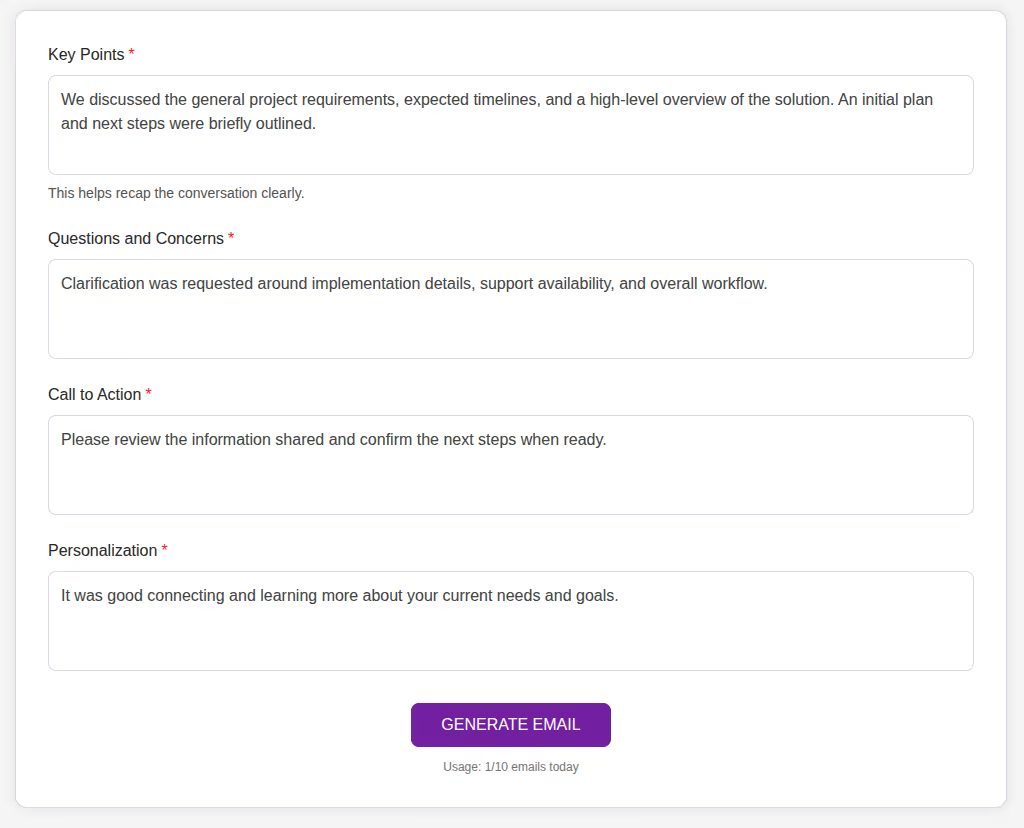
Click Generate Email
Click Generate Email - Press Generate Email to create a polished follow-up message ready to send.
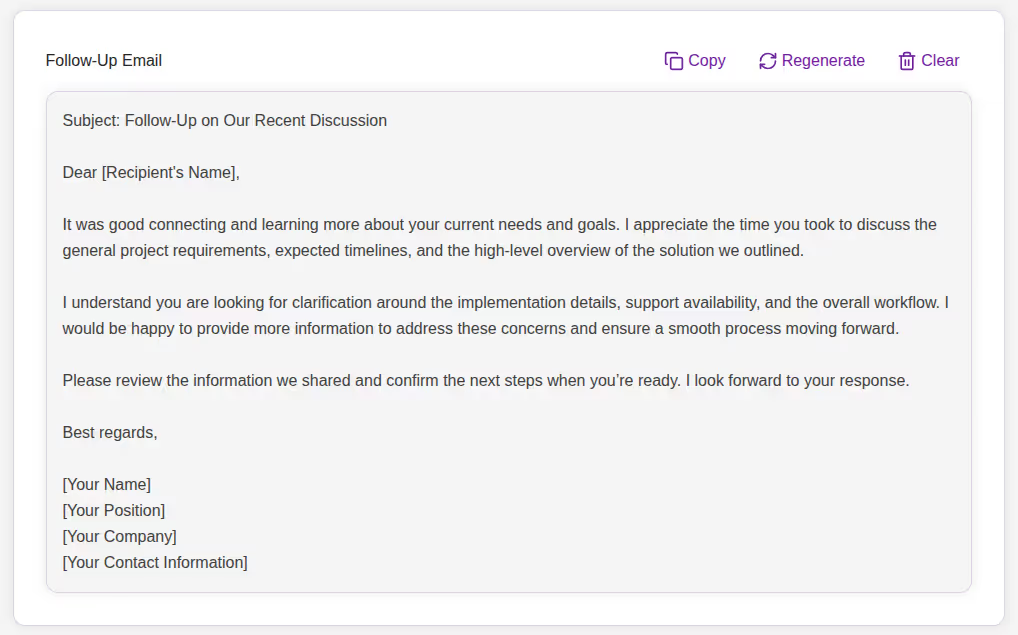
Writing effective follow-up emails requires clarity, timing, and the right tone. Poorly written follow-ups can feel awkward, unclear, or overly aggressive.
The Follow-Up Email Generator Tool helps you:
The Follow-Up Email Generator Tool is built for professionals who need consistent, high-quality follow-ups. It focuses on clarity, personalization, and structure—ensuring every email communicates value and intent clearly.
This tool is ideal for:
Not sure how to follow up without repeating yourself? The Follow-Up Email Generator helps you send clear, thoughtful follow-up emails in seconds.
This tool uses your inputs—key points, questions, call to action, and personalization—to generate a structured, professional email that recaps the conversation and guides the recipient toward the next step.
The Follow-Up Email Generator Tool helps you transform past conversations into clear, action-oriented follow-up emails. Instead of struggling to remember details or find the right words, you can rely on AI to craft messages that are professional, timely, and purposeful.
Whether you are following up with a prospect, client, or candidate, this tool ensures your emails remain relevant, respectful, and effective.
What is the Follow-Up Email Generator Tool?

It is an AI-powered tool that generates professional follow-up emails based on conversation details and desired next steps.
Can I control what the email asks the recipient to do?
Yes, the Call to Action field lets you define the next step clearly.
Does the tool personalize the email?
Yes, you can add personal context to make the email feel tailored.
Is it free to use?
Yes, the tool is completely free with daily action limits (e.g., 10 limits per day).
Do I need to sign up?
No registration is required. The tool is free and browser-based.
Does it work on mobile?
Absolutely. The design is fully responsive and mobile-friendly.
Who can benefit from it?

AI & Plagiarism Detector for Serious Content Publishers
Originality.ai
64 Hurontario St
Collingwood, Ontario
L9Y 2L6





