AI Checker
Plagiarism Checker
Grammar Checker
Content Quality
Guideline Checker
Readability Checker
Fact & AI Hallucination Checker

Extensions
The Customer Story Generator Tool is an AI-powered tool that helps you transform raw customer inputs—such as feedback, notes, or draft documents—into clear, structured, and professional customer stories. It is designed to create credible narratives suitable for marketing, sales, case studies, and internal reporting, without exaggeration or hype.
Use this free interactive demonstration to see how Google DeepMind’s published SynthID-Text method samples candidate tokens, applies context-specific key values, and builds a detectable statistical pattern across a passage. The tool is an educational simplification with illustrative values and thresholds. It does not generate text with Gemini or Claude and does not run Google’s or Anthropic’s detector.
The Customer Story Generator Tool is an AI-powered tool that helps you transform raw customer inputs—such as feedback, notes, or draft documents—into clear, structured, and professional customer stories. It is designed to create credible narratives suitable for marketing, sales, case studies, and internal reporting, without exaggeration or hype.
Upload Customer Document
Upload Customer Document - Drag and drop or upload customer notes, feedback, or story drafts in PDF, DOCX, or TXT format.
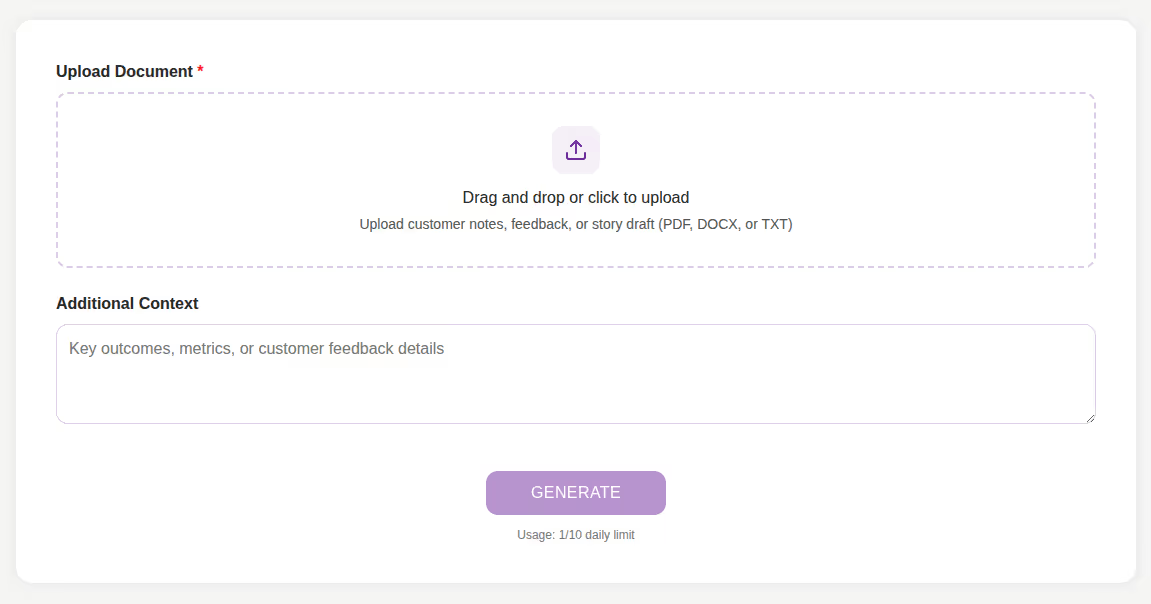
Add Additional Context
Add Additional Context - Optionally include key outcomes, metrics, or important customer details to improve story accuracy.
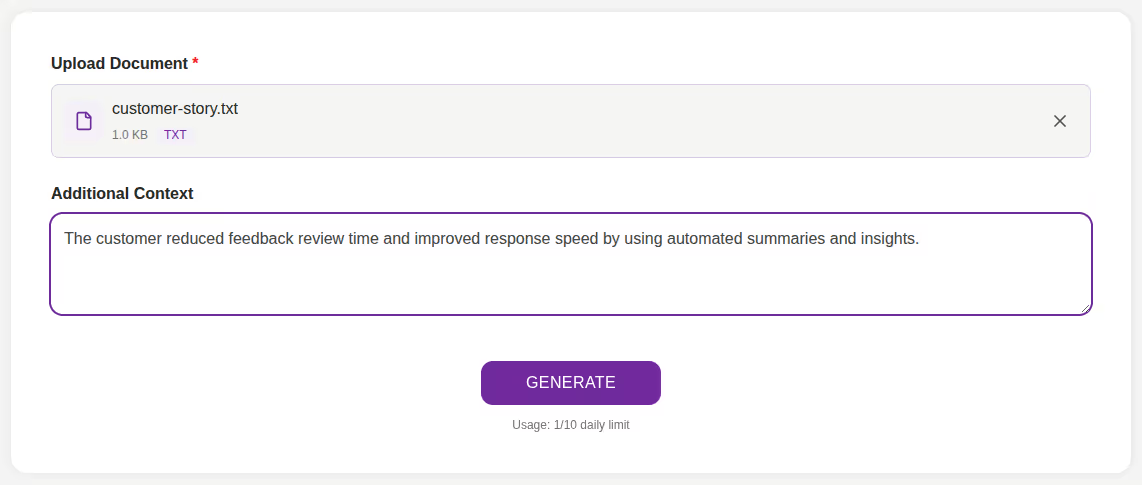
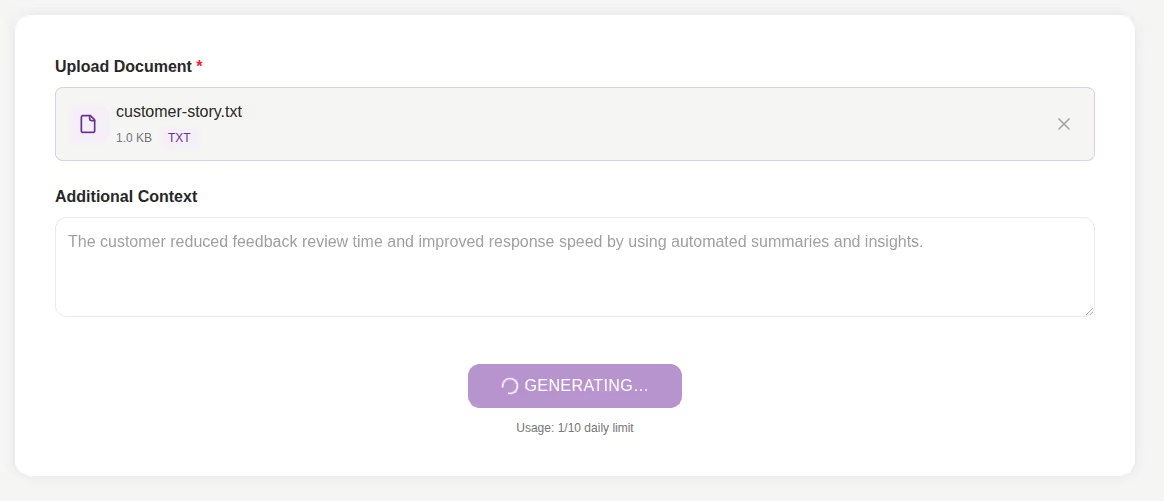
Click Generate
Click Generate - Press the Generate button to start creating the customer story using AI.
Review the Generated Story
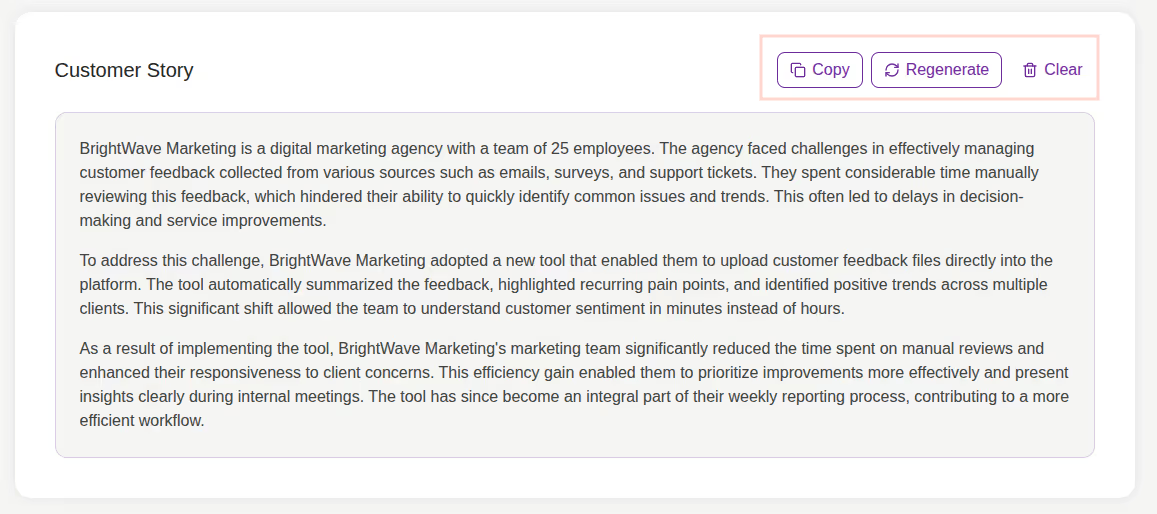
Review the Generated Story - The customer story is displayed in a structured, easy-to-read format.
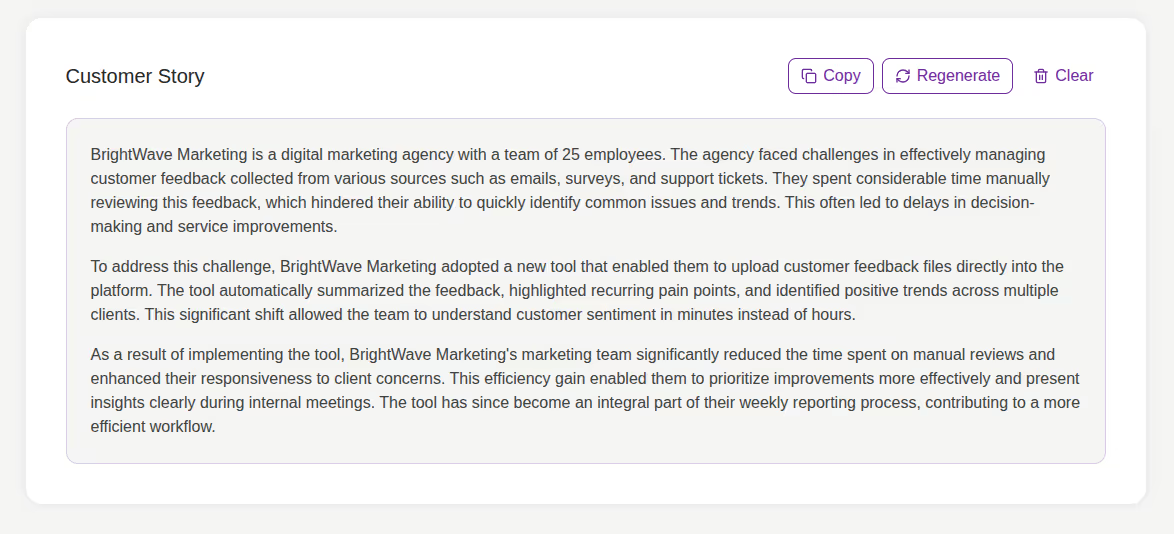
Copy, Regenerate, or Clear Results
Copy, Regenerate, or Clear Results - Copy the story, regenerate a new version, or clear the output to start again.
Creating customer stories manually often requires organizing scattered information, maintaining accuracy, and writing in a professional tone. The Customer Story Generator simplifies this process by turning unstructured inputs into clear, consistent, and credible narratives.
It helps you:
The Customer Story Generator Tool is built for teams and professionals who need reliable customer stories quickly. It focuses on clarity, accuracy, and structure, ensuring the final output reflects real customer experiences based strictly on the provided input.
This tool is ideal for:
Struggling to turn customer feedback into usable stories? The Customer Story Generator helps you create structured, professional customer narratives in minutes.
This tool analyzes uploaded customer documents and optional context to generate a well-written customer story. It highlights the customer background, challenges, solutions, and outcomes—making the story suitable for marketing, sales, or internal use.
The Customer Story Generator Tool enables you to convert raw customer inputs into clear, trustworthy, and professional stories with minimal effort. Instead of manually organizing notes and drafting narratives, you can rely on AI to produce structured stories that reflect real customer experiences.
Whether you are creating case studies, sales collateral, or internal reports, this tool ensures your customer stories remain accurate, consistent, and easy to communicate.
What is the Customer Story Generator Tool?

It is an AI-powered tool that creates structured customer stories from uploaded documents and additional context.
What file formats are supported?
You can upload PDF, DOCX, or TXT files.
Can I add extra information to improve the story?
Yes, you can include key outcomes, metrics, or important details in the Additional Context field.
Is it free to use?
Yes, the tool is completely free with daily action limits (e.g., 10 limits per day).
Do I need to sign up?
No registration is required. The tool is free and browser-based.
Does it work on mobile?
Absolutely. The design is fully responsive and mobile-friendly.
Who can benefit from it?

AI & Plagiarism Detector for Serious Content Publishers
Originality.ai
64 Hurontario St
Collingwood, Ontario
L9Y 2L6





