AI Checker
Plagiarism Checker
Grammar Checker
Content Quality
Guideline Checker
Readability Checker
Fact & AI Hallucination Checker

Extensions
MCP

A quick and efficient online tool that compresses JPG and PNG images to 100KB or less without noticeable loss in quality. Ideal for students, professionals, and anyone needing to upload lightweight images for websites, forms, or online applications.
Use this free interactive demonstration to see how Google DeepMind’s published SynthID-Text method samples candidate tokens, applies context-specific key values, and builds a detectable statistical pattern across a passage. The tool is an educational simplification with illustrative values and thresholds. It does not generate text with Gemini or Claude and does not run Google’s or Anthropic’s detector.
Upload an image
Upload an image - Drag and drop your file or click to upload a JPG or PNG image (up to 5MB).
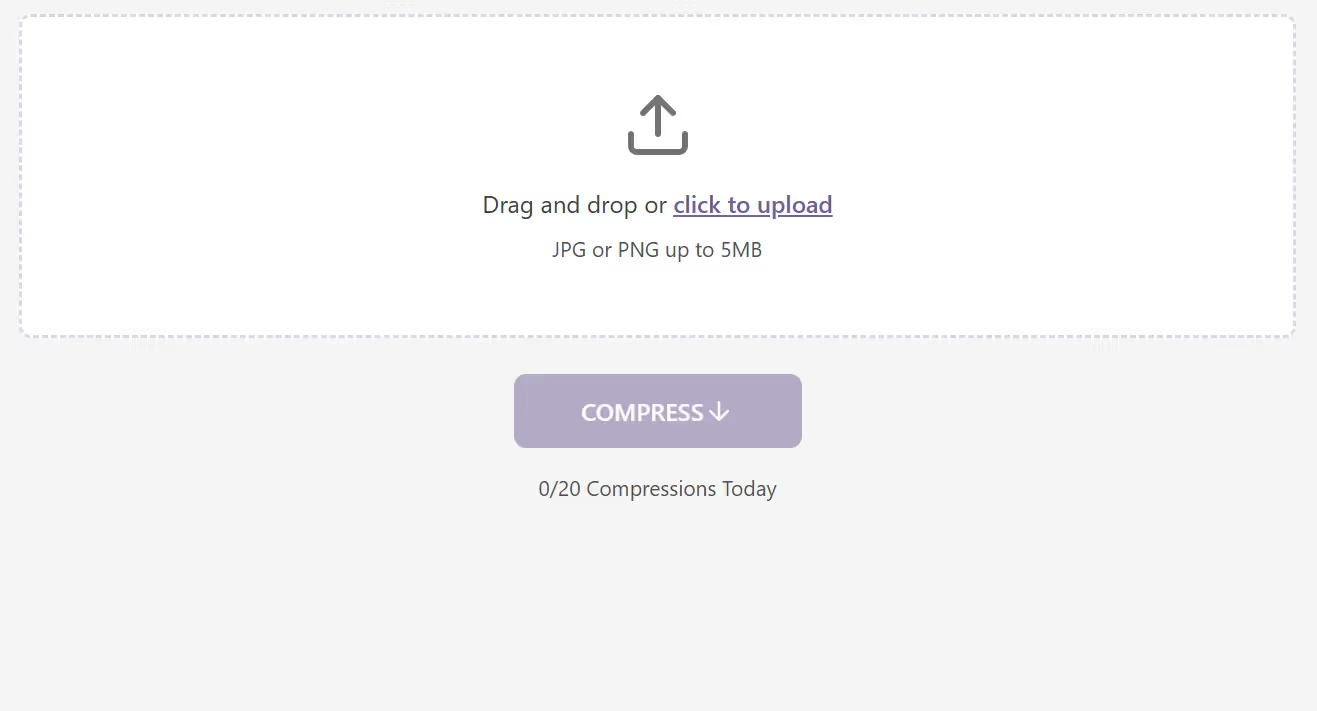
Confirm file type and size
Confirm file type and size - Ensure the uploaded file is a valid JPG/PNG and within the allowed size limit.
Click COMPRESS
Click COMPRESS - Press the COMPRESS button to start reducing the image size. The button will show Compressing… while processing.

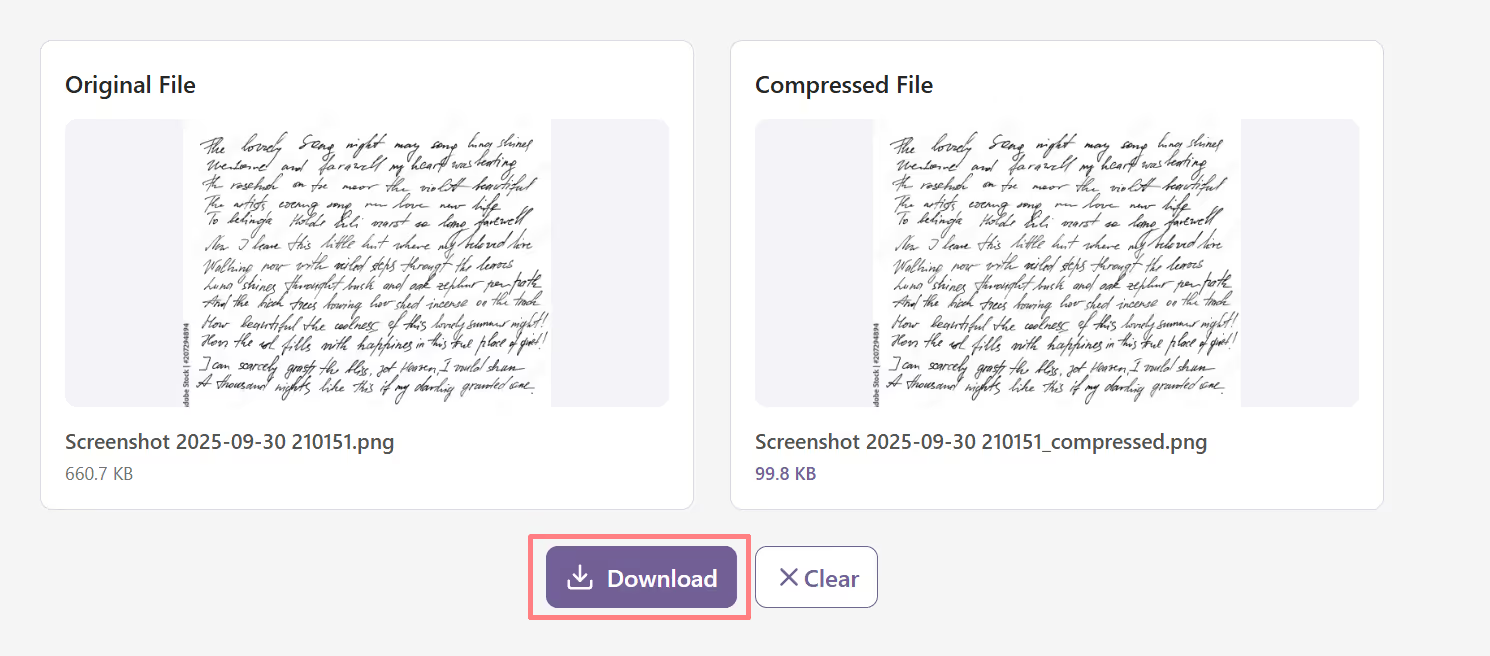
View compression results
View compression results - See the side-by-side comparison showing the original file size and the new compressed file size (≤ 100KB)

Download
Download - Click Download to save the compressed image.
Uploading large image files is often frustrating. Many websites, online forms, and apps set strict size limits — usually below 100KB for ID photos, job portals, or document uploads. Manually resizing or compressing images can be time-consuming and can lead to poor-quality results.
The Compress Image to 100KB Tool provides a fast and user-friendly way to reduce image sizes instantly without losing visual quality. Users simply upload a JPG or PNG image, click COMPRESS, and receive a clear, compressed image under 100KB, ready for upload. The tool ensures efficiency, clarity, and ease of use with one-click download or sharing options.
This tool is especially useful for:
Many online platforms restrict uploads to 100KB or less, making it hard to share clear, professional-looking images. The Compress Image to 100KB Tool solves this problem by automatically reducing image size without noticeable quality loss.
Users can upload any JPG or PNG image up to 5MB, click COMPRESS, and instantly get a smaller version under 100KB. The interface displays both the original and compressed images with file size comparisons. Built-in download and copy options make it simple to save or share the result.
The Compress Image to 100KB Tool ensures your images meet even the strictest size limits without compromising quality. Whether it’s for job applications, student portals, or website uploads, this tool helps you compress efficiently, securely, and with just one click.
What image formats are supported?

The tool supports JPG and PNG image files up to 5MB in size.
Will the image lose quality after compression?
No significant quality loss — the tool optimizes your image while maintaining clarity.
Can I upload multiple images at once?
No. Currently, the tool compresses one image at a time for the best results.
Does the tool save my uploaded images?
No. Your uploaded and compressed images are not stored; they are processed securely within your session.
How do I use the tool?
Simply upload a JPG or PNG image, click COMPRESS, and the tool will generate a compressed version under 100KB. You can then download.
Can I preview the result before downloading?
Yes. The tool shows a side-by-side comparison of the original and compressed images, along with their file sizes.
Is the tool free to use?
Yes, the Compress Image to 100KB Tool is completely free with daily usage limits.
Who can benefit from this tool?

AI & Plagiarism Detector for Serious Content Publishers
Originality.ai
64 Hurontario St
Collingwood, Ontario
L9Y 2L6





