AI Checker
Plagiarism Checker
Grammar Checker
Content Quality
Guideline Checker
Readability Checker
Fact & AI Hallucination Checker

Extensions
MCP
Clearer signals. Better-informed conversations.
Review AI involvement, source overlap, and the writing process behind student work. Bring context to assignment reviews, from one classroom to your whole institution.
More context for every review
Look beyond a single number. Review the text, the sources, and the process.

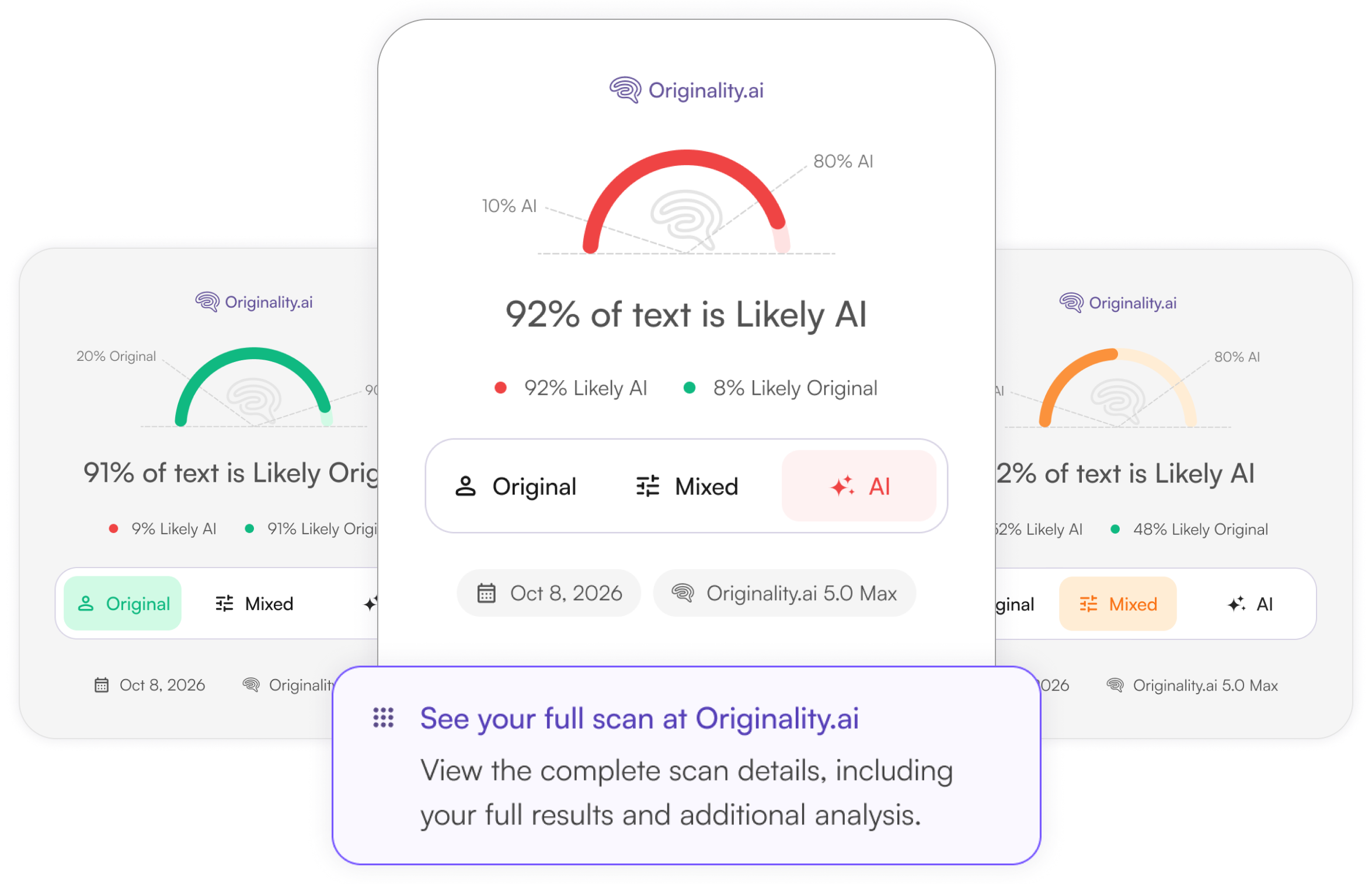
Review AI involvement
Identify Likely AI, Original, and Mixed writing with 5.0, 5.0 Max, and sentence highlights.

Check source overlap
Review matching passages alongside AI signals. Then, check sources for proper citations.
See the writing process
Use Writer Replay in Chrome & Firefox to see draft creation and help students explain their work.

Meet Originality.ai 5.0 & 5.0 Max

Writing can involve a mix of human work and AI assistance. Our latest models help you review that involvement with clearer scores and sentence-level highlighting.
AI scores are model estimates. They do not establish authorship or whether course rules were followed.
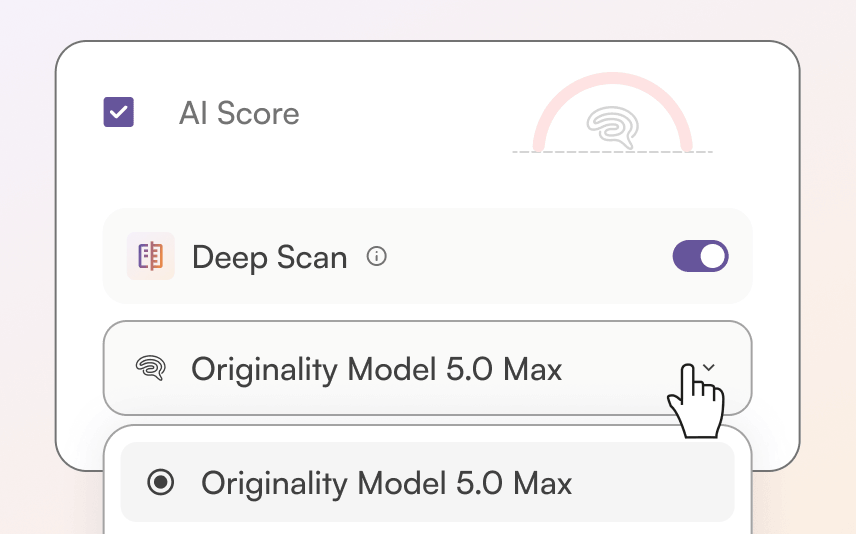
5.0
Everyday reviews
Faster · lower credit cost
5.0 Max
Important reviews
Longer scans · higher credit cost
Step 1
Set the policy
Explain permitted AI assistance and disclosure expectations before work is submitted.
Step 2
Scan the work
Review AI and plagiarism signals in the app or through your school’s supported workflow.
Step 3
Document next steps
Share the relevant report and follow your institution’s review and support process.
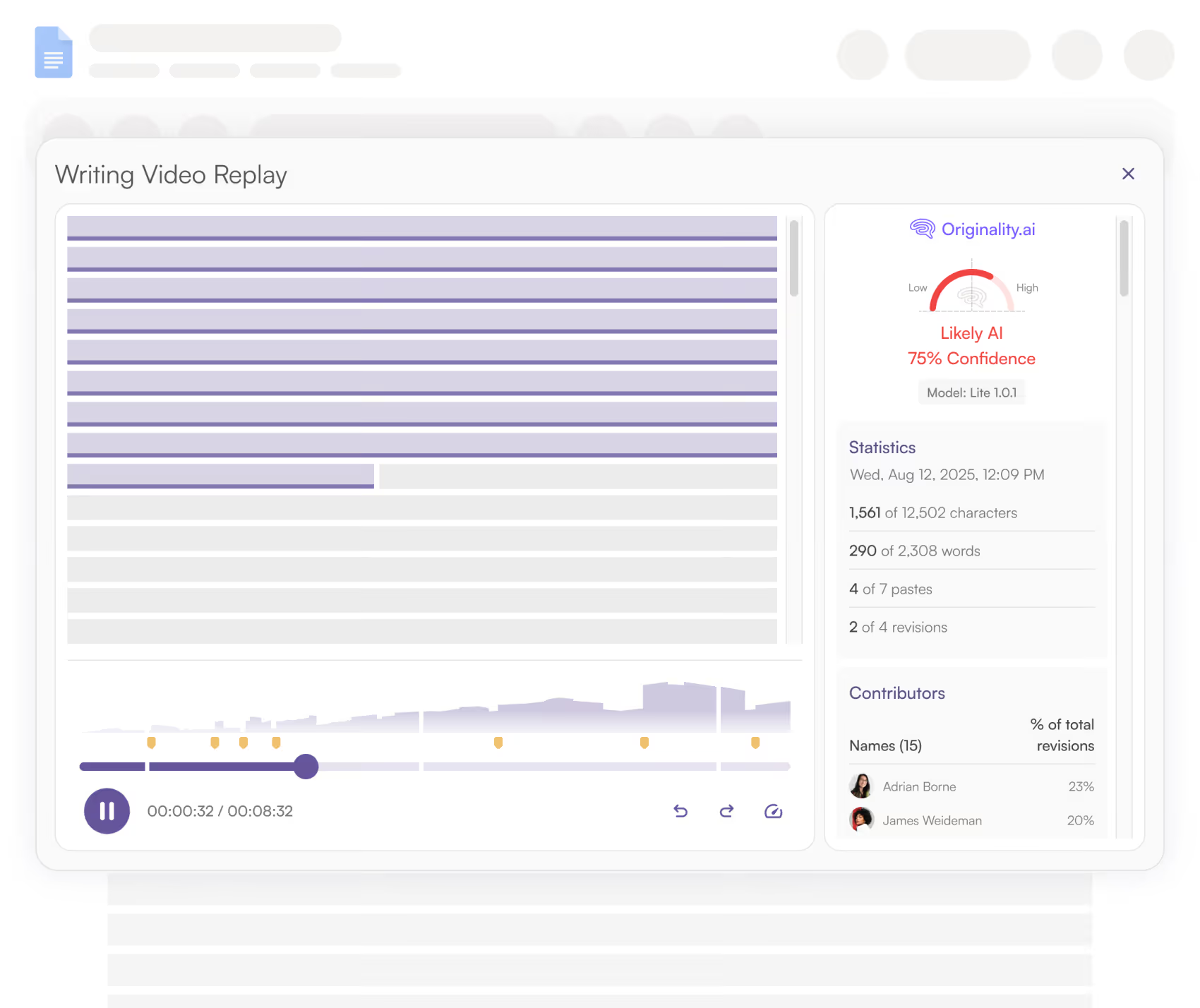
Writer Replay · Google Docs
A finished assignment only tells part of the story. With Originality.ai for Chrome, students and educators can share a character-by-character replay of a Google Doc’s creation.
See how writing and editing developed over time.
Use process evidence alongside notes, sources, and the student’s explanation.
Turn questions about a result into a better-informed discussion.

Download Chrome Extension

Now available in Google Classroom!
For schools, colleges & universities

Bring your teaching, technology, and academic integrity teams into the conversation. We’ll help you explore the setup that fits your institution.
Web app & team access
Give educators access to scans and reports, and discuss account roles and shared review needs.
API & custom workflows
Explore how scans could fit your existing systems with your technical team.
Rollout & evaluation
Discuss faculty access, representative-content testing, and the questions to resolve before broader adoption.
Review submissions directly in Moodle or Google Classroom
Bring AI and plagiarism checks into the assignment workflow. Configure the plugin with your Moodle administrator and Google Classroom and decide how results will be reviewed and shared.
Student submission

Content checks
Educator review

Team access & roles
Review who needs access to scanning and reports, how your team will work together, and which account setup fits.

Security review
Bring your IT and security questions. Discuss encryption, access controls, and the documentation your institution requires.

Data choice & scan history
Review account data-use preferences and scan-history controls against your school’s requirements before uploading student work.
Let’s talk about your school
Whether you’re evaluating a department-level rollout or an institution-wide approach, start with the questions that matter to your team.
Your current assignment-review and academic integrity process.
Faculty access, Moodle, or a potential API workflow.
Privacy, security, pricing, and implementation requirements.
Come with your questions.
We’ll talk through the next step together.
Can I try Originality.ai as an individual educator?

Yes. Start with a free scan in the app, within usage limits. Feature and model choices can use different amounts of credits. For school-wide access and rollout questions, book an education call.
Does an AI score establish academic misconduct?
No. A score is a model estimate, not a determination that a student broke course rules. Review it alongside the assignment policy, drafts, sources, writing history, and the student’s explanation.
Can we use Originality.ai in Moodle?
Yes, a Moodle plugin is available for AI and plagiarism checking. Your Moodle administrator should review installation and configuration. Book a call to discuss your institution’s setup; other LMS workflows should be confirmed with the team.
How should our school evaluate the product?
Review the published evaluation methods, test representative content under your school’s policies, and involve educators and technical stakeholders. A call is a good place to discuss access, privacy, and the questions to resolve before rollout.
Clarity for educators. Context for students.
Explore it yourself, or plan the next step for your school.
Free scanning in the app, within usage limits.

AI & Plagiarism Detector for Serious Content Publishers
Originality.ai
64 Hurontario St
Collingwood, Ontario
L9Y 2L6