KI-Prüfer
Plagiatsprüfer
Grammatikprüfung
Inhaltsqualität
Richtlinienprüfer
Lesbarkeitsprüfung
Faktenprüfer

Chrome-Erweiterung
MCP
You did the work. Make sure it reads that way.
Review your draft for AI signals and source overlap. Then show the work behind your words with a Google Docs writing replay.

Your student toolkit

From the first draft to the final check. Find the right tool for the task in front of you.

AI Checker ›
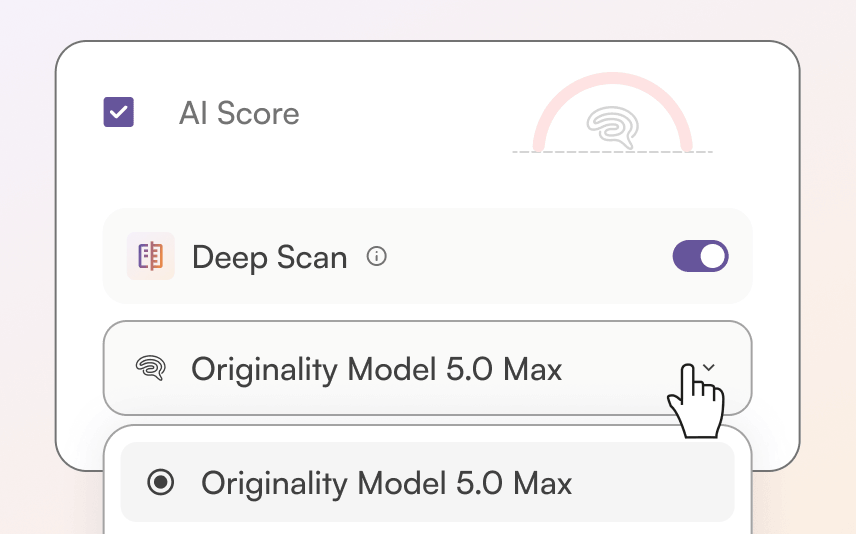
Review AI signals in your draft with 5.0 and 5.0 Max.

Plagiarism Checker ›
Find source overlap and review missing citations.

Grammar Checker ›
Catch spelling and grammar issues.

Fact Checker ›
Review claims and explore supporting sources.

Readability Checks ›
See where your writing could be easier to read.

Content Quality ›
Get another perspective on the quality of your draft.

Guideline Checker ›
Compare your draft with assignment requirements.

Chrome & Firefox Extensions ›
Scan and replay writing in Google Docs & Firefox.
Explore the full toolkit. Feature availability and credit costs vary; the free scan offer does not include unlimited access to every tool.

AI detector for students

Take a closer look at your essay before you hand it in. Originality.ai 5.0 and 5.0 Max help you review Likely AI, Original, and Mixed writing.
AI Scores are review signals. Not proof of authorship or misconduct.
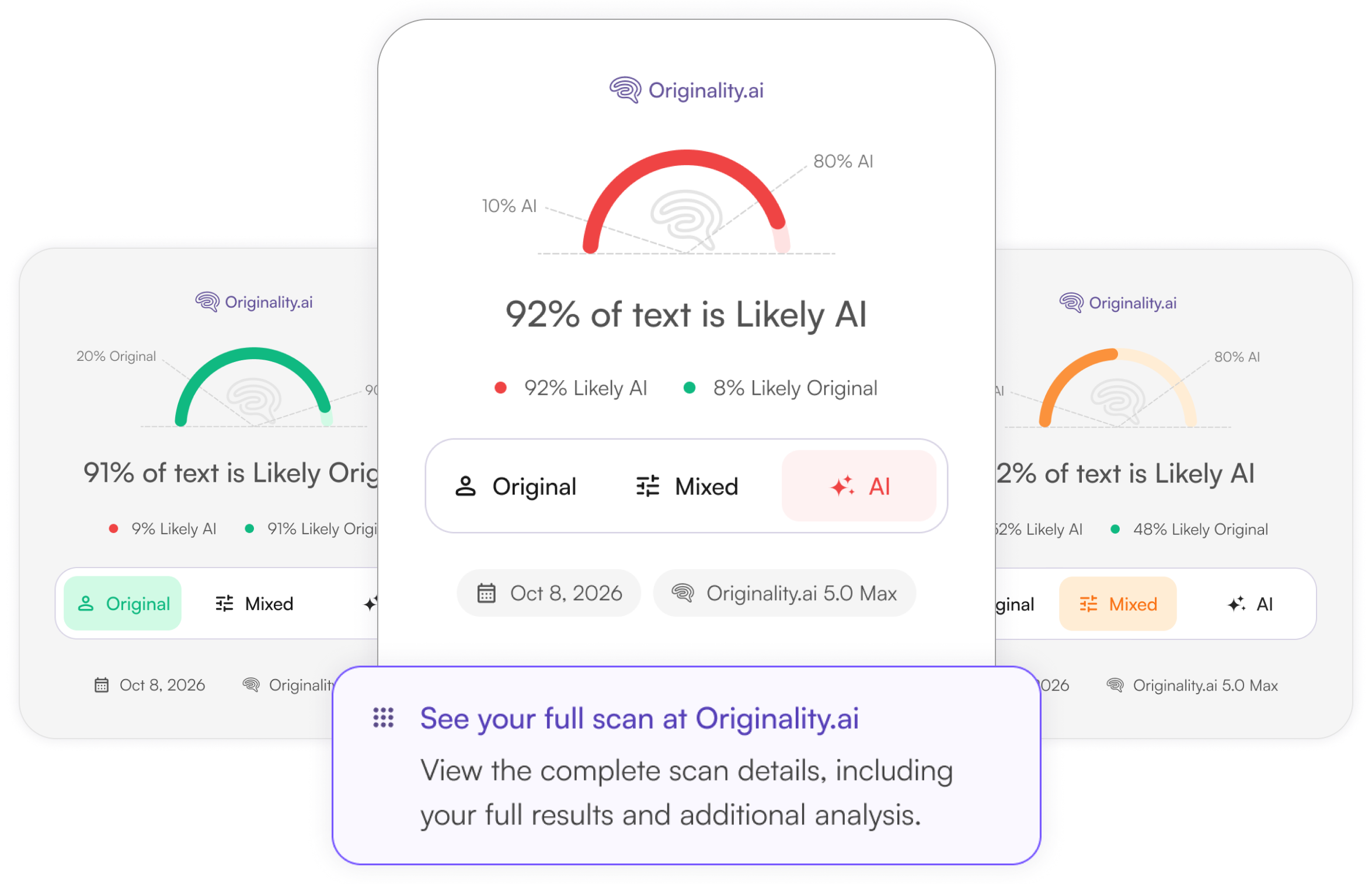
5.0
Everyday checks
Faster · lower credit cost
5.0 Max
Important reviews
Longer scans · higher credit cost
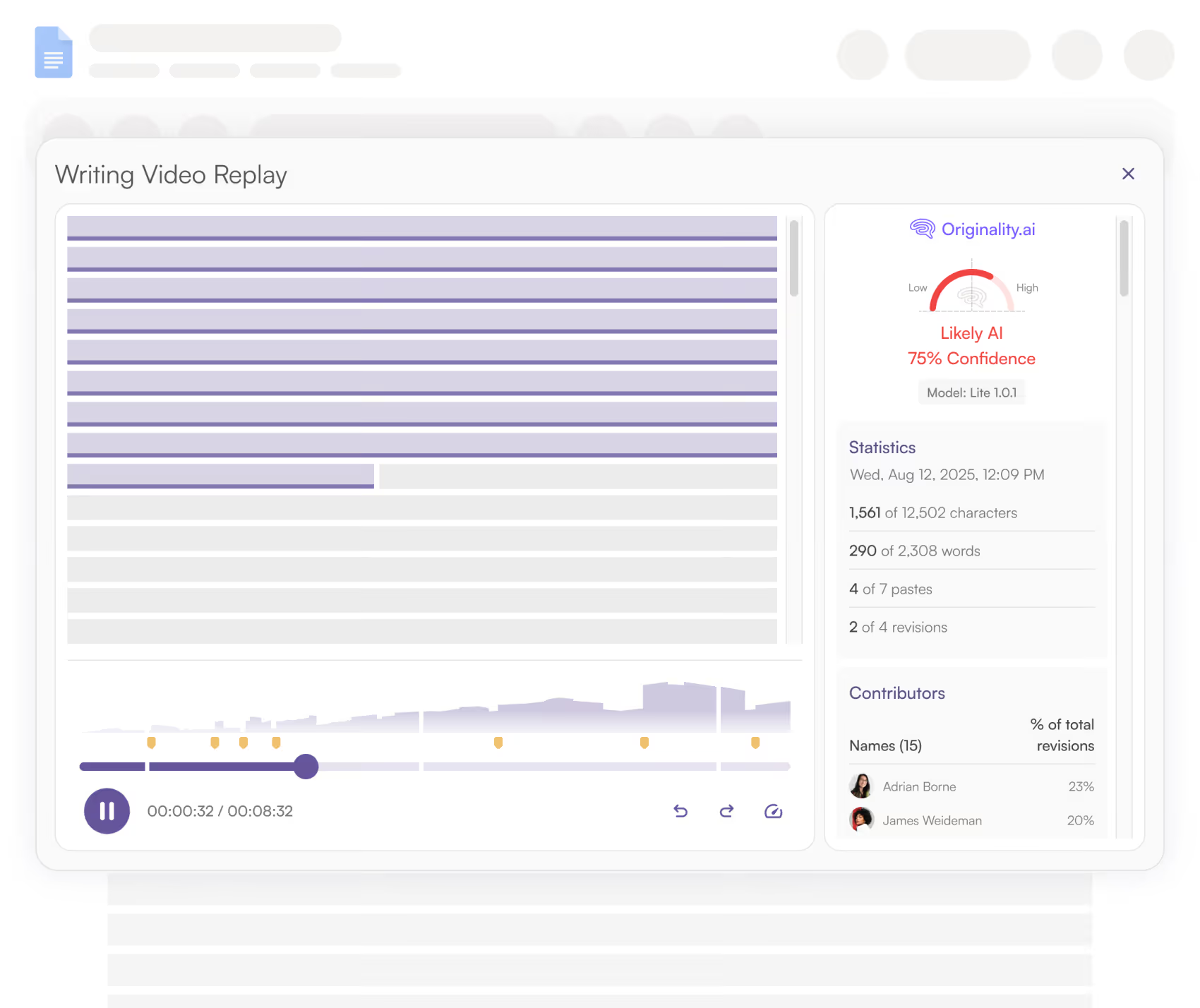
Writer Replay · Google Docs
Students aren’t just worried about what a detector says. They want to show their work is actually theirs.
With Originality.ai for Chrome, share a character-by-character replay of how your Google Doc was written and edited.
Show your process. Give your writing history a place in the conversation.
Keep useful context. Bring drafts, revisions, and sources together when discussing your work.
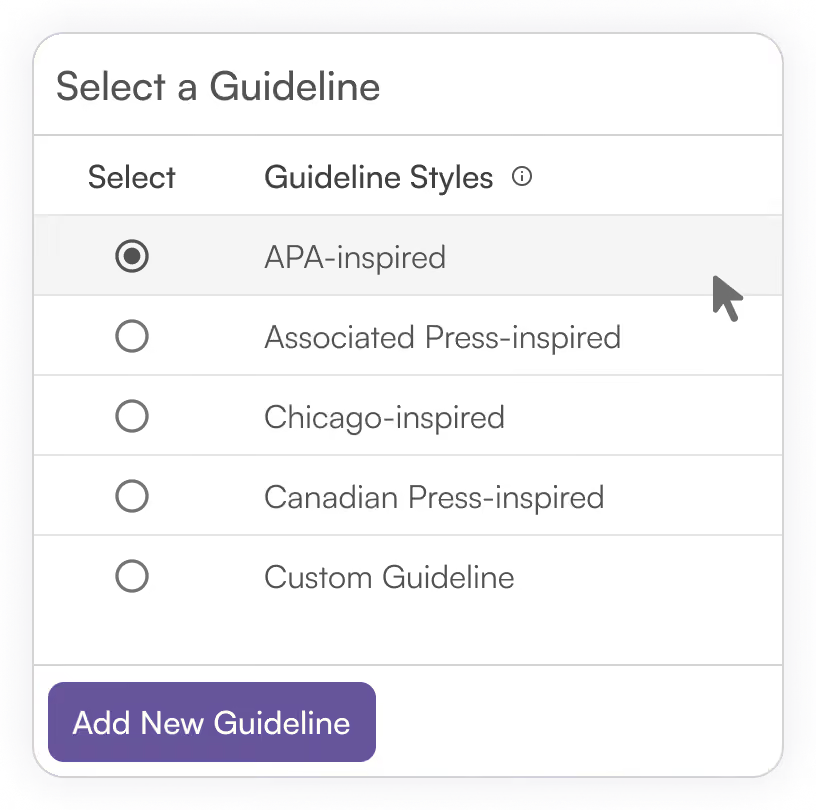
Guideline checker

Check papers with preset or custom guidelines based on your assignment instructions or rubric.
Checks reflect selected criteria, not an official or complete assessment under a publisher’s style manual.
Assignment check
Read the brief. Review the draft.
Use your instructor’s requirements as your starting point.
Step 1
Read the policy
Know which tools your instructor allows and when you need to disclose AI use.
Step 2
Scan your draft
Review AI signals with 5.0 or 5.0 Max. Add relevant checks for your assignment.

Step 3
Review Results
Read flagged passages and source matches.
On your side. In your own words.

When it comes to AI in education, we emphasize transparency and responsible use.
An AI detection score is one signal of AI use, not the only indicator of cheating. False positives can happen. Your drafts, sources, and writing process matter too.
We encourage students and teachers to discuss AI use openly, so everyone can stay on the same page as learning changes.
We’re committed to helping you maintain AI transparency—whether you’re writing an essay, a college application, or a homework assignment.
Ready for one last look?
Give your draft a closer look before you hand it in.
Continue in the app. Free usage limits apply.

KI- & Plagiatsdetektor für anspruchsvolle Content-Publisher
Originality.ai
64 Hurontario St
Collingwood, Ontario
L9Y 2L6